EasyManua.ls Logo

Canon CLC5000 - Page 321

Canon CLC5000
757 pages
Print Icon
To Next Page IconTo Next Page
To Previous Page IconTo Previous Page
Loading...
COPYRIGHT
©
2001 CANON INC.
2000 2000 2000 2000
CANON CLC5000 REV.0 JAN. 2001
CHAPTER 3 INSTALLATION
3-20
Step Work Remarks
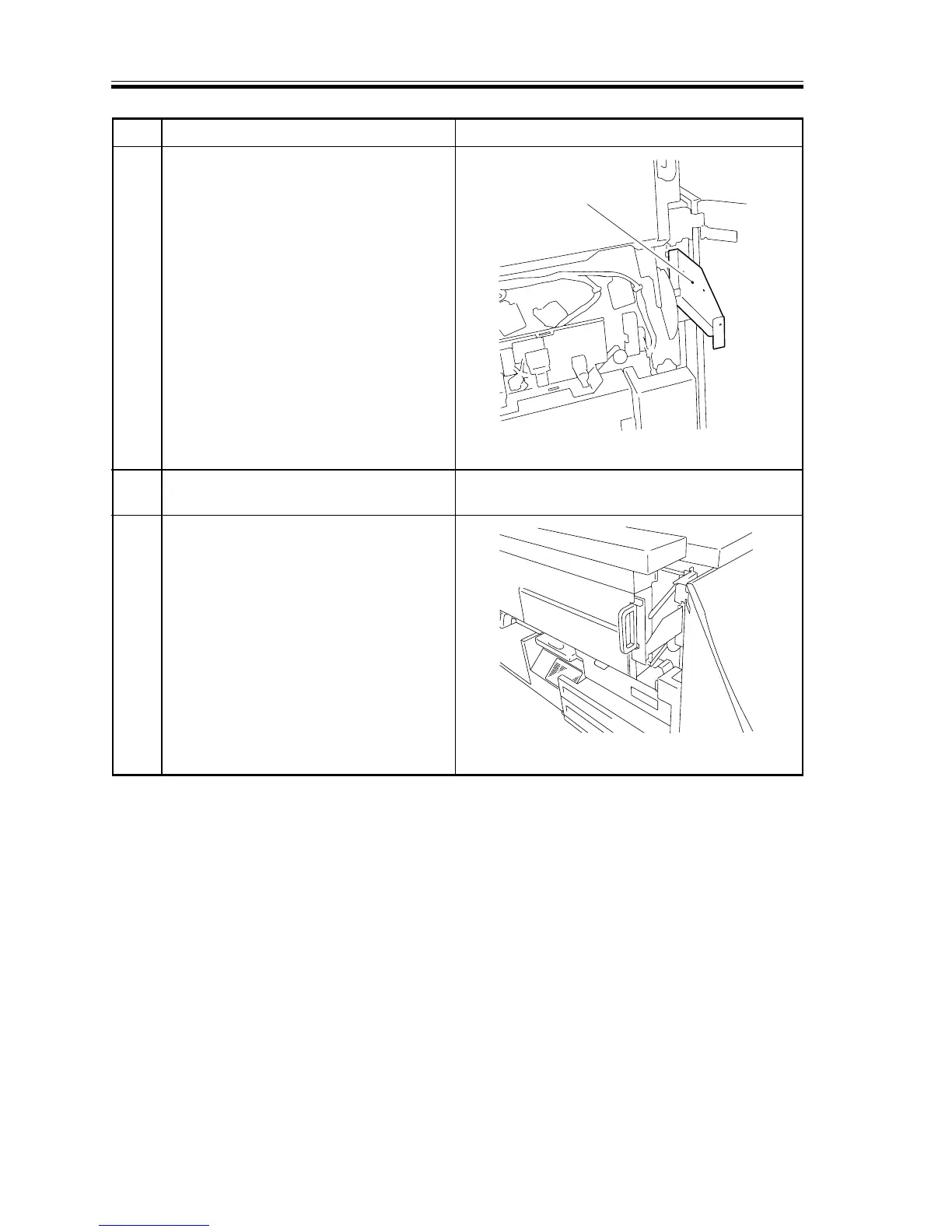
F03-303-15
F03-303-16
Hopper retaining
fixing
30 Install the hopper retaining fixing that
comes with the machine (right).
31 Install the hopper retaining fixing that
comes with the machine. (left)
32 Release the lock of the hopper
assembly, and lower the hopper
assembly as far down as the metal
fixing.


Table of Contents

Related product manuals