COPYRIGHT
©
2001 CANON INC.
2000 2000 2000 2000
CANON CLC5000 REV.0 JAN. 2001
CHAPTER 3 INSTALLATION
3-37
Step Work Remarks
F03-700-05
Be sure to fix the clamp in
place where it will not get in
the way.
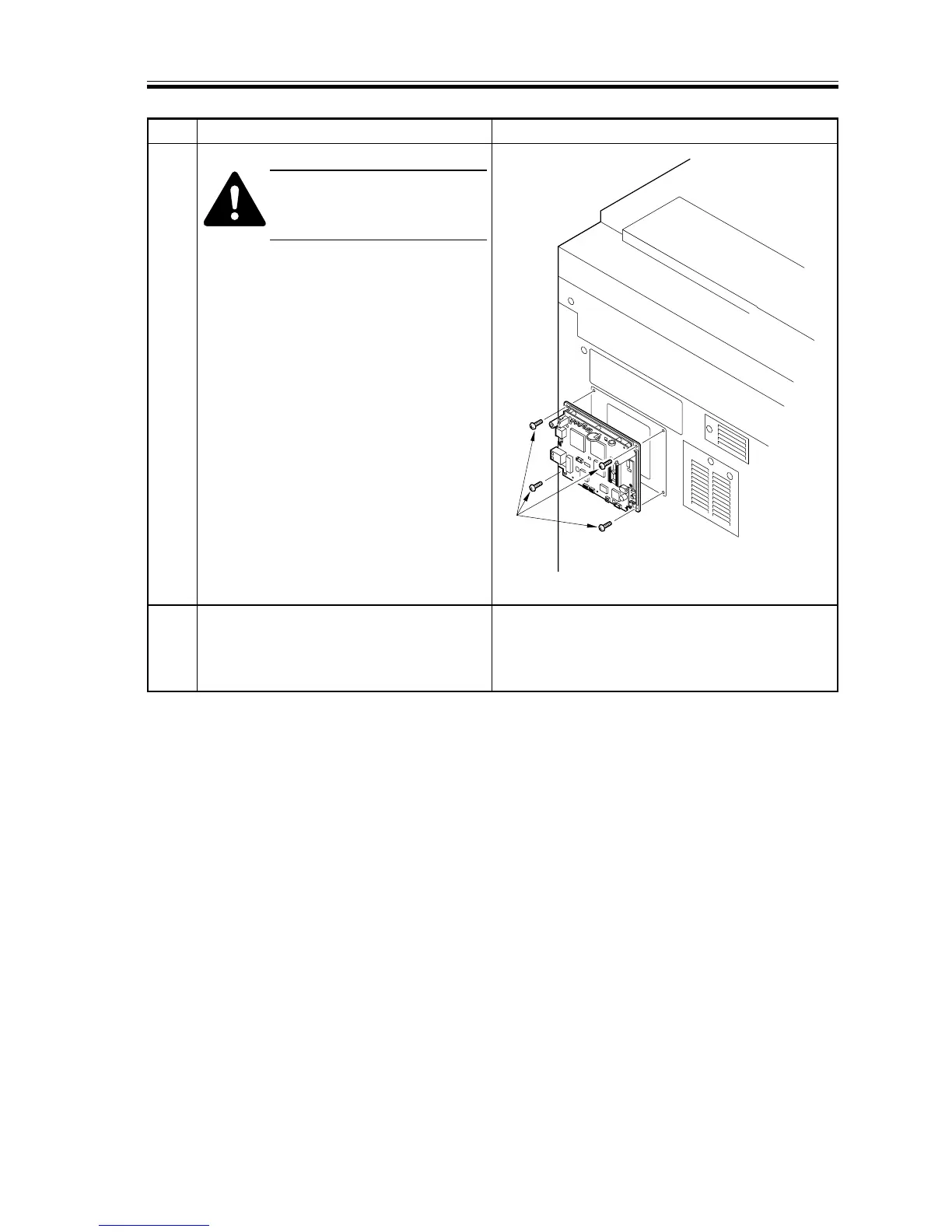
6 Secure the DA unit to the rear cover of the
host copier with four screws (M4x4) [7].
(Use the screws that come with the DA
unit.)
7 For checks on operation and how to
mount the cover for the DA unit, see the
DA Unit-A1 Installation Procedure.
[7]














 To Next Page