COPYRIGHT
©
2001 CANON INC. 2000 2000 2000 2000 CANON CLC5000 REV.0 JAN. 2001
CHAPTER 5 TROUBLESHOOTING IMAGE FAULTS/MALFUNCTIONS
5-10
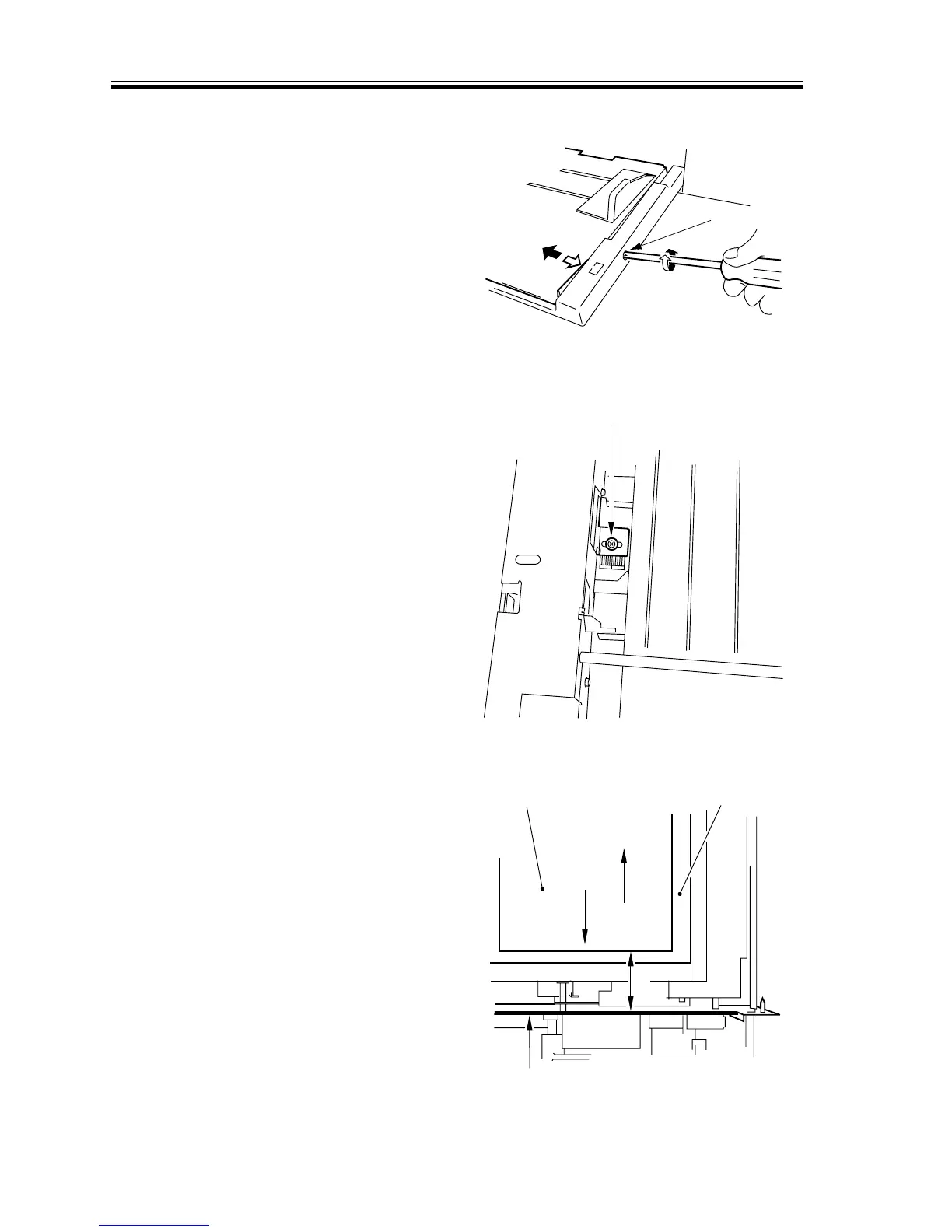
• Using the Multifeeder as the source of
Paper
Turn the screw [1] to move the tray po-
sition so that the standard value is at-
tained.
F05-201-07
• Using the Two-Sided Copies as the
source of Paper
Loosen the screw [1], and adjust the po-
sition of the paper guide plate so that
the standard value is attained.
F05-201-08
• Using the Paper Deck as the source of
Paper
1) To move the paper [1] in the direction
of ‘a’, turn the front adjuster [2] so that
it will move down. (A full turn causes a
shift of about 1 mm.)
If the displacement is excessive, turn the
rear adjuster so that it will move up.
F05-201-09
[1]
[1]
L
b
a
[1] Transfer belt
Transfer unit front side plate














 To Next Page