COPYRIGHT
©
2001 CANON INC. 2000 2000 2000 2000 CANON CLC5000 REV.0 JAN. 2001
CHAPTER 5 TROUBLESHOOTING IMAGE FAULTS/MALFUNCTIONS
5-11
F05-201-10
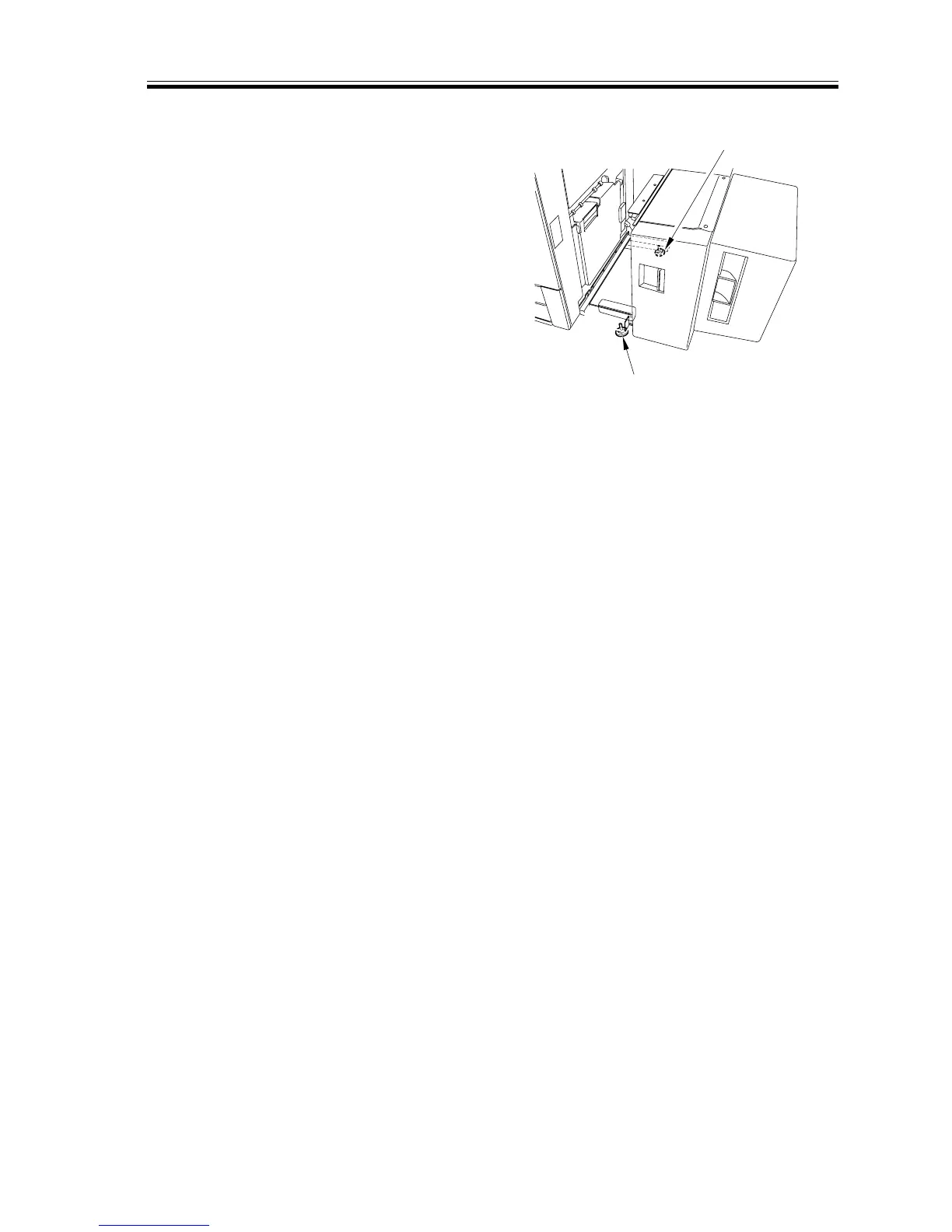
2) To move the paper in the direction of
‘b’, turn the rear adjuster [3] so that it
will move down.
If the displacement is excessive, turn the
front adjuster [2] so that it will move
up.
■ If the left/right registration fails to be
as indicated using the adjusters
3) Start the copier’s service mode, and
make the following selections:
‘ADJUST>FEED-ADJ’.
4) With the ‘FEED-ADJ’ screen on the
display, press the Start key.
5) Check the left/right registration, and ad-
just the image write start position in
main scanning direction using ‘DECK-
ADJ’, and then adjust the image write
start position in sub scanning direction
using ‘VSYC-ADJ’.
■ If the left right registration fails to be as
indicated in service mode.
6) Check to make user that the copier’s left/
right registration is correct.
[3]
[2]














 To Next Page