COPYRIGHT
©
2001 CANON INC.
2000 2000 2000 2000
CANON CLC5000 REV.0 JAN. 2001
SERVICE MODE
S-42
ADJ
-
Y
ADJ
-
X
20
20
■ Adjusting the Image Read Start Position
You must check the point of retention (‘FUNC → ATTRACT’) before making the following
adjustments:
1) Before starting service mode, turn OFF the original detection mechanism.
2) Select the <ADJ-XY> screen, and press the Start key.
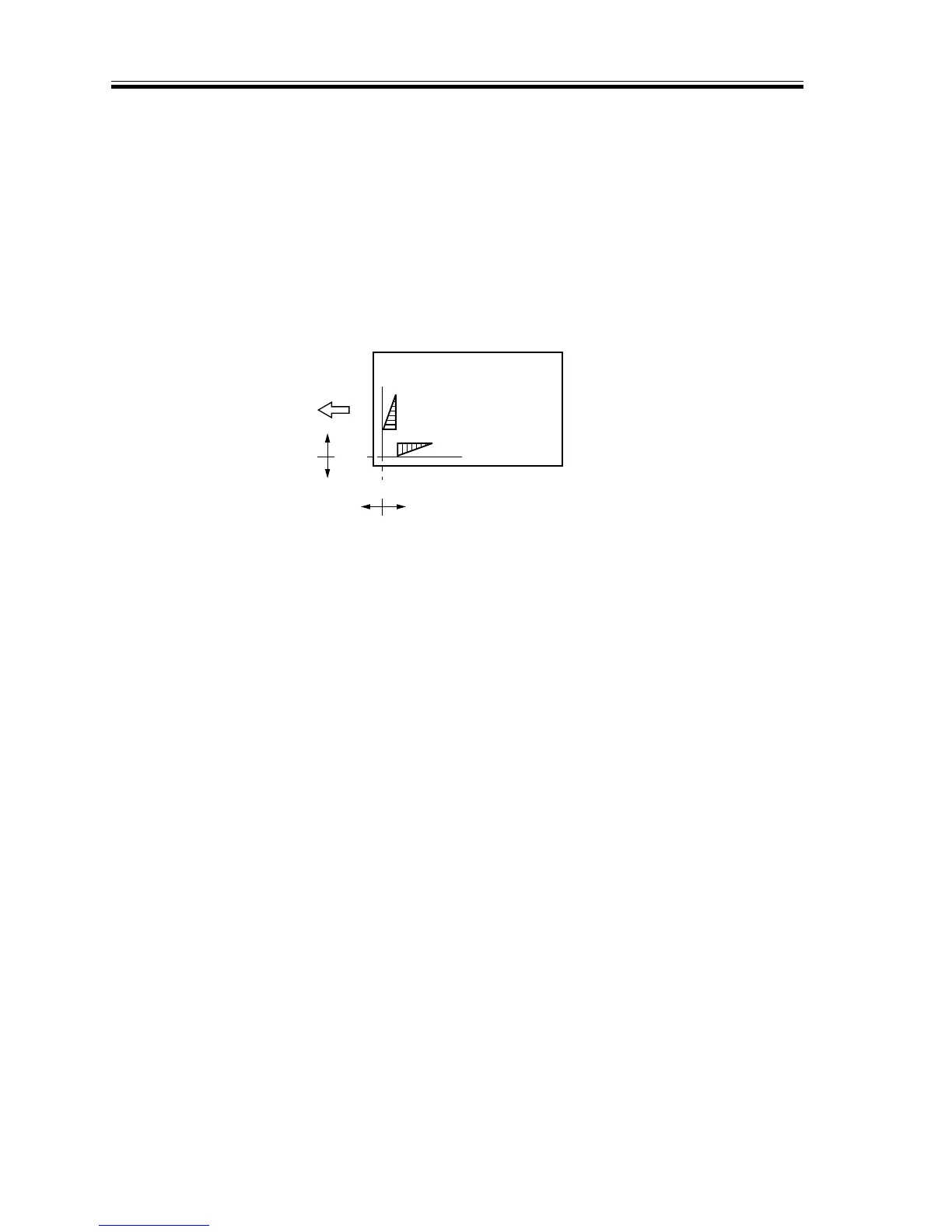
• The appropriate copying modes will be set automatically, and a copy will be made with
a shift of about 20 mm as shown in following.
3)
If any part of the image is missing, decrease the values of ‘ADJ-X’ and ‘ADJ-Y’.
4)
If an area outside the image is copied, increase the values of ‘ADJ-X’ and ‘ADJ-Y’.
F00-300-04













 To Next Page