COPYRIGHT
©
2001 CANON INC.
2000 2000 2000 2000
CANON CLC5000 REV.0 JAN. 2001
SERVICE MODE
S-51
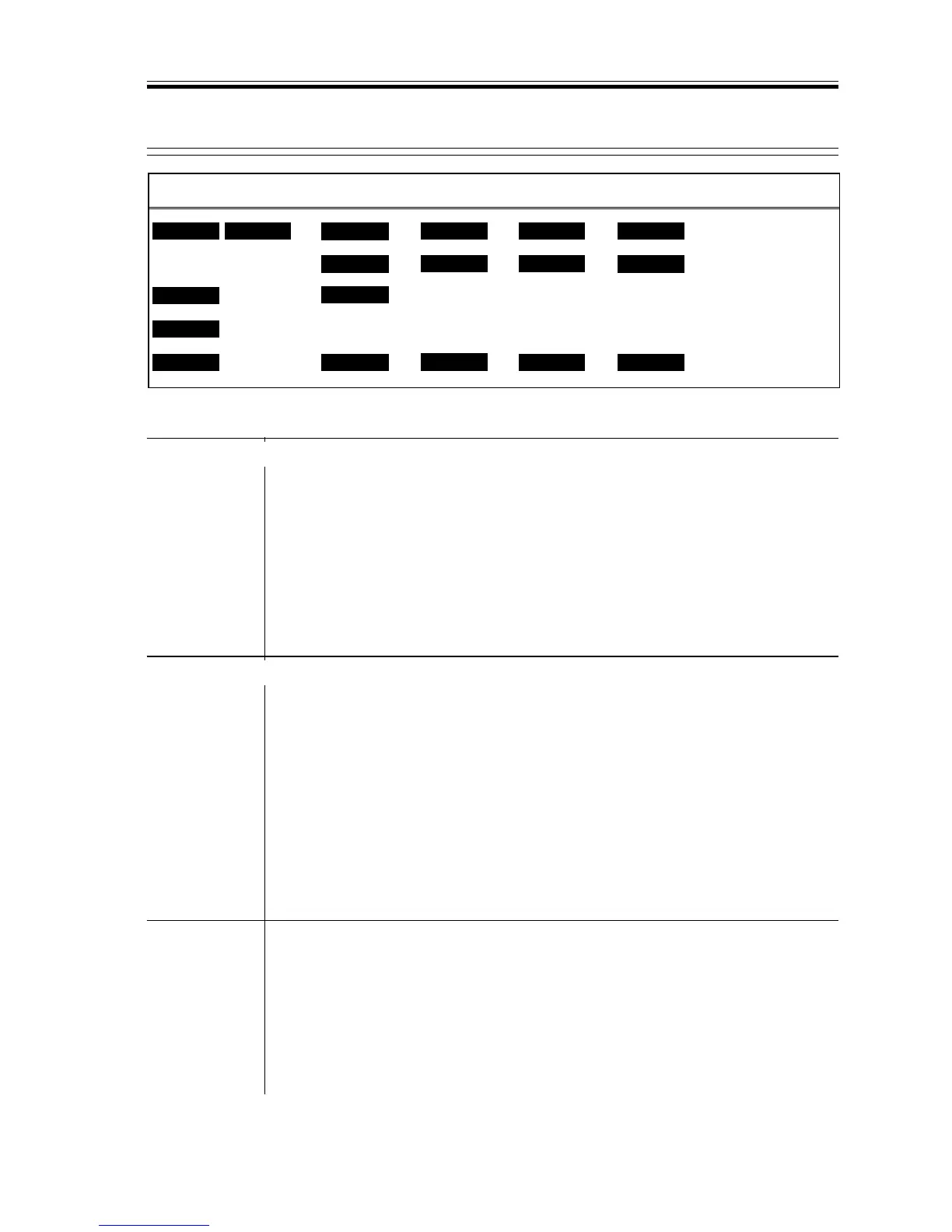
<M> <S> <R> <P> <F>
DISP
FUNC
COUNTER
OPTION
TEST
x
ADJUST
ADJ-Y
x
ADJ-M
ADJ-C
x
ADJ-K
x
x
OFST-Y
x
MASK-M
x
OFST-M
OFST-C
x
OFST-K
x
x
P-TBL-Y
x
P-TBL-M
P-TBL-C
x
P-TBL-K
x
COL-ADJ READY READY
<COL-ADJ (user color balance adjustment correction)>
F00-300-14
ADJ-C/M/Y/K
*1
Corrects user color balance adjustment.
• Be sure to set the setting for user color balance adjustment to 0 before us-
ing this mode.
• Follow the image adjustment basic procedure.
Settings range
–8~+8
Standard: 0
+: Darker
–: Lighter
OFST-C/M/Y/K
*1
Adjusts light area density and color balance.
• Follow the image adjustment basic procedure.
• If fogging is noted, decrease the value.
• To increase reproducibility of images with extremely low density, increase
the setting.
Settings range
–16 ~ +16
(Standard: Y=0
M=2
C=0
K=0)
MASK-M
Use it to adjust the hue of magenta.
• Increase the setting if the gray area is greenish or bluish.
• Decrease the setting if the gray area is reddish.
Settings range
-6 ~ +6 (standard: 4)
Remarks • It hardly affects areas other than the gray area.
• Its effects are felt only in print/photo mode or text print/photo mode.




 To Next Page