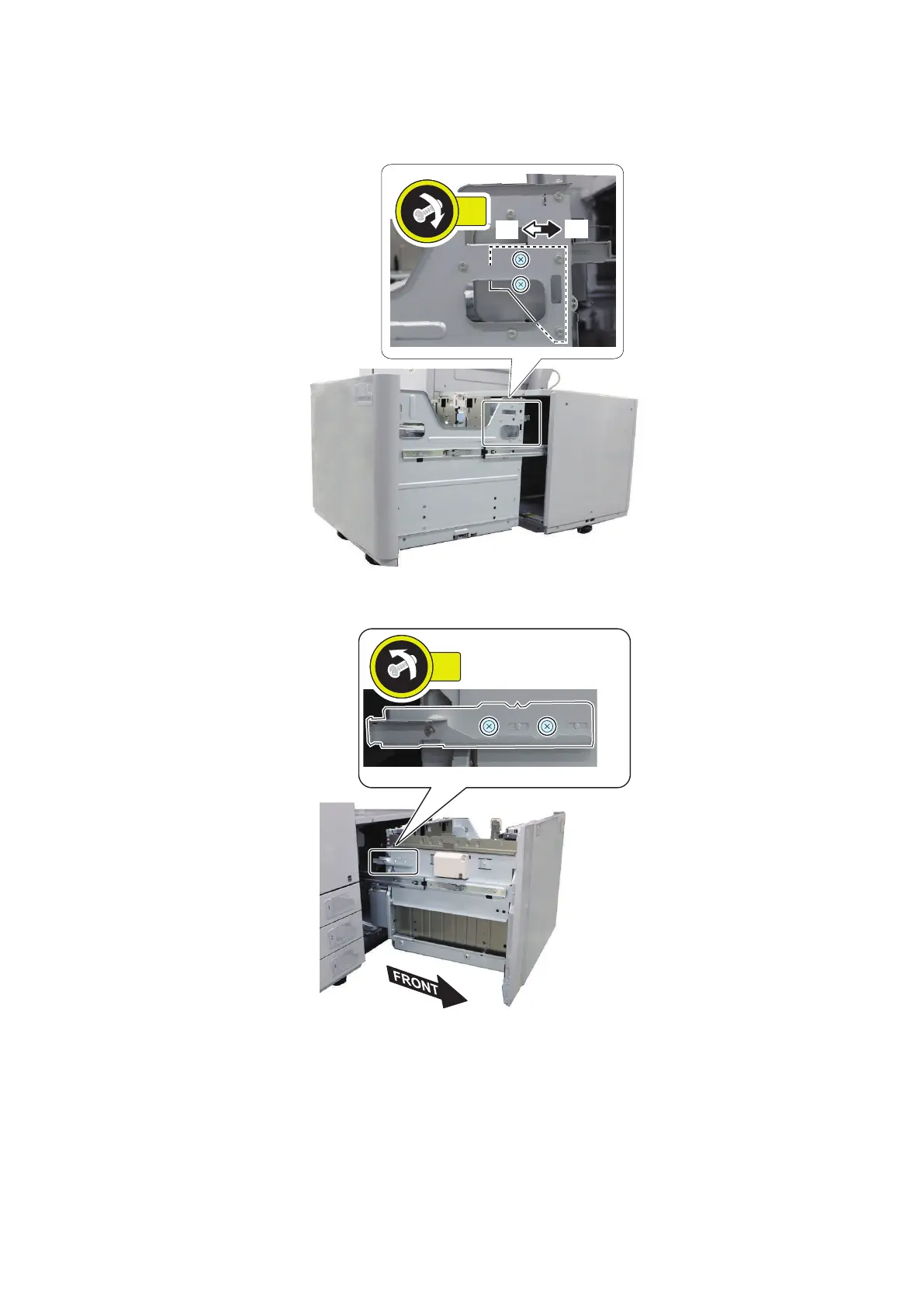
23. Move the Latch Plate toward front [A] or rear [B] (1 scale = 1mm) and then fasten the 2 screws. The adjusted value
is used at Step 25.
• When the paper is displaced to the front with respect to the feed direction, move the Latch Plate to front [A].
• When the paper is displaced to the rear with respect to the feed direction, move the Latch Plate to rear [B].
24. Loosen the 2 screws at the Latch Plate on the left side of the Compartment.
6. Troubleshooting
209













 To Next Page