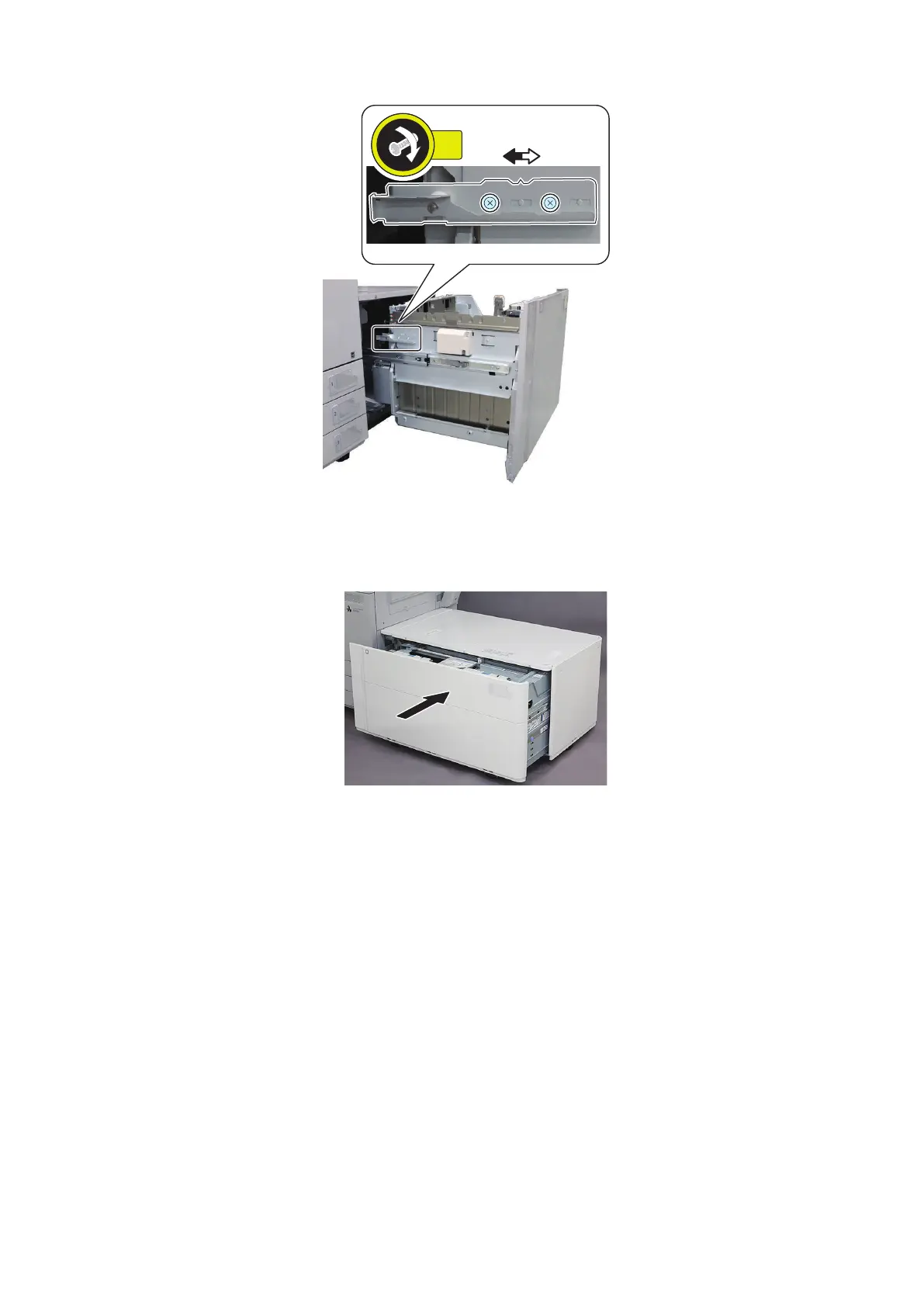
25. Move the Latch Plate in the same scale position as Step 23 and then fasten the 2 screws (1 scale = 1mm).
26. Move the Front Cover fitting to the amount of the Latch Plate adjustment. Refer to the Service manual of the POD
Deck Lite C/XL for detail.
27. Close the Compartment.
28. Execute the Service Mode again and check the reference positions of the Through Pass Unit and this equipment.
• COPIER> FUNCTION> CST> MD-DK-RG
: Adjusting position of POD Deck Lite
29. Remove the stopped paper and exit the Service Mode.
30. Connect this equipment to the Multi-drawer Paper Deck.
6. Troubleshooting
210













 To Next Page