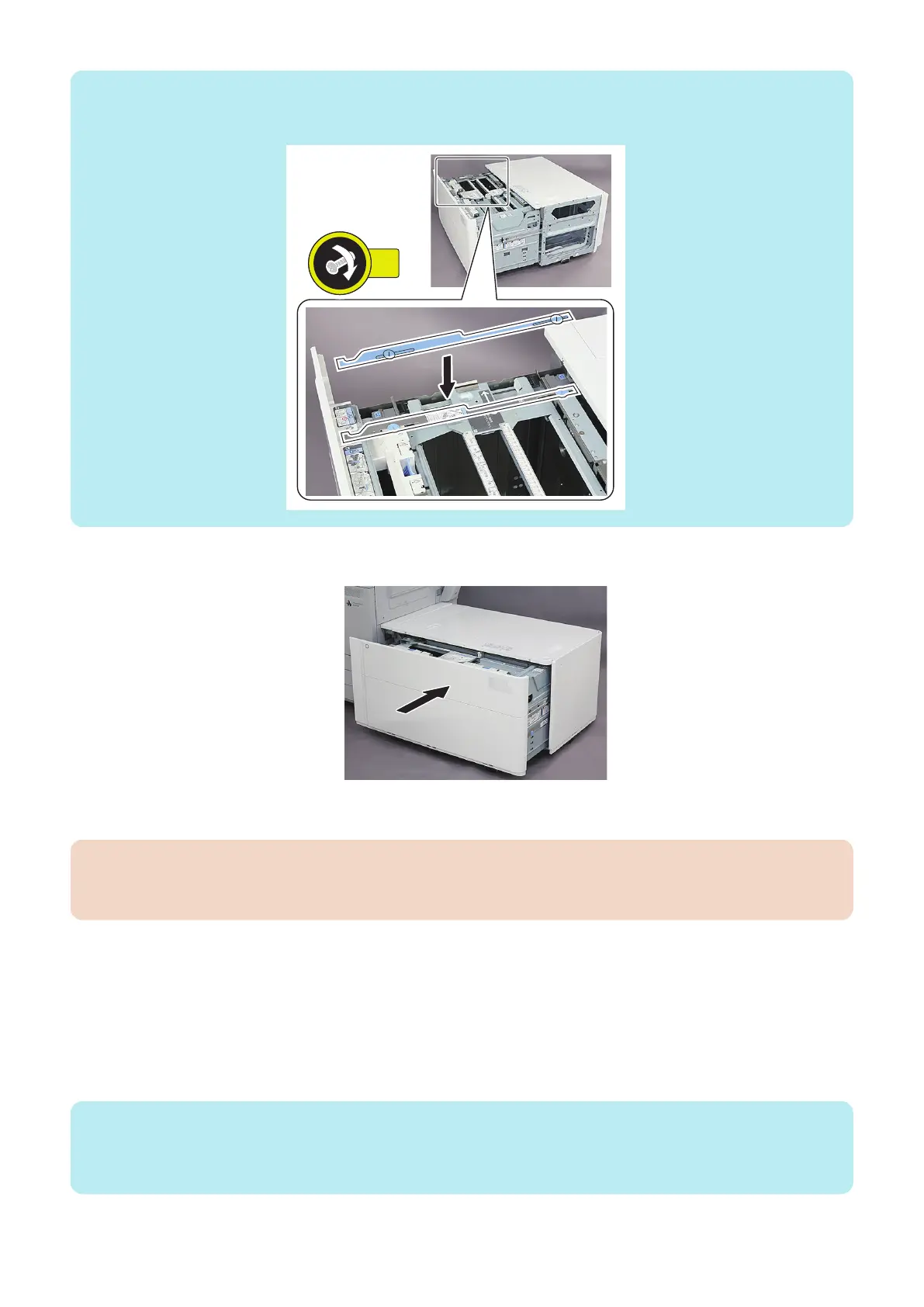
NOTE:
When long length paper (19 1/4 " : 487.8mm or longer) is to be used, attach the Side Guide Plate Fixing Bracket to the following
position to prevent paper skewing. For details on how to use it, refer to the User's Guide.
33. Close the Compartment.
● Adjustment of Reference Position with Host Machine (Checking the Left Edge Margin)
CAUTION:
When the Stack Bypass is installed, this procedure is not necessary because the confirmation and adjustment are performed
when the Stack Bypass is installed.
1. After setting the Service Modes as follows, press the Start key and output a test print.
• COPIER > TEST > PG > TYPE = 5
• COPIER > TEST > PG > COLOR-M = 1
• COPIER > TEST > PG > COLOR-Y/C/K = 0
• COPIER > TEST > PG > PG-PICK = 6
2. Confirm that the following Service Mode values are within -/+ 10.
• COPIER > DISPLAY > CST-STS > REG-L-DK
NOTE:
• Display range: -100 to 100 (0.1 mm per increment)
• When the value is "+": The paper is displaced to the front with respect to the feed direction.
• When the value is "-": The paper is displaced to the rear with respect to the feed direction.
6. Troubleshooting
212













 To Next Page