3. When the value is within the standard, refer to Step 20 transition in “Adjustment the center reference position of
the Through Path Unit and the POD Deck Lite C/XL” on page 200 and adjust the front and rear positions of the
Compartment again.
4. When adjusted, the set value of the Service Mode is increased or decreased according to the amount of movement
of the Adjustment Plate of the Compartment.
• COPIER > ADJUST > FEED-ADJ > MD-CENT
: Adjustment of the through-path alignment center reference position
NOTE:
+: The Adjustment Plate has been moved forward
-: The Adjustment plate has been moved to the rear
Setting range: -30 to 30 (0.1mm by 1 setting value)
NOTE:
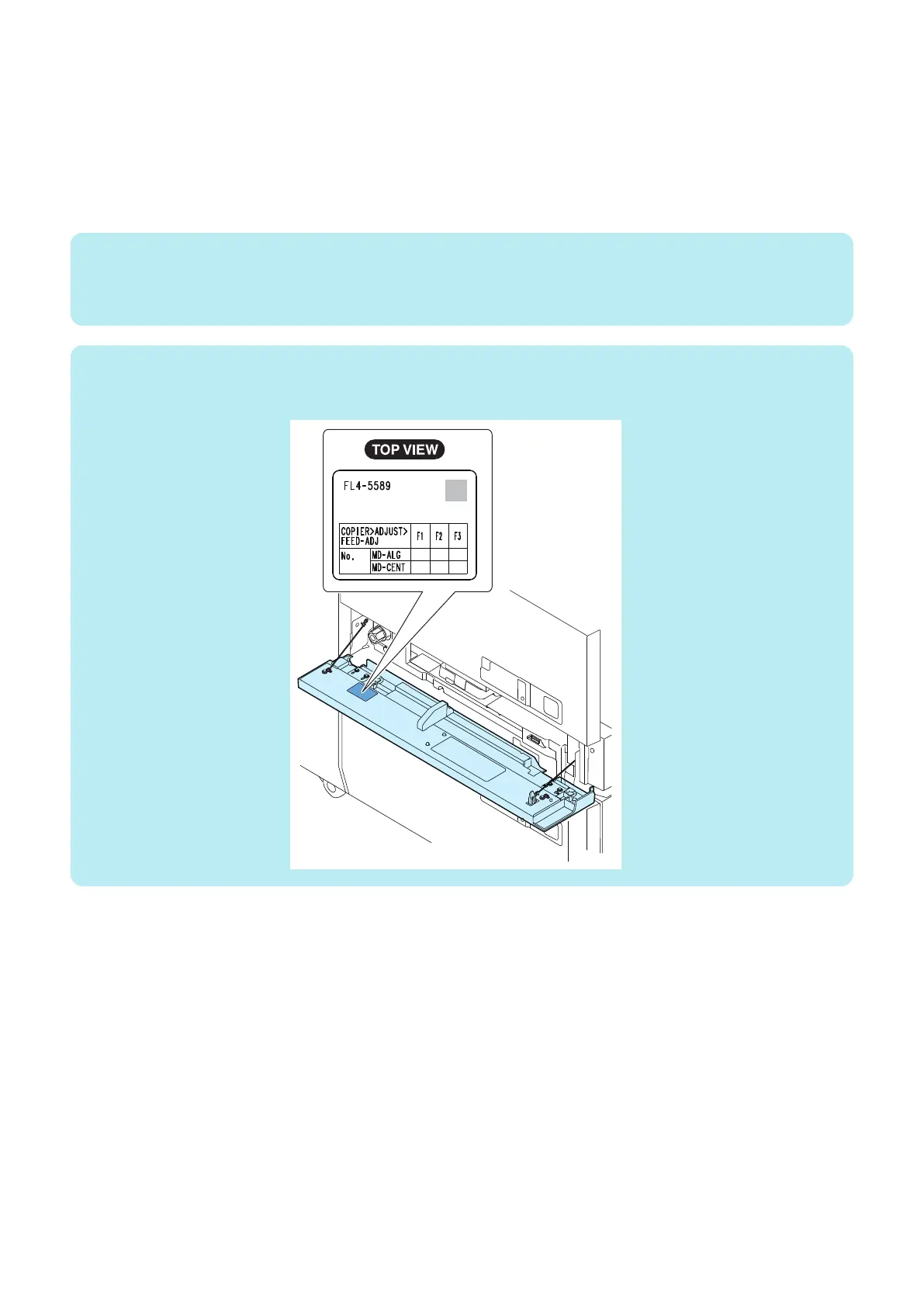
After the adjustment, write the adjustment value on the label attached to the Through Pass Front Cover.
• MD-CENT
5. Output a test print again, and check that the value is within the specified range.
6. Exit the Service Mode.
6. Troubleshooting
213













 To Next Page