Basic Operations
1647-025
This chapter describes basic operations, such as how to use the operation panel or how to load the paper, that are
frequently performed to use the functions of the machine.
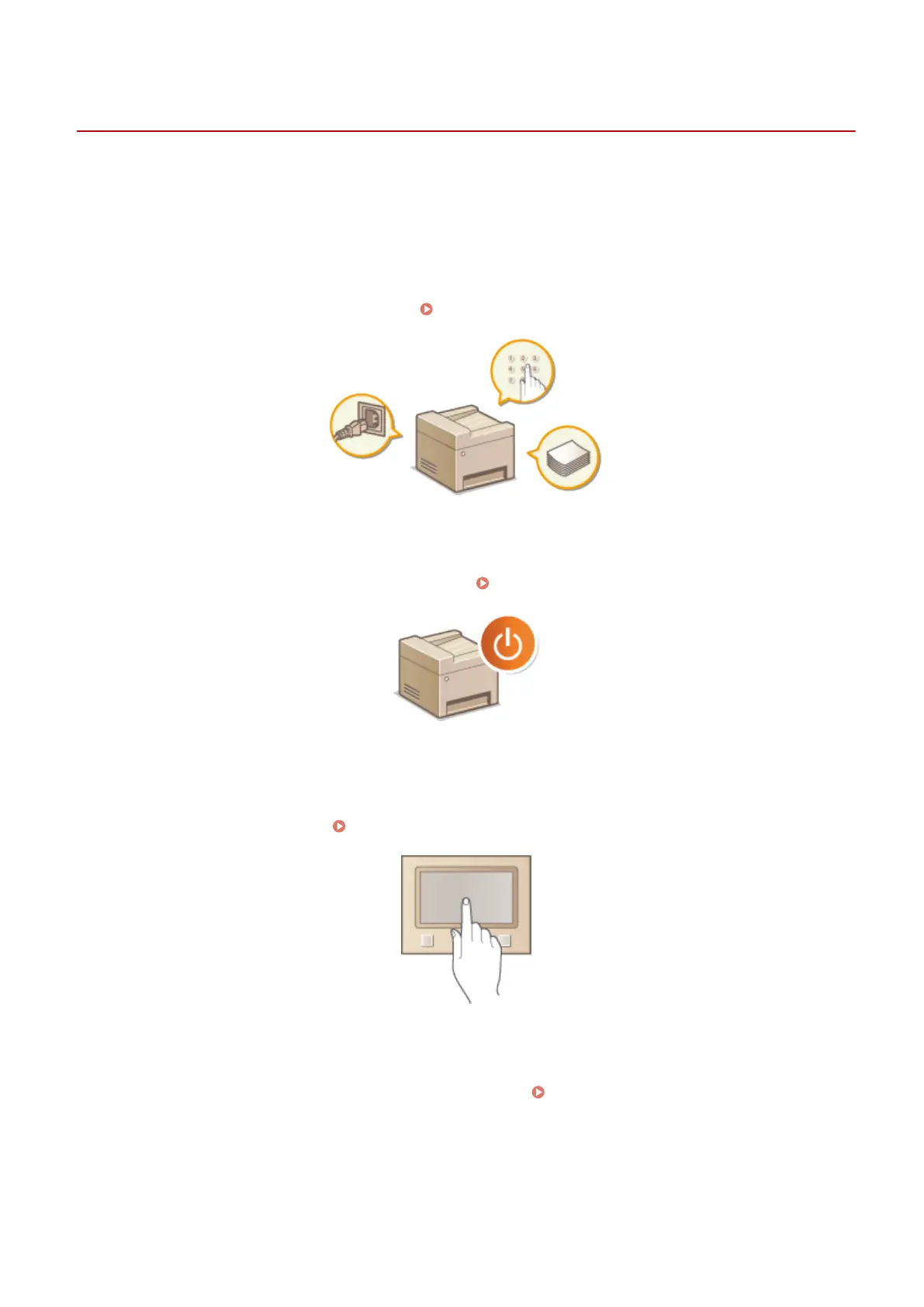
◼ Parts and Their Functions
This section describes the exterior and interior parts of the machine and their functions, as well as how to use the keys
on the operation panel and how to view the display.
Parts and Their Functions(P. 103)
◼
Turning ON the Machine
This section describes how to turn the machine ON and OFF. Turning ON the Machine(P. 116)
◼
Using the Operation Panel
This section describes how to use the display for tasks such as selecting items and adjusting settings. Also, it describes
how to enter characters and numbers. Using the Operation Panel(P. 120)
◼ Logging in to the Machine
This section describes how to log in when a login screen is displayed. Logging in to the Machine(P. 133)
Basic Operations
100









 To Next Page