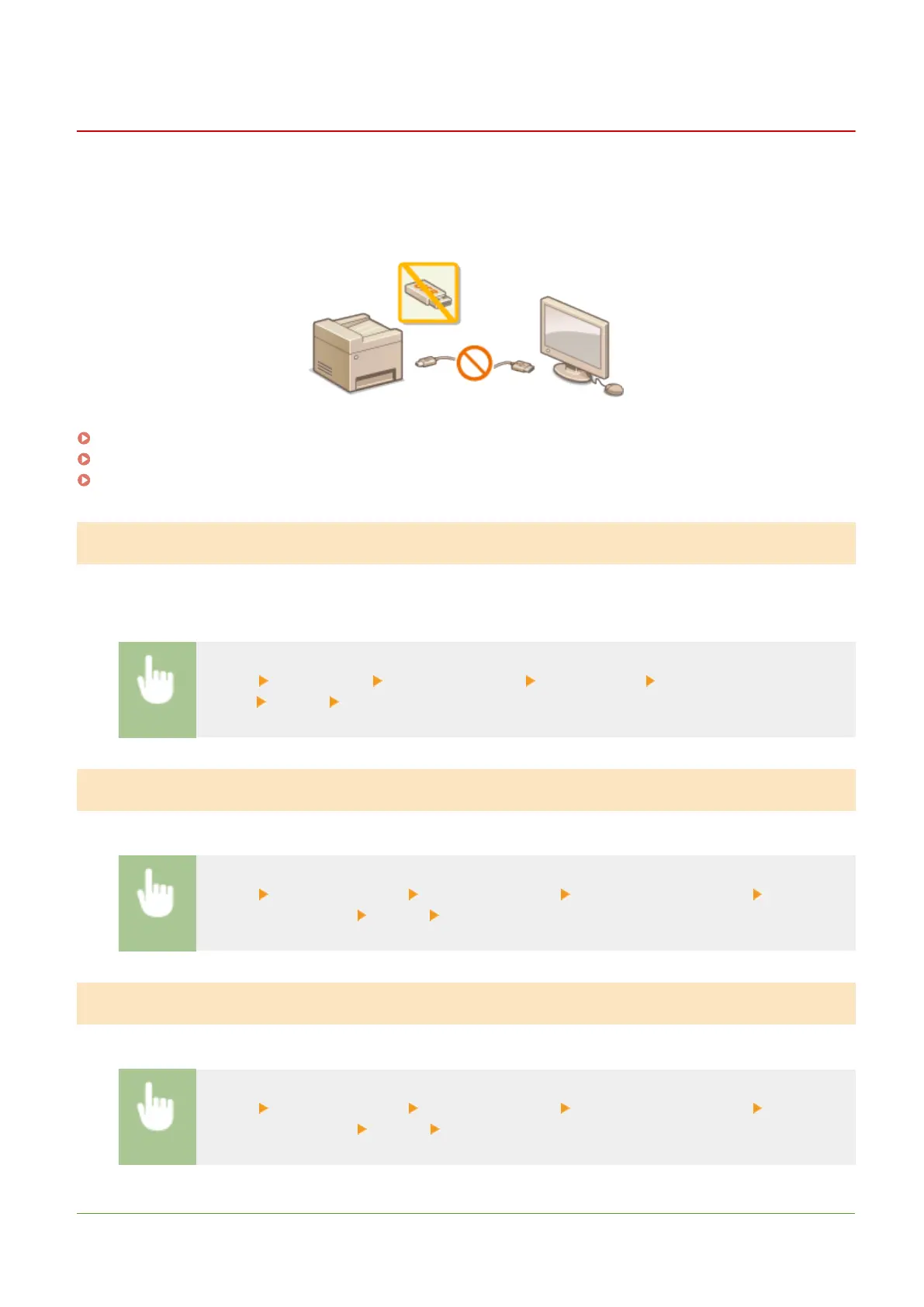
Restricting USB Functions
1647-08W
USB is a convenient way of connecting peripheral devices and storing or relocating data, but USB can also be a source
of information leakage if it is not properly managed. Be especially careful when handling USB memory devices. This
section describes how to restrict connection via the USB port of the machine and how to prohibit use of USB memory
devices.
Restricting the USB Connection with a Computer(P. 412)
Restricting the Scan to USB Function(P. 412)
Restricting the USB Print Function(P. 412)
Restricting the USB Connection with a Computer
You can disable the computer connection USB port located on the back side of the machine. If this port is disabled, the
machine cannot communicate with a computer via USB. This setting does not affect the front USB port, which is for
attaching USB memory devices.
<Menu> <Preferences> <External Interface> <USB Settings> Select <Off> in <Use as USB
Device> <Apply> Restart the machine
Restricting the Scan to USB Function
You can disable storing scanned original data into a USB memory device.
<Menu> <Function Settings> <Store/Access Files> <Memory Media Settings> Select <Off>
in <Use Scan Function> <Apply> Restart the machine
Restricting the USB Print Function
You can disable printing data from a USB memory device. The data in the USB memory device cannot be printed.
<Menu> <Function Settings> <Store/Access Files> <Memory Media Settings> Select <Off>
in <Use Print Function> <Apply> Restart the machine
LINKS
Managing the Machine
412









 To Next Page