Preparing to Use the Machine as a Scanner
1647-0FY
To use this machine as a scanner, you must complete preparations in advance, including installation of software to a
computer. For more information, see the manuals for the relevant drivers on the online manual website. In Windows,
when connecting this machine to a computer via a wireless or wired LAN, you need to register this machine in "MF
Network Scanner Selector" using the following procedure. This procedure is not required if the machine and your
computer are connected via USB.
● The scan function is not available if the machine and your computer are connected in an IPv6 environment.
Use IPv4 or a USB connection.
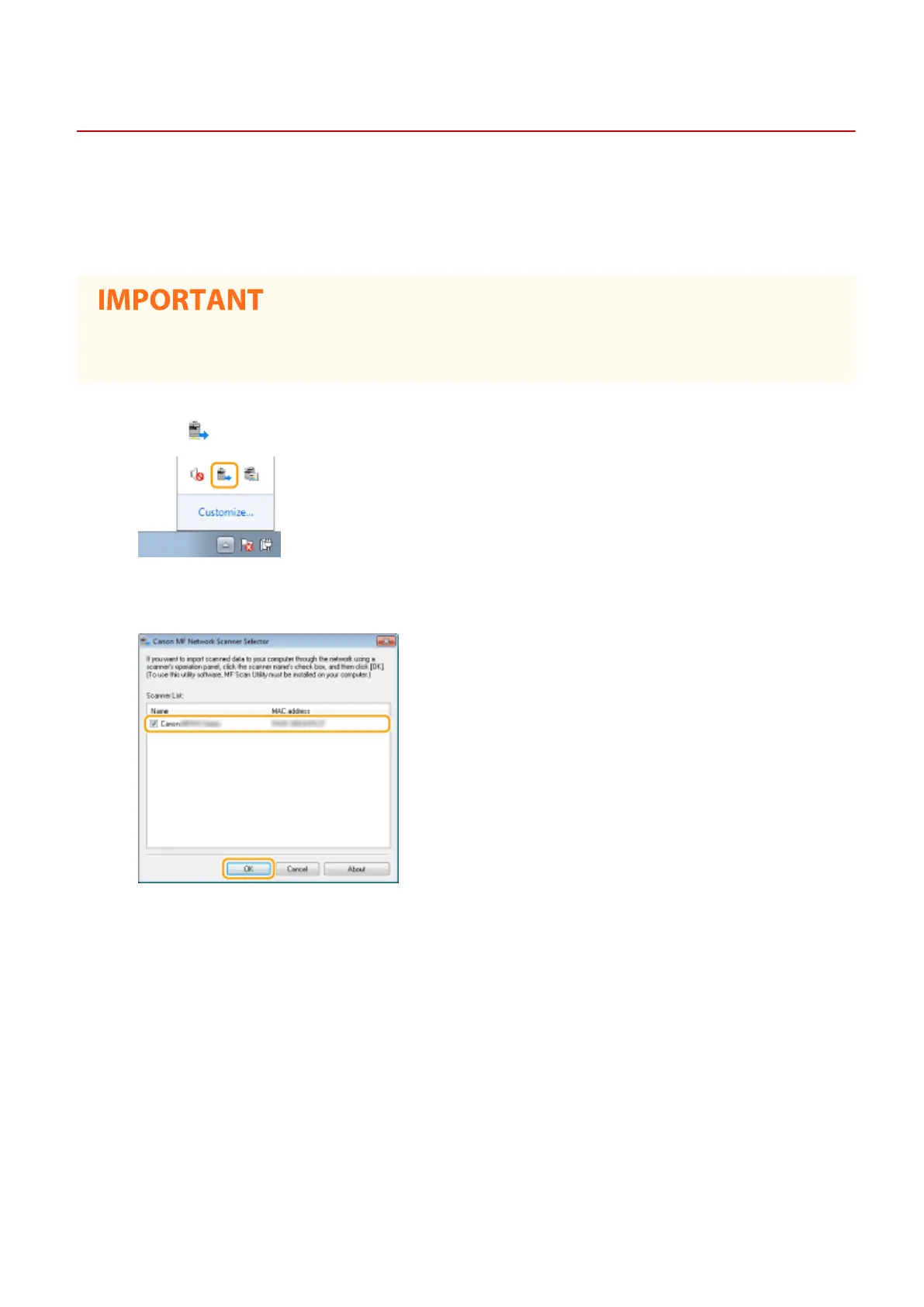
1
Click in the system tray.
2
Select the check box for the machine, and click [OK].
Setting Up
84









 To Next Page