Limiting the Paper Sizes Displayed
1647-038
You can ensure that only frequently used paper sizes are shown in the <Frequently Used Sizes> tab of the screen for
selecting the paper size setting.
1
Select <Paper Settings> in the Home screen. Home Screen(P. 122)
2
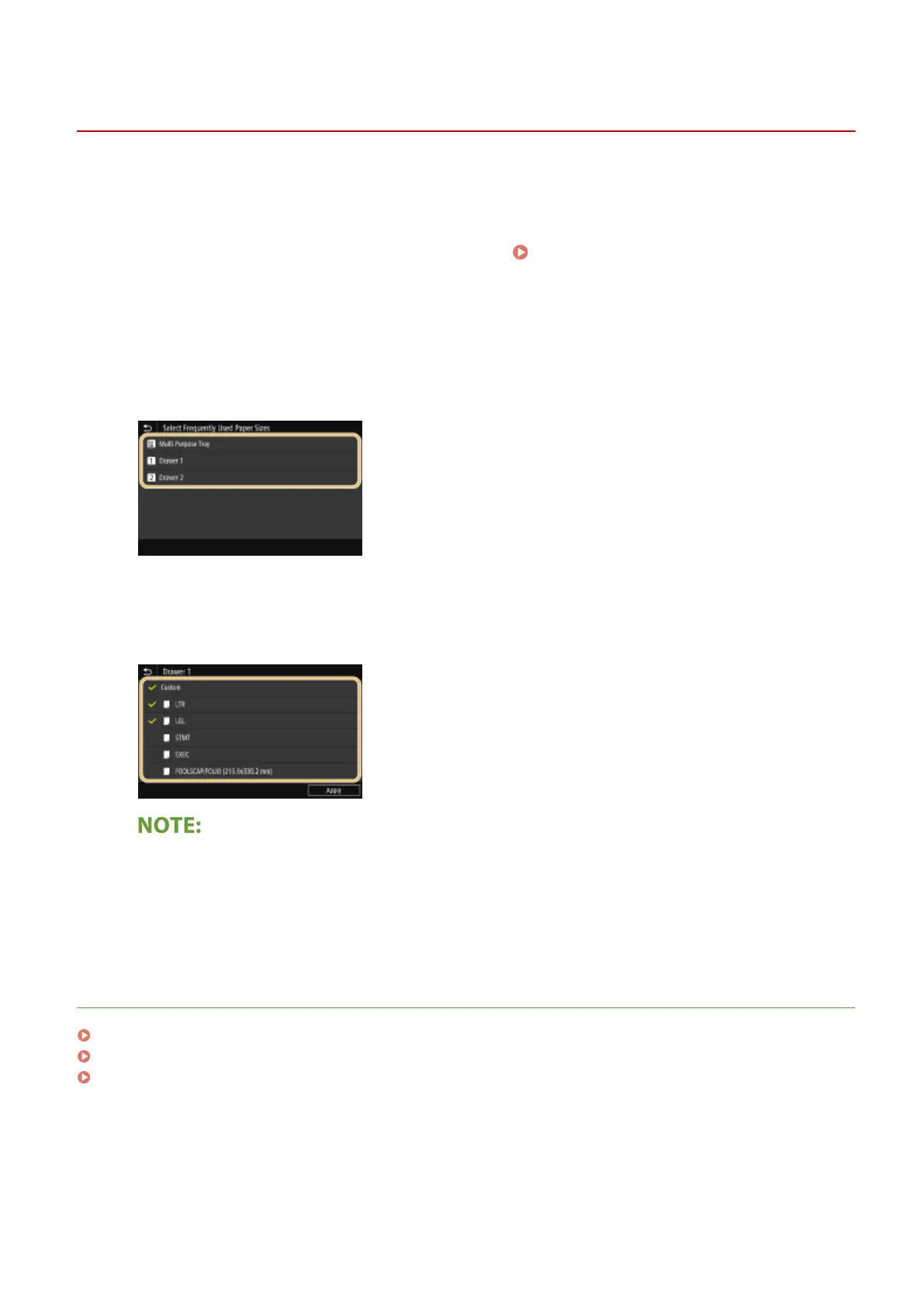
Select <Select Frequently Used Paper Sizes>.
3
Select the paper source you want to limit the paper sizes to be displayed for.
4
Clear the check boxes for paper sizes you do not want displayed.
● Ensure that only the check boxes for frequently used paper sizes are selected.
● Paper sizes that are not selected can be viewed by selecting <Other Sizes> tab in the paper size setting
selection screen.
5
Select <Apply>.
LINKS
Specifying Paper Size and Type in the Paper Drawer(P. 160)
Specifying Paper Size and Type in the Multi-Purpose Tray(P. 162)
Registering Default Paper Settings for the Multi-Purpose Tray(P. 164)
Basic Operations
168









 To Next Page