Setting Sounds
1647-03K
The machine produces sounds in a variety of situations, such as when fax sending is complete or when a paper jam or
error occurs. You can set the volume of each of these sounds individually.
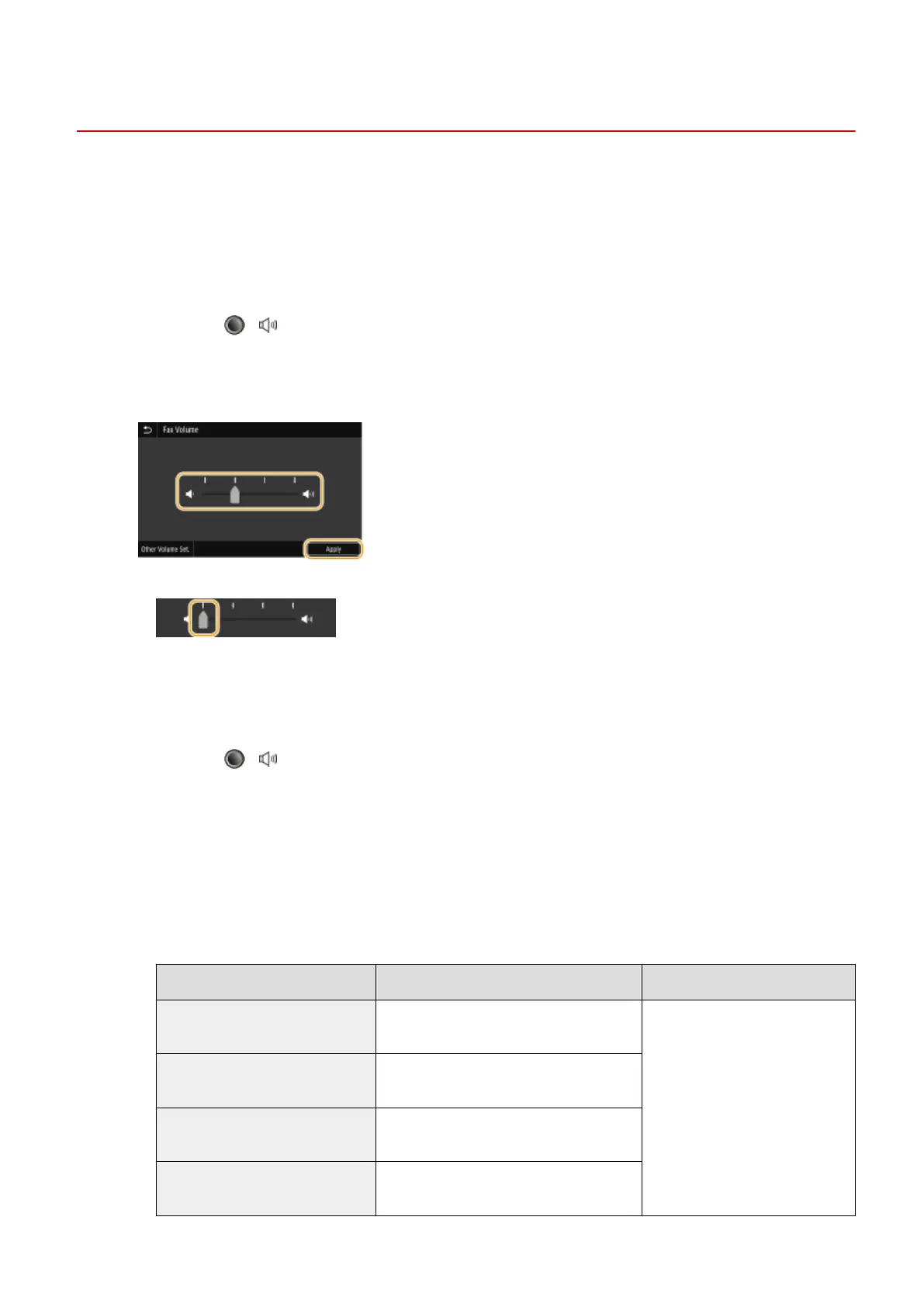
◼ Adjusting <Fax Volume>
1
Press the ( ) key.
2
Adjust the volume, select <Apply>.
● To mute the sound, move the cursor all the way to the left.
◼
Adjusting <Other Volume Set.>
1
Press the ( ) key.
● For the model without fax functionality, proceed to step 3.
2
Select <Other Volume Set.>.
3
Select a setting.
Setting Description Procedure
<Ring Tone> Sound produced when an incoming fax is
received
Go to step 4.
<TX Done Tone> Sound produced when fax sending is
complete
<RX Done Tone> Sound produced when fax receiving is
complete
<Scanning Done Tone> Sound produced when fax original
scanning is complete
Basic Operations
178









 To Next Page