Checking the Remaining Amount of Consumables
1647-0C1
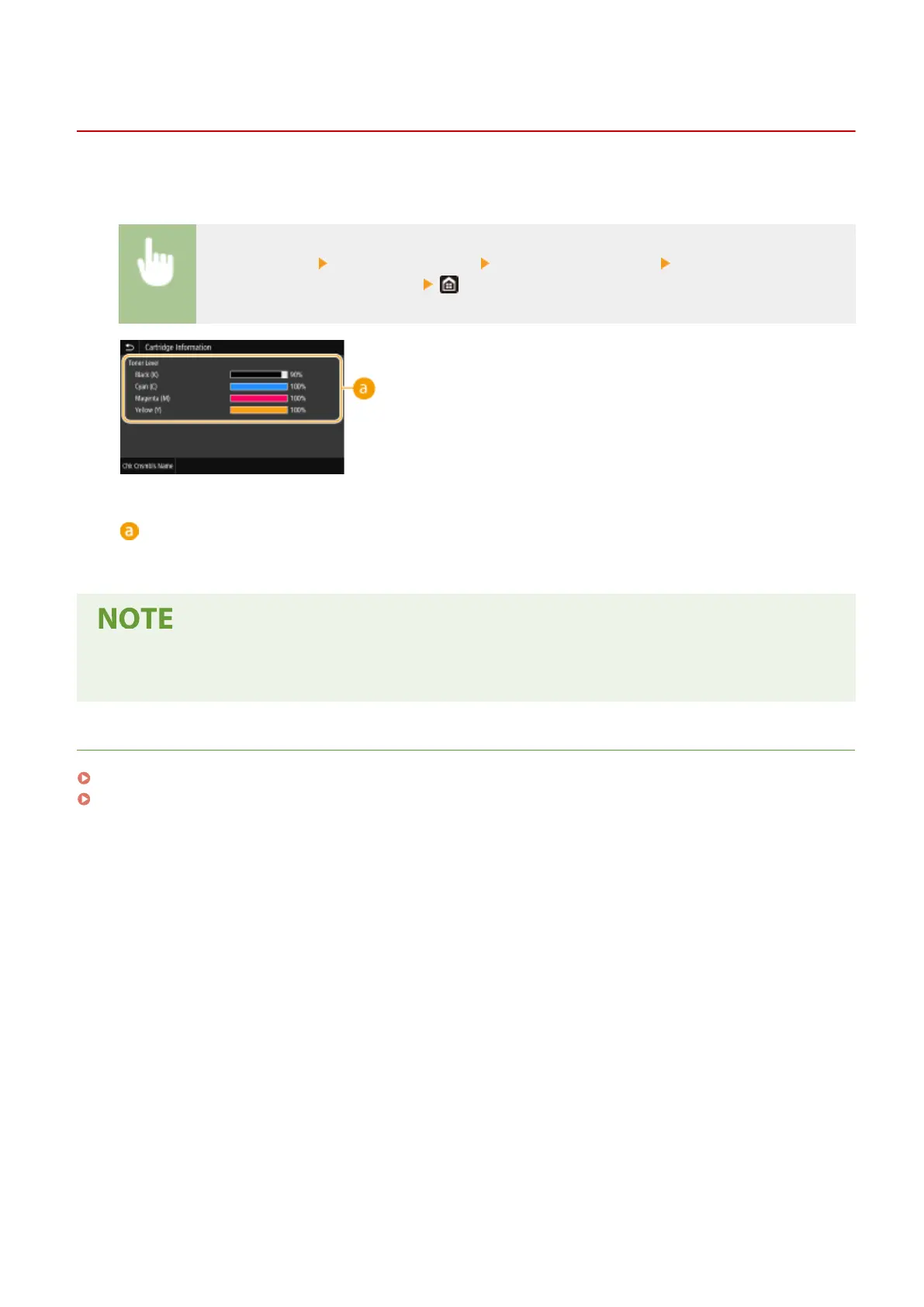
Use the procedure below to check the amount remaining in the toner cartridges. It is particularly important to check
whether you need to have a new toner cartridge ready before starting a large print job.
<Status Monitor> <Device Information> <Cartridge Information> Checking the amount
remaining in the toner cartridges
Amount Remaining in Cartridge
Displays the amount remaining in the toner cartridges. Other internal parts may reach the end of their
lifetime before the toner runs out.
● The displayed amount remaining in a toner cartridge can be used only as a guide and may differ from the
actual amount.
LINKS
Replacing the Toner Cartridge(P. 585)
Consumables(P. 611)
Maintenance
590









 To Next Page