Conguring Scan Settings
1647-01X
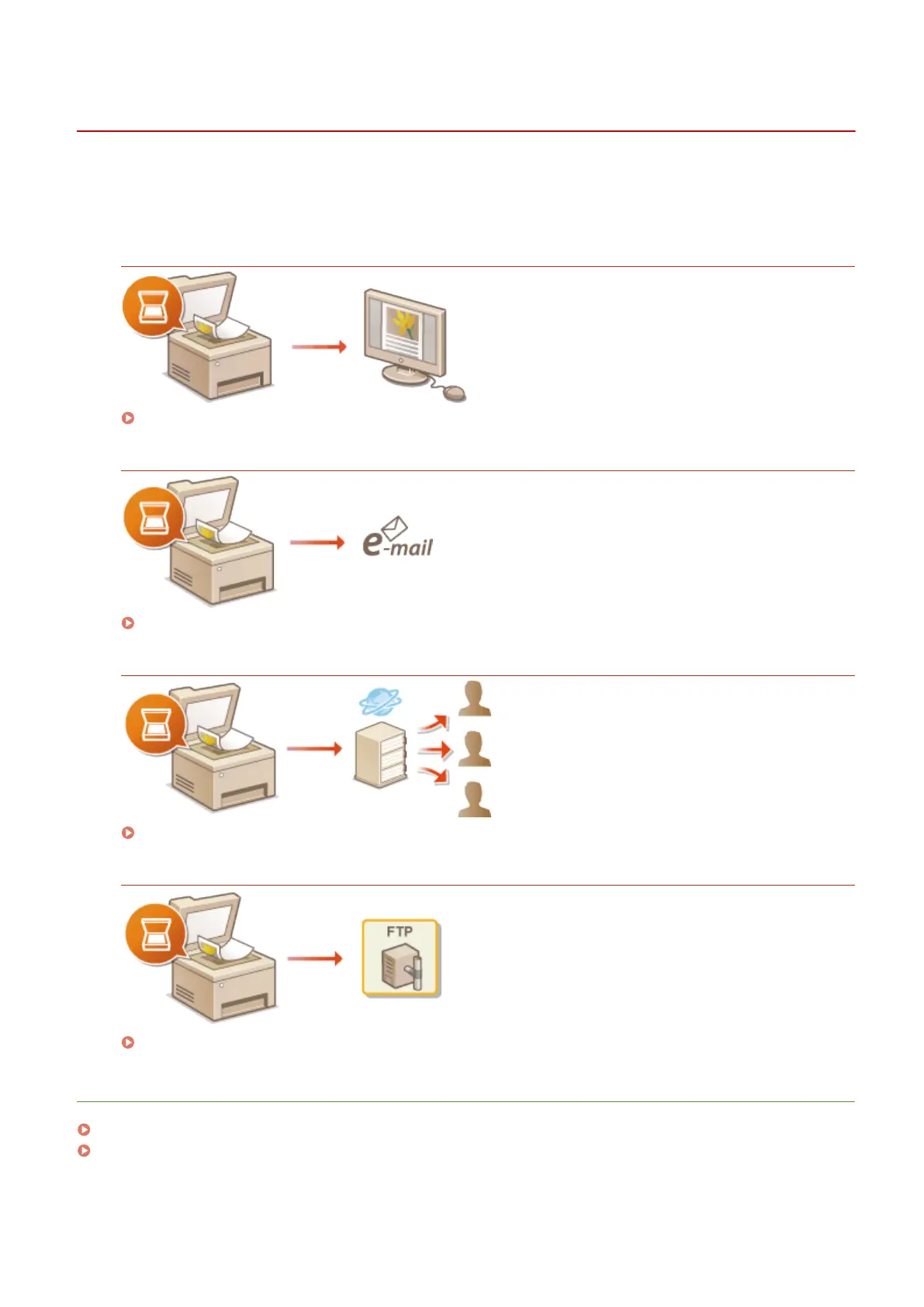
To send scanned originals directly by e-mail or I-Fax or save them to shared folders or FTP server, you need to
congure the network. The Send Function Setting Tool, an application that is included with the machine, will assist you
with the required setup. Set the necessary conguration depending on your purpose and network environment.
Saving to a Computer
Preparing to Use the Machine as a Scanner(P. 84)
Scanning to E-mail or I-Fax
Procedure for Setting to Send E-Mail/Send and Receive I-Fax(P. 85)
Scanning to Shared Folders
Procedure for Setting a Shared Folder as a Save Location(P. 93)
Saving to FTP Server
Procedure for Setting a FTP Server as a Save Location(P. 97)
LINKS
System Environment(P. 714)
Scan Function(P. 708)
Setting Up
83









 To Next Page