9
Gently close the feeder.
10
Plug the machine back into the power outlet and switch it on.
Automatic Feeder Cleaning
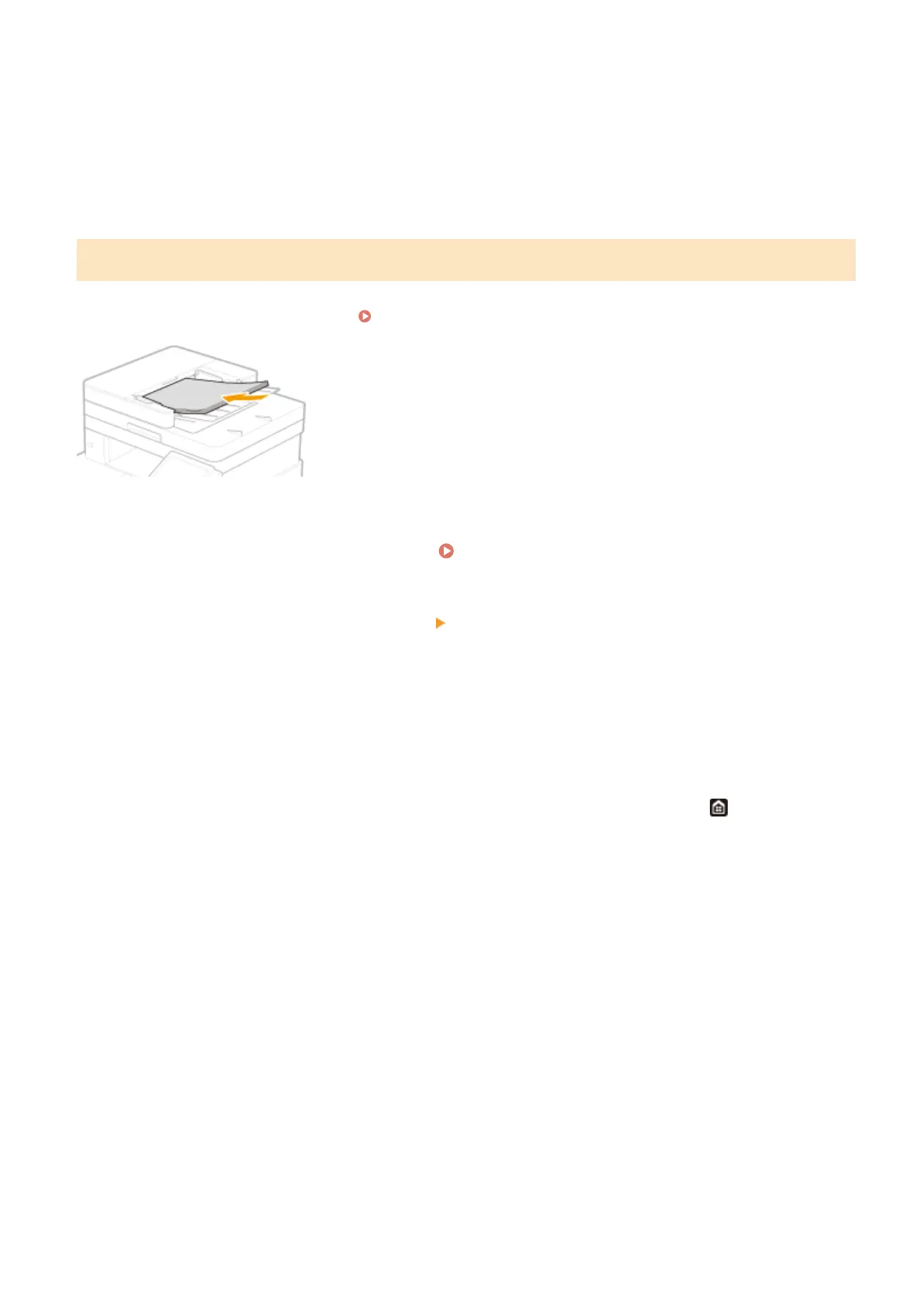
Automatic feeder cleaning uses paper loaded in the feeder. Set 10 sheets of plain A4 or US Letter size paper in the
feeder before starting automatic cleaning.
Placing Originals(P. 135)
1
Select <Menu> in the Home screen. Home Screen(P. 122)
2
Select <Adjustment/Maintenance> <Maintenance>.
3
Select <Clean Feeder>.
4
Select <Start>.
➠
Cleaning starts. When a message appears notifying that cleaning is complete, press to return to the
Home screen.
Maintenance
582









 To Next Page