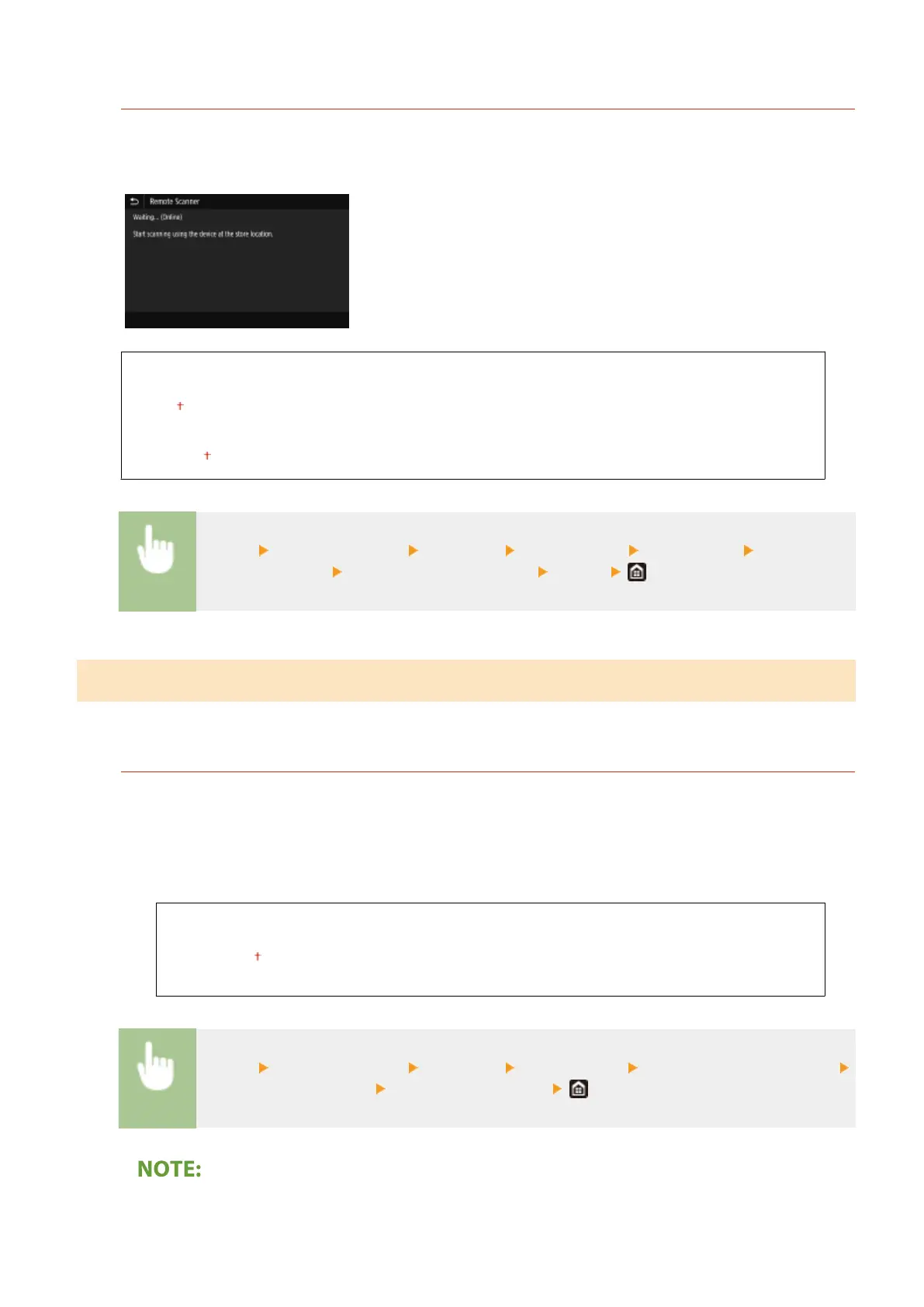
<Auto Oine>
If scan is not performed within a specied period of time after the screen below is displayed (the machine is
set online for scanning), the machine automatically becomes oine. Specify the time period at which the
machine becomes oine.
<Set This Function>
<Off>
<On>
<Set Time>
1 to 5
to 60 (min.)
<Menu> <Function Settings> <Common> <Scan Settings> <Auto Oine> Select <On> in
<Set This Function> Enter the time in <Set Time> <Apply>
<Generate File>
Congure le generation settings.
<Output File Image Settings>
Specify settings for the gamma value for converting scanned originals into les.
<YCbCr TX Gamma Value>
Select the gamma value used when converting scanned color originals into the specied le format. You can
specify the same gamma value as that of the monitor which is to be used for viewing the converted les. The
les are displayed with brightness that is true to the original documents.
<Gamma 1.0>
<Gamma 1.4>
<Gamma 1.8>
<Gamma 2.2>
<Menu> <Function Settings> <Common> <Generate File> <Output File Image Settings>
<YCbCr TX Gamma Value> Select the gamma value
● For the gamma value of a monitor display, see the instruction manual included with the display.
Setting Menu List
489









 To Next Page