Viewing the Counter Value
1647-0C8
You can check separate totals for the number of pages used for color printouts and black and white printouts. These
totals include faxes, reports, and lists, in addition to copies and printouts of data from computers.
MF735Cdw / MF634Cdw
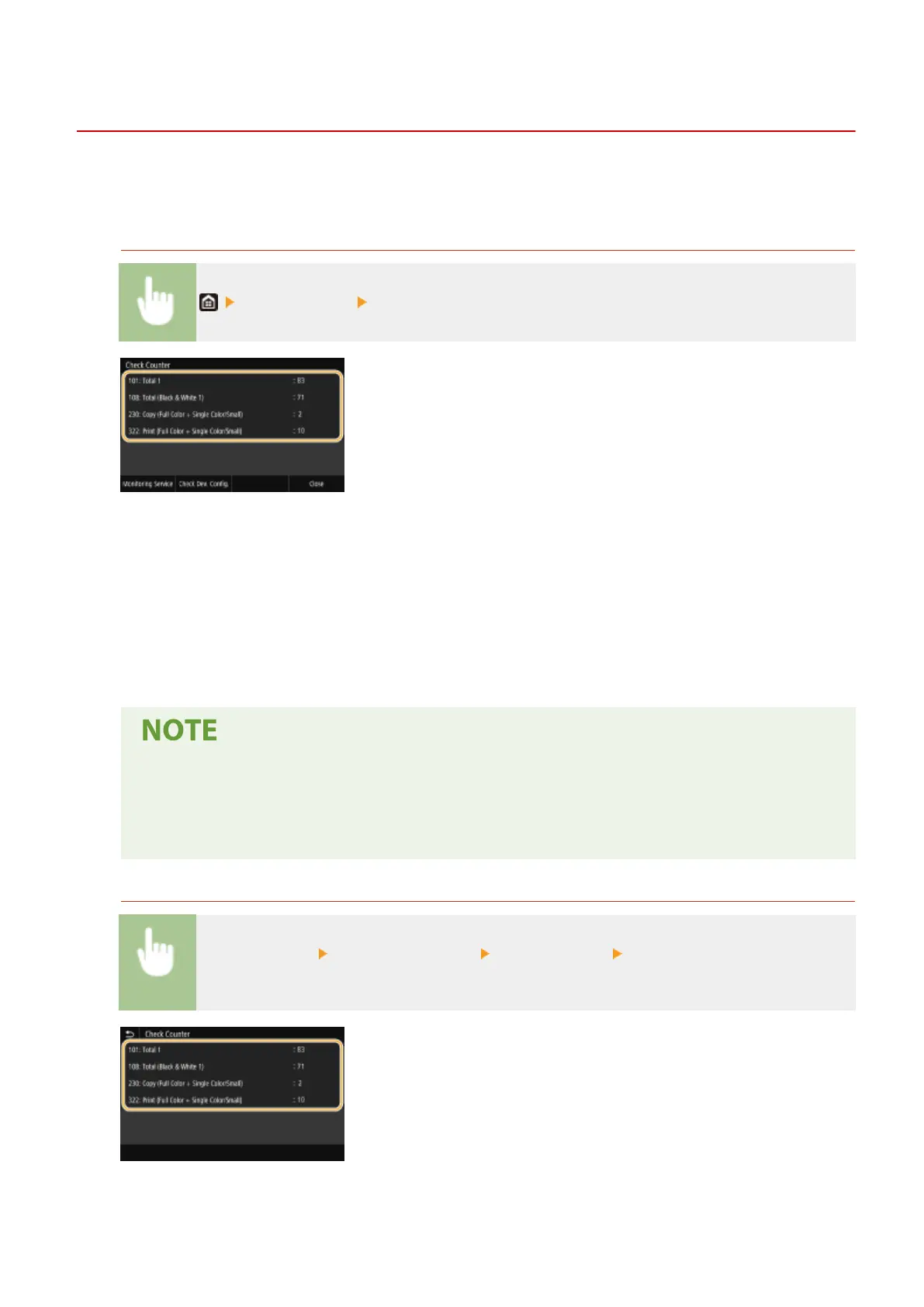
<Check Counter> Check the number of pages printed
<101: Total 1>
Displays the total number of pages for copying and printing.
<108: Total (Black & White 1)>
Displays the total number of pages for black and white copying and printing.
<230: Copy (Full Color + Single Color/Small)>
Displays the total number of pages for color copying.
<322: Print (Full Color + Single Color/Small)>
Displays the total number of pages for color printing.
● <Monitoring Service> enables communication with a remote monitoring server. Execution of this item
enables information about the machine to be periodically sent to the remote monitoring server
connected to the machine.
● <Check Dev. Cong.> enables you to check the optional units installed on the machine.
MF733Cdw / MF731Cdw / MF632Cdw
<Status Monitor> <Device Information> <Check Counter> Check the number of pages
printed
<101: Total 1>
Displays the total number of pages for copying and printing.
Maintenance
604









 To Next Page