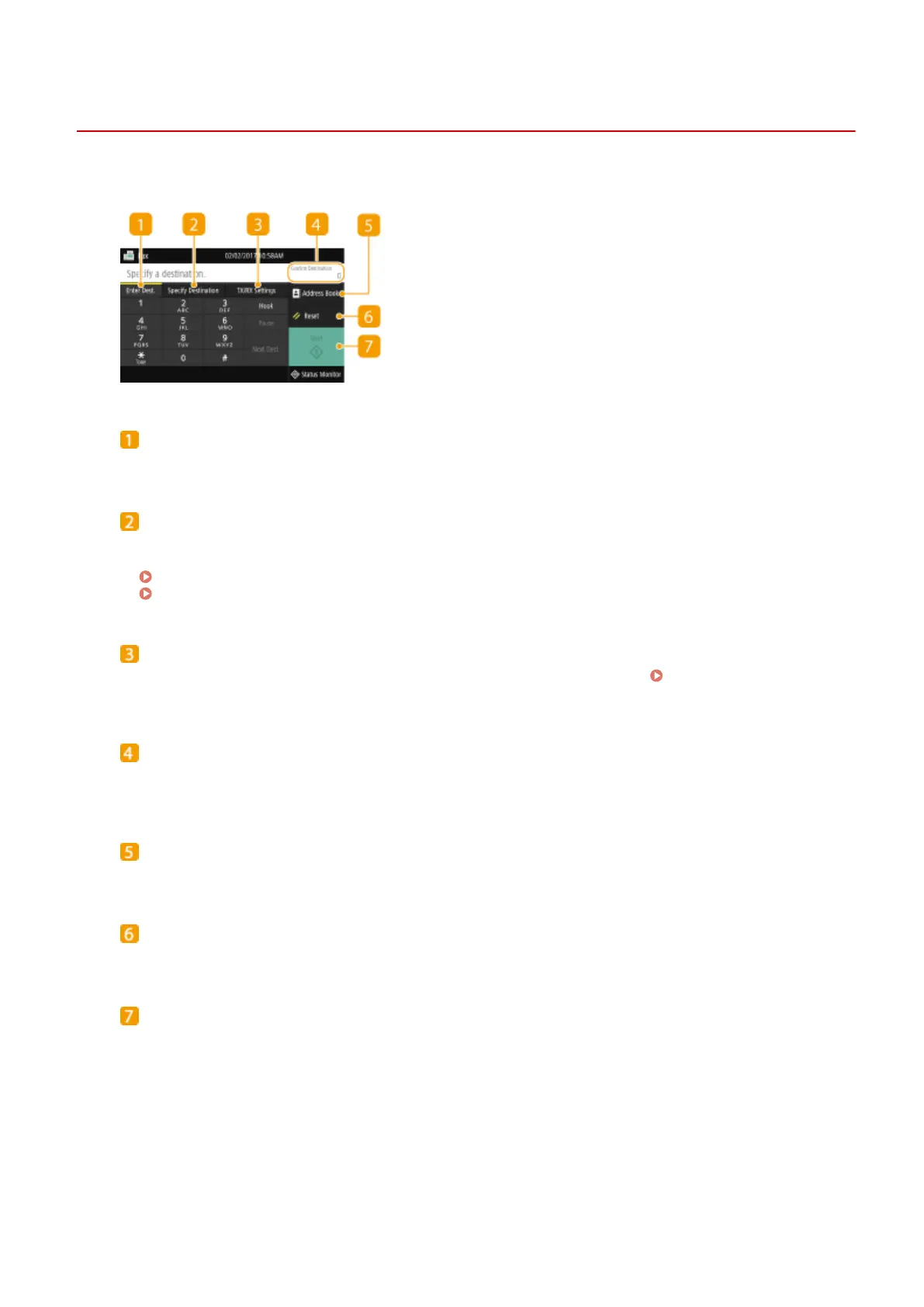
Fax Basic Features Screen
1647-04L
Selecting <Fax> in the Home screen displays the FAX Basic Features screen that appears when you sending faxes.
<Enter Dest.> tab
Select this tab to directly enter a destination.
<Specify Destination> tab
Select this tab to search for an LDAP server, enter a coded dial, or specify a destination using the recall
settings.
Basic Operations for Sending Faxes(P. 217)
Recalling Previously Used Settings for Sending (Recall Settings)(P. 231)
<TX/RX Settings> tab
Select this tab to specify the scanning settings. You can change the RX mode ( Deciding Which Fax
Receive Mode to Use(P. 79) ) of the machine.
<Conrm Destination>
You can check or change the name and fax number of the specied destination as well as the number of
destinations.
<Address Book>
Specify destinations registered in the Address Book.
<Reset>
You can collectively restore the default settings.
<Start>
Use this button to start faxing.
Faxing
216









 To Next Page