Sending Faxes from Your Computer (PC Fax)
1647-05E
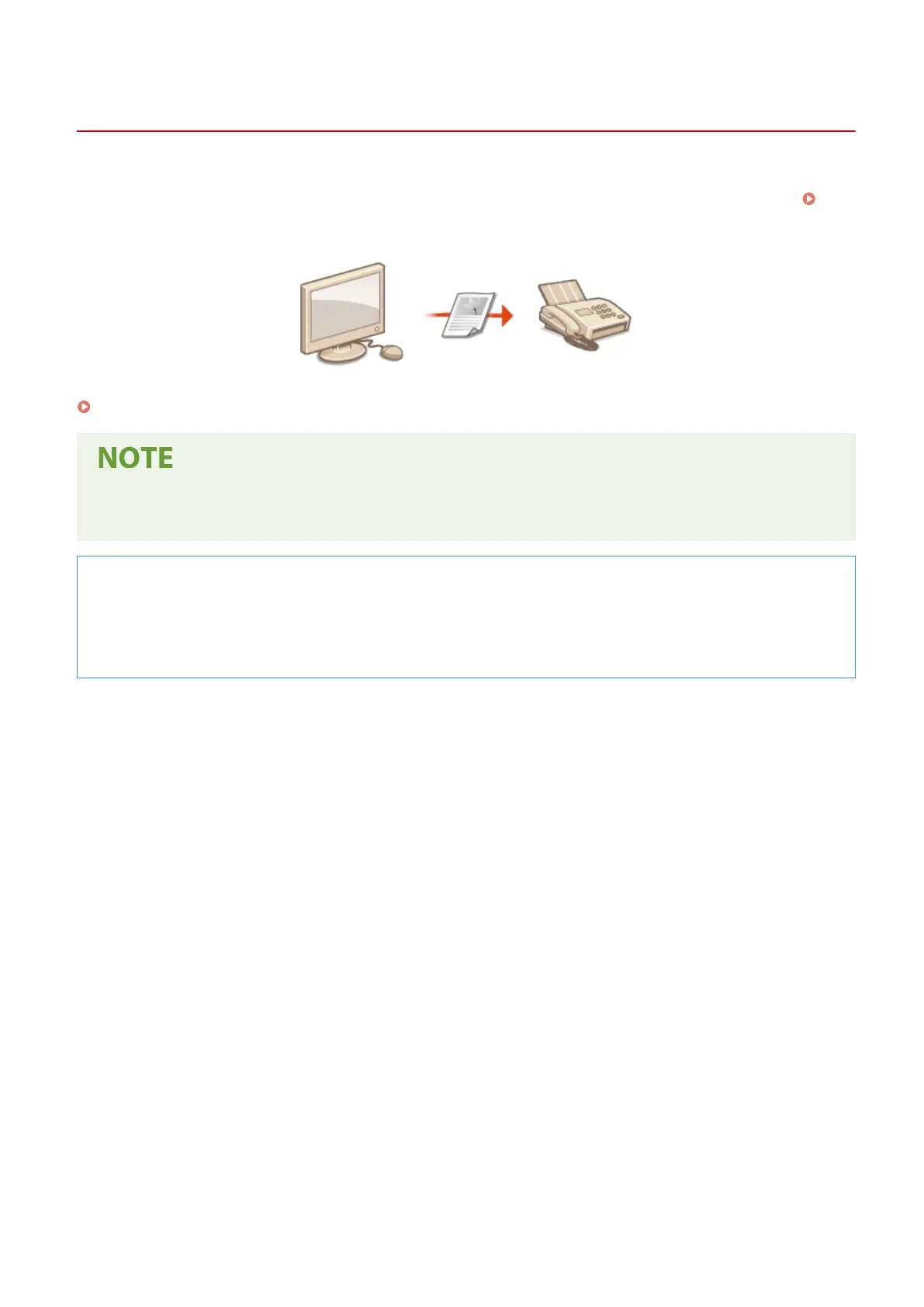
You can send fax documents created on your computer application directly from your computer. This feature
eliminates the need to print documents for faxing and saves paper. You need to specify the basic fax settings (
Conguring Initial Settings for Fax Functions(P. 78) ) and install the fax driver on your computer. For more
information about how to install the fax driver, see the manuals for the relevant drivers on the online manual website.
Sending PC Faxes(P. 245)
● Depending on the operating system and the version of the fax driver you are using, the fax driver screens in
this manual may differ from your screens.
About the Fax Driver Help
● Clicking [Help] on the fax driver screen displays the Help screen. On this screen you can see information that
is not in the User's Guide, including information about driver features such as registering frequently used
settings and how to set up those features.
Faxing
244









 To Next Page