Turning ON the Machine
1647-02H
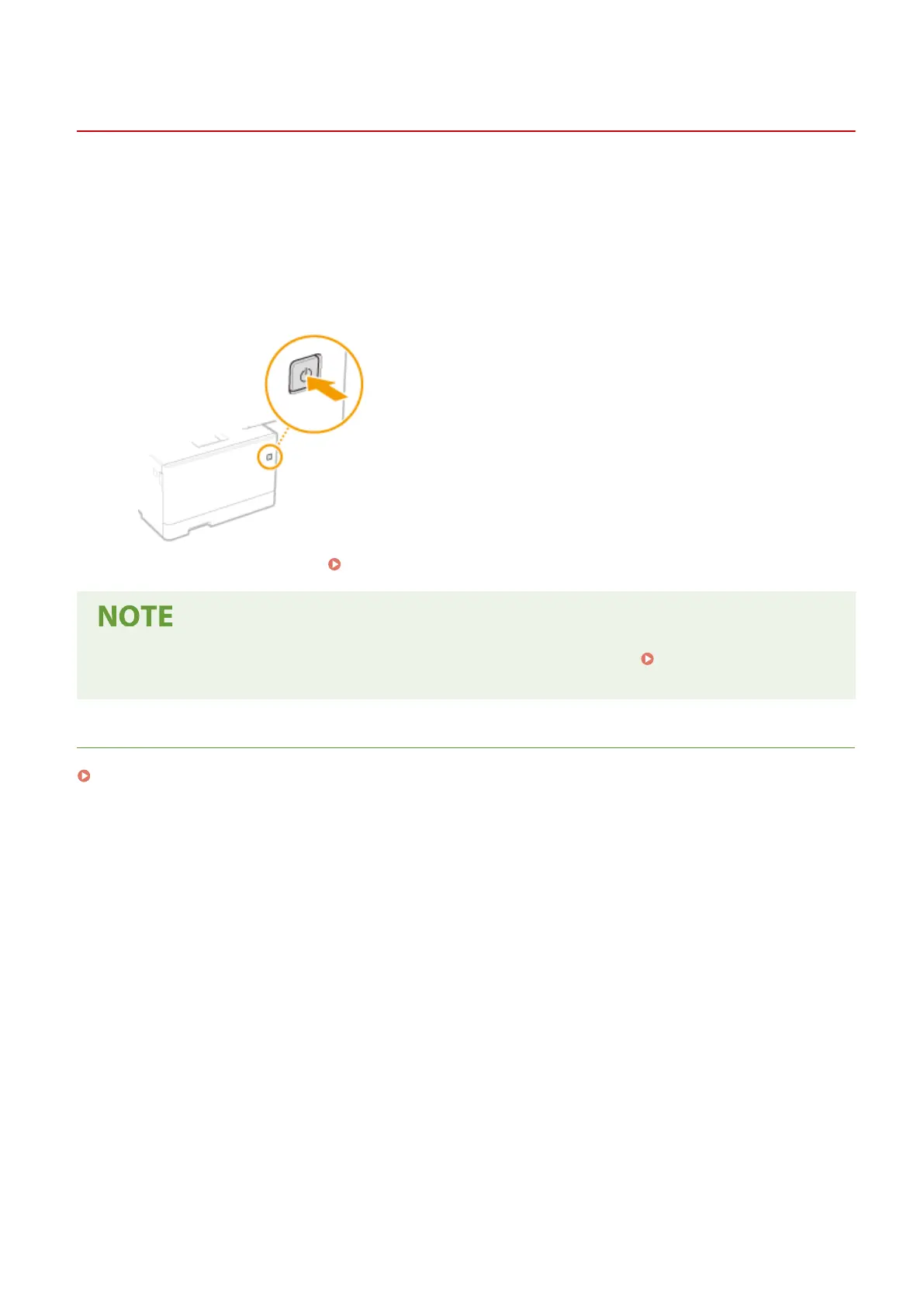
This section describes how to turn ON the machine.
1
Make sure that the power plug is rmly inserted into a power outlet.
2
Press the power switch.
➠
The Start screen appears. Operation Panel(P. 114)
● You can select the screen that is displayed rst after the machine is turned ON. <Default Screen After
Startup/Restoration>(P. 444)
LINKS
Turning OFF the Machine(P. 117)
Basic Operations
116









 To Next Page