<Orig./Fin. Type>
Specify the original orientation, opening type, and nishing type.
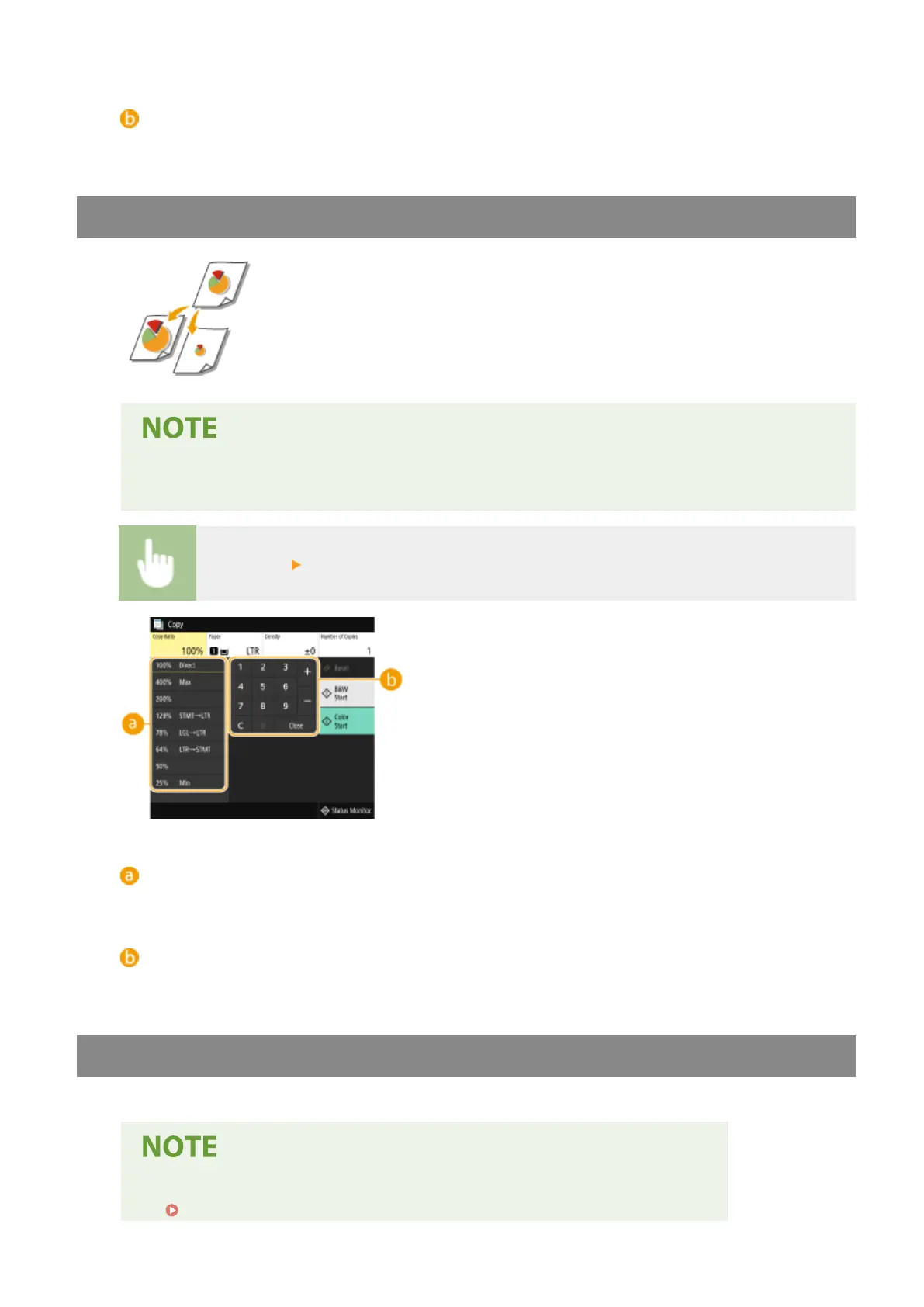
Enlarging or Reducing
You can enlarge or reduce copies by using a preset copy ratio such as <STMT->LTR>,
or by setting a custom copy ratio in increments of 1 %.
● If you make a setting for <N on 1> after setting the copy ratio, the setting of reduction ratio in <N on
1> takes priority.
<Copy Ratio> Select the copy ratio
Preset copy ratio
Select a copy ratio.
Numeric keys
You can set any copy ratio from 25 to 400% in 1% increments.
Selecting Copy Paper
Specify the paper source that contains the paper to use for printing out copies.
● You must rst specify the size and type of paper that is loaded in the paper source.
Specifying Paper Size and Type(P. 159)
Copying
197









 To Next Page