Conguring Initial Settings for Fax Functions
1647-01L
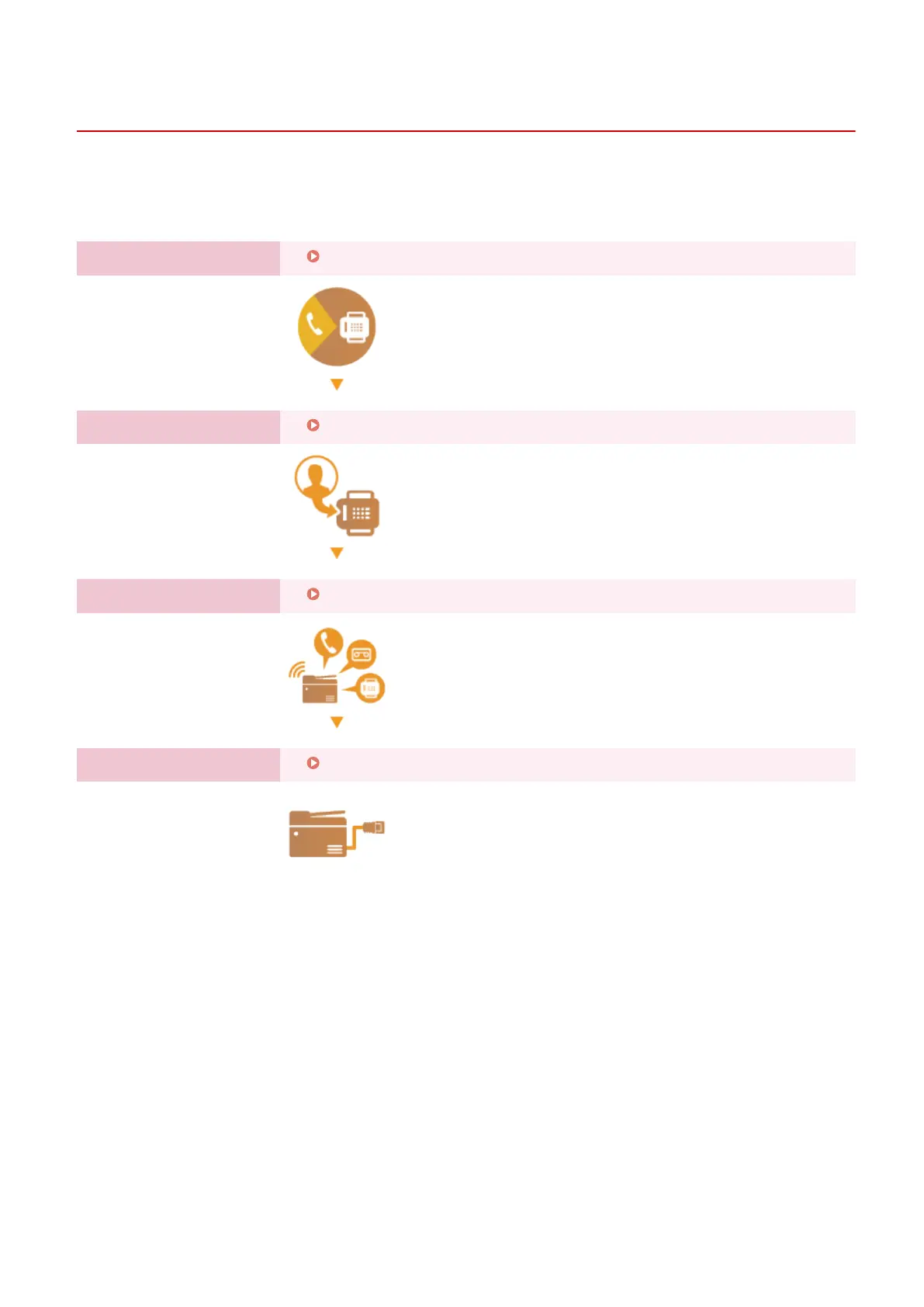
Follow steps 1 to 4 described below to congure the fax settings. First, determine which receive mode best suits your
intended use, and then follow the on-screen instructions to congure the settings. For more information about a
particular step, click on the link to go to the corresponding section.
Step 1
Deciding Which Fax Receive Mode to Use(P. 79)
Step 2
Registering the Fax Number and Unit Name(P. 80)
Step 3
Selecting the Receive Mode(P. 81)
Step 4
Connecting the Telephone Line(P. 82)
Setting Up
78









 To Next Page