Customizing the Display
1647-039
In order to make the Home screen easier to use, you can customize. In addition, you can work more eciently by
registering your favorite settings to the Basic Features screen for each function.
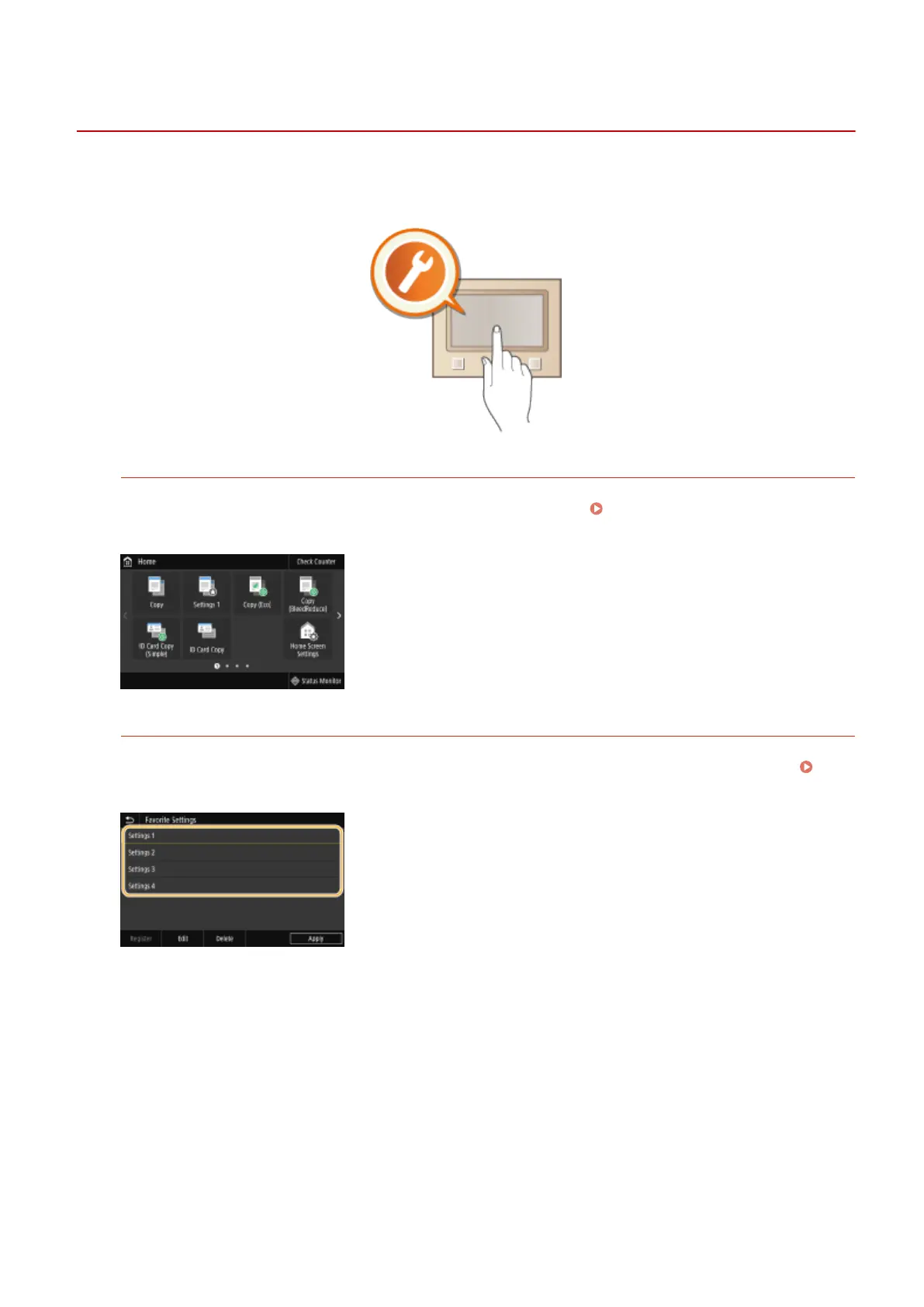
Customizing the Home Screen
You can rearrange buttons that are displayed in the Home screen. In addition, you can customize the Home
screen to make it easier to select functions by adding shortcut buttons.
Customizing the Home
Screen(P. 171)
Registering "Favorite Settings"
To make it possible to quickly call up the same settings for Copy, Fax, and Scan, you can register them as your
favorite settings. You can add registered setting combinations to the Home screen as shortcut buttons.
Registering Frequently Used Settings(P. 174)
Basic Operations
170









 To Next Page