Registering Destinations from Remote UI
1647-097
You can use the computer to register destinations in the Address Book of the machine and edit information of
registered destinations. Specify the shared folder or FTP server destination here.
● You can change the settings only when you have logged in to System Manager Mode.
1
Start the Remote UI. Starting Remote UI(P. 419)
2
Click [Address Book] on the Portal page. Remote UI Screen(P. 420)
If the enter PIN page is displayed
● The Address Book is protected by a PIN. Enter the [PIN] and click [OK].
3
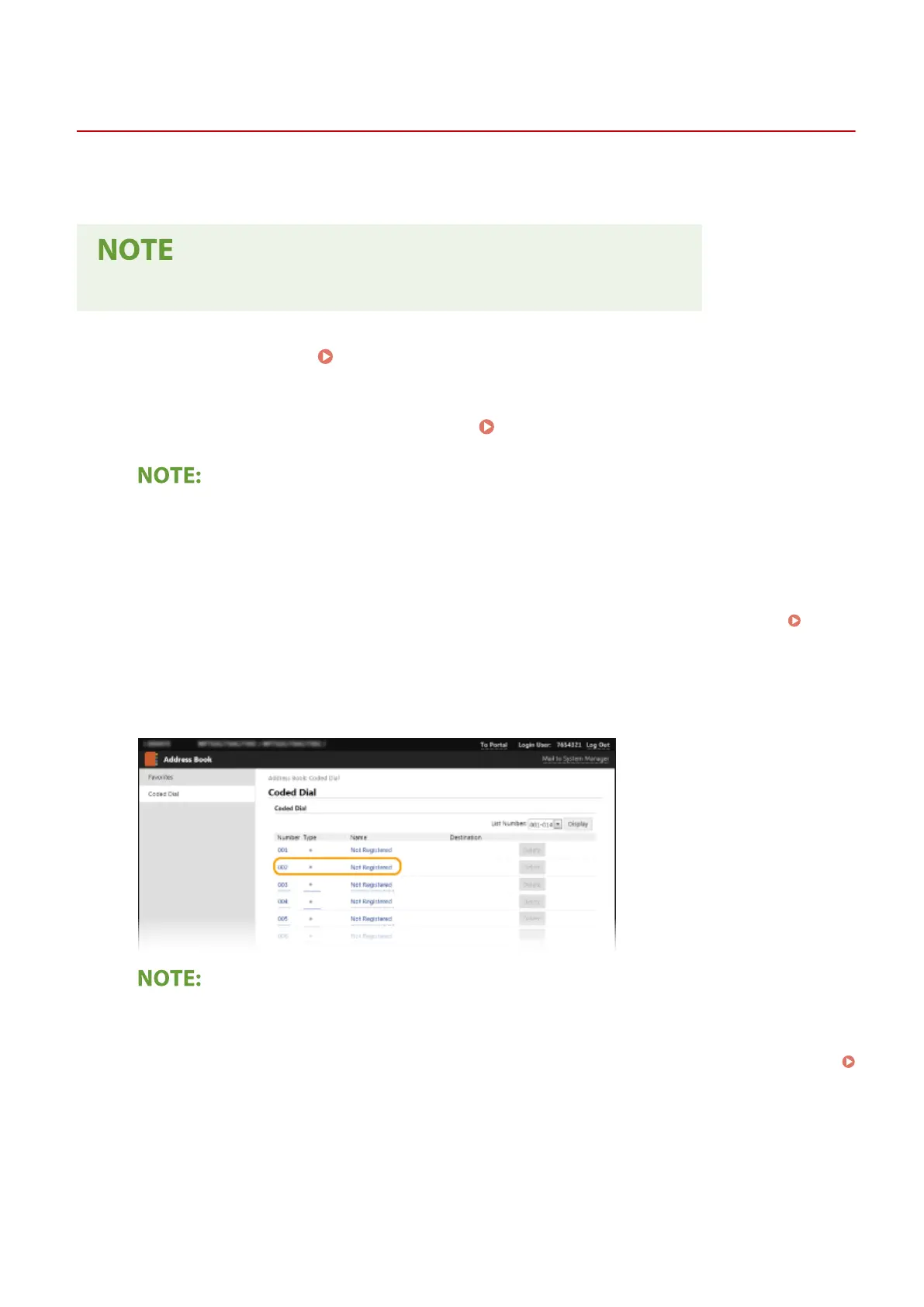
Click [Coded Dial].
● You can also register destinations in Favorites. In this case, click [Favorites] instead of [Coded Dial].
Favorites(P. 182)
4
Click the text link under [Number], [Type], or [Name] for an item named "Not
Registered."
● You can edit a registered item by clicking the corresponding text link under [Number], [Type] or [Name].
● You can delete a registered destination by clicking the corresponding [Delete] button.
● If you delete a destination from the Address Book, it is also deleted from the favorite settings.
Registering Frequently Used Settings(P. 174)
5
Select [Destination Type to Register] and click [OK].
● To register the shared folder or FTP server destination, select [File].
Managing the Machine
430









 To Next Page