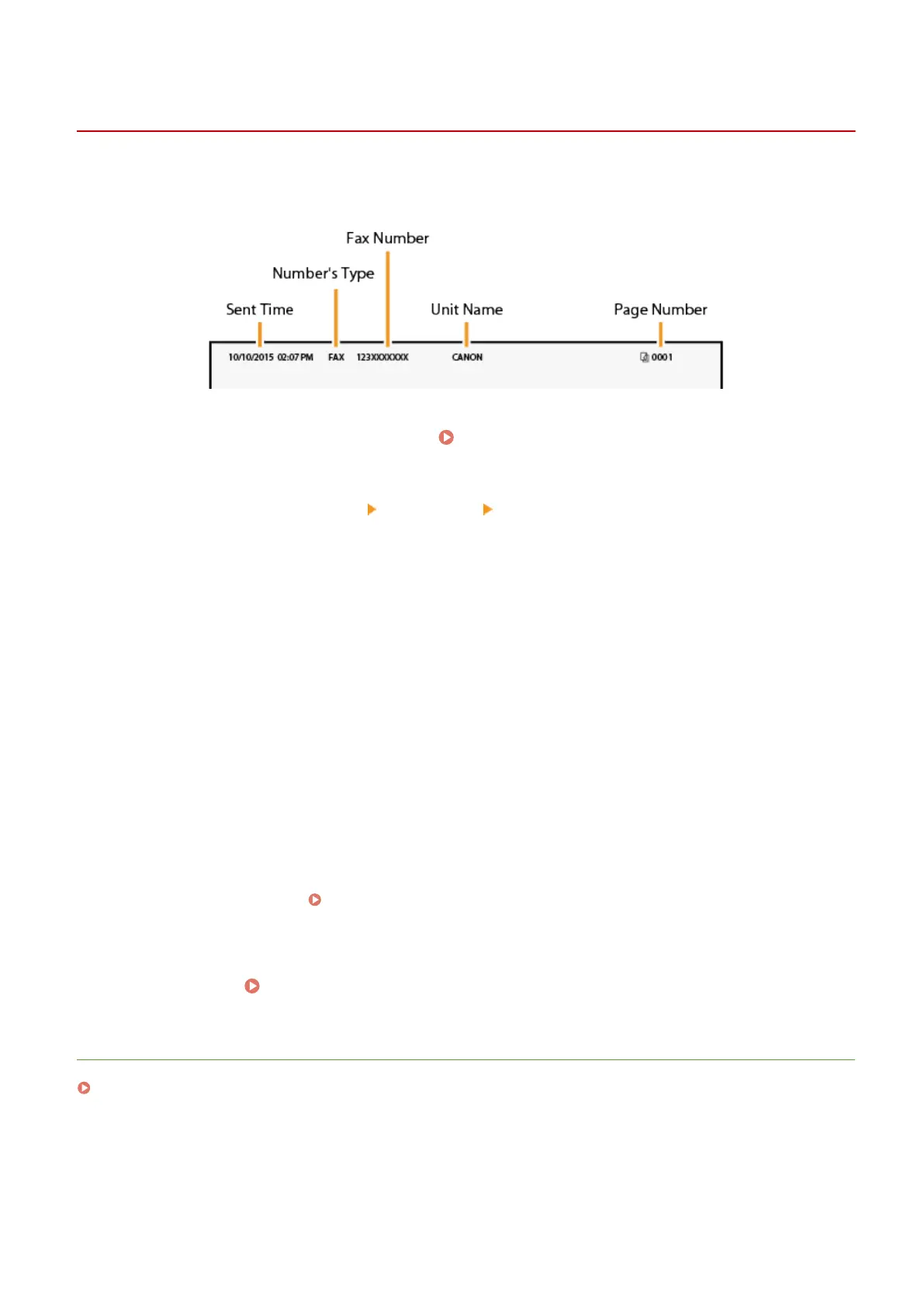
Registering the Fax Number and Unit Name
1647-01S
Register the fax number and unit name of your machine. This information is printed at the top of each page sent from
the machine.
1
Select <Menu> in the Home screen. Home Screen(P. 122)
2
Select <Function Settings> <Common> <Fax Setup Guide>.
3
Select <Set Up Now>.
4
Select <Next>.
5
Enter the fax number, and select <Apply>.
6
Select <Next>.
7
Enter the unit name (such as a user name or company name), and select <Apply>.
● On how to enter text, see Entering Text(P. 131) .
➠ When the unit name has been registered, the RX mode setting screen is displayed.
»
Continue to Selecting the Receive Mode(P. 81)
LINKS
Receiving Faxes(P. 226)
Setting Up
80









 To Next Page