Connecting Directly (Access Point Mode)
1647-078
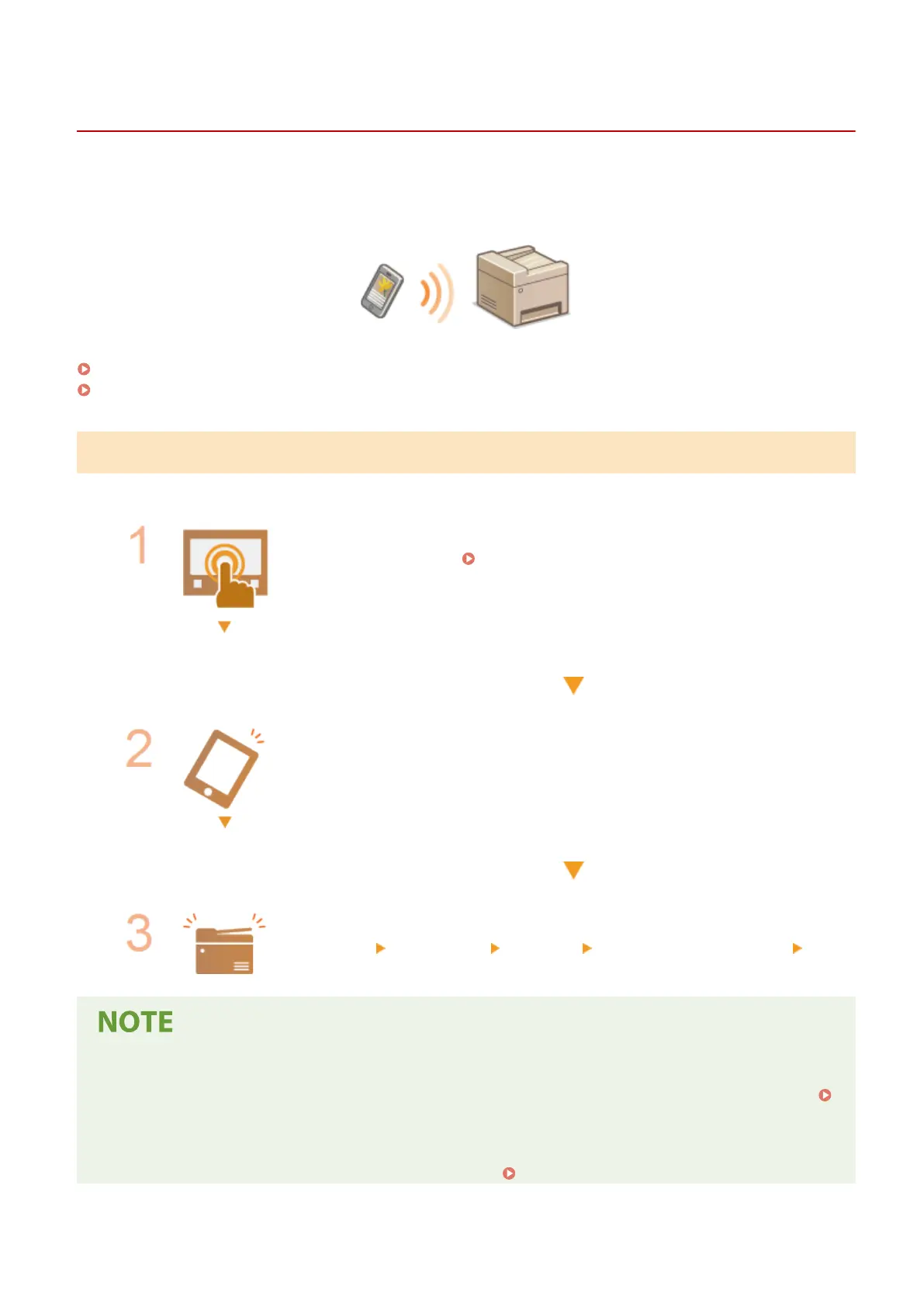
Even in an environment without a wireless LAN router, using "Access Point Mode," which can directly connect a mobile
device to the machine wirelessly, enables you to connect the mobile device on hand to the machine without dicult
settings.
Preparing for Direct Connection (Access Point Mode)(P. 328)
Connecting Directly(P. 329)
Preparing for Direct Connection (Access Point Mode)
Establish a connection by using Access Point Mode in the following order.
Check the network settings of the machine.
● Set the IPv4 address. Setting IPv4 Address(P. 31)
Preparing the mobile device
● Congure settings to connect the mobile device to Wi-Fi.
Put the machine into the connection standby status.
● <Menu> <Preferences> <Network> <Direct Connection Settings> set
<Use Direct Connection> to <On>.
Specifying the value for time until auto termination
● You can specify the time to automatically establish a disconnection when the direct connection is enabled.
<Direct Connection Termination>(P. 455)
Connecting multiple mobile devices at the same time
● Congure the machine's SSID and network key arbitrarily. <Access Point Mode Settings>(P. 455)
Linking with Mobile Devices
328









 To Next Page