Loading Paper in the Multi-Purpose Tray
1647-030
When you want to print on paper that is not loaded in the paper drawer, load the paper in the multi-purpose tray.
Load the paper that you usually use in the paper drawer. Loading Paper in the Paper Drawer(P. 141)
For the MF735Cdw / MF733Cdw / MF731Cdw(P. 149)
For the MF634Cdw / MF632Cdw(P. 151)
For the MF735Cdw / MF733Cdw / MF731Cdw
Make sure to insert the paper drawer
● The machine only prints when the paper drawer is inserted, even if paper is loaded in the multi-purpose
tray. An error message is displayed if you attempt to print without inserting the paper drawer.
When loading A5 size paper
● When setting the paper size, make sure the current paper orientation. Specifying Paper Size and Type in
the Multi-Purpose Tray(P. 162)
Landscape orientation
Portrait orientation
1
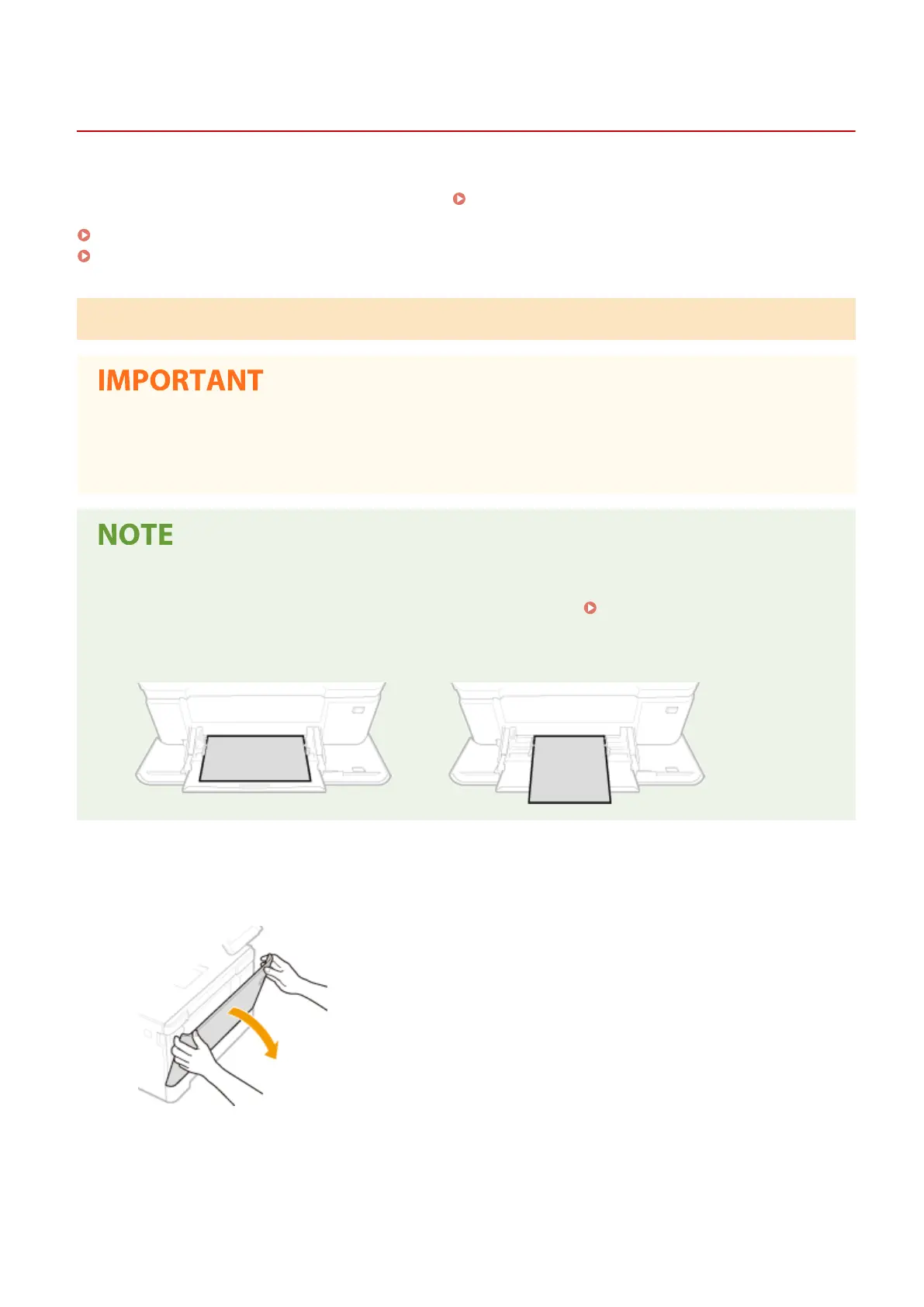
Open the cover.
● Hold the both sides of the cover to open it.
2
Pull out the paper tray.
Basic Operations
149









 To Next Page