Specifying E-Mail Settings
1647-071
When attaching a scanned originals to an e-mail, you can specify the subject,
message, reply-to address, and priority for the e-mail before sending it.
1
Place the original(s). Placing Originals(P. 135)
2
Select <Scan> in the Home screen. Home Screen(P. 122)
● If the login screen appears, specify the user name, the password, and the authentication server. Logging
in to Authorized Send(P. 133) .
3
Select <E-Mail> in the Scan Basic Features screen. Scan Basic Features
Screen(P. 281)
4
Specify the destination, and congure the scan settings as necessary. Basic
Operations for Scanning Originals(P. 284)
5
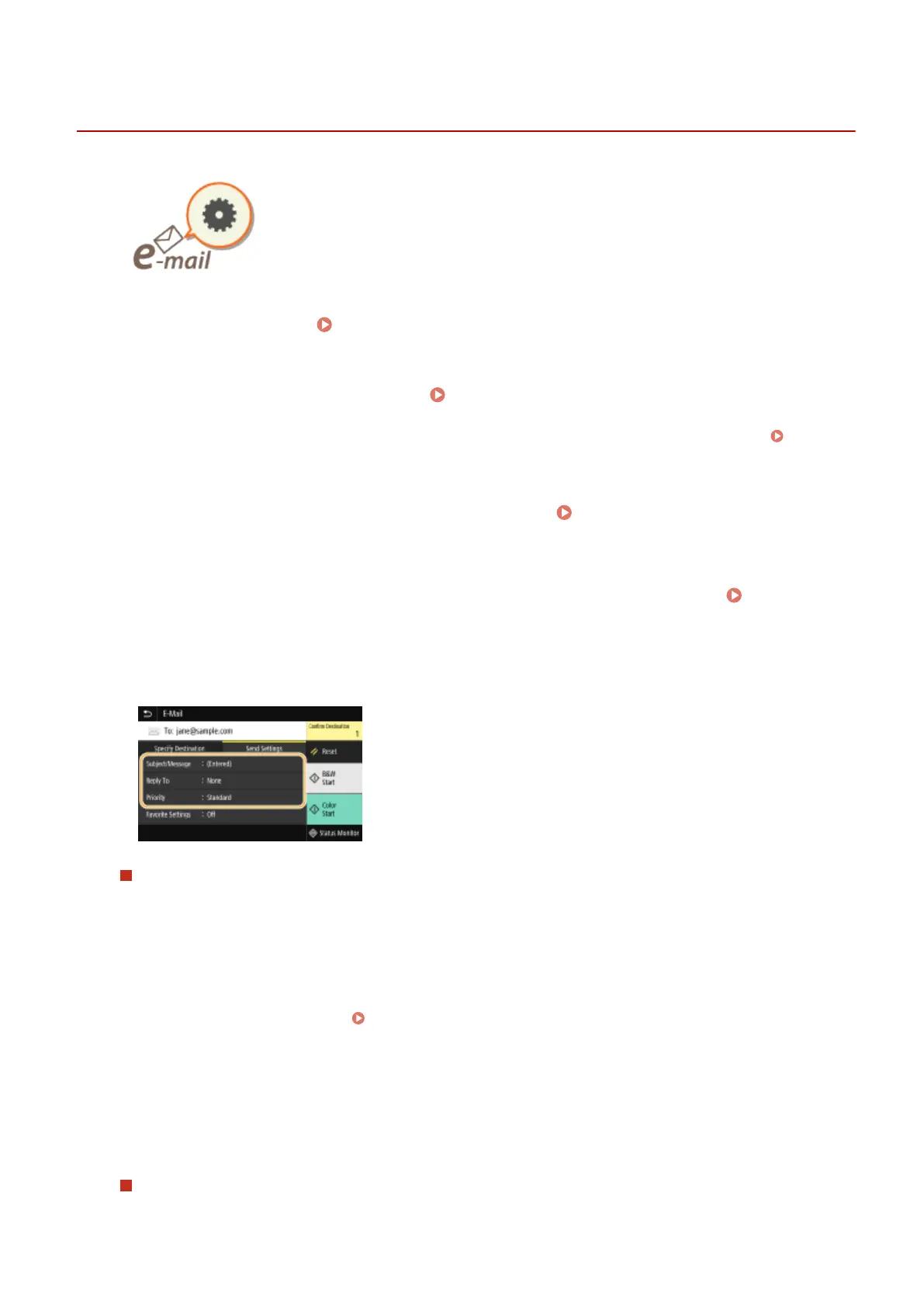
Specify the subject, message, reply-to address, and priority for the e-mail.
To specify subject/message
1
Select <Subject/Message> in the <Send Settings> tab.
2
Select <Subject>.
3
Enter the subject, and select <Apply>.
● On how to enter text, see Entering Text(P. 131) .
4
Select <Message>.
5
Enter the message, and select <Apply>.
6
Select <Apply>.
To specify reply-to address
Specify the reply-to address when you want to notify the recipient of an e-mail address different from that of
the machine as the reply-to address. Select the target reply-to address from the destinations registered in the
Scanning
316









 To Next Page