Restricting the Fax Sending Functions
1647-08K
You can set various restrictions for sending faxes, which can prevent information leakage to third parties or sending
documents to unintended destinations.
Conrming the Entered Fax Number(P. 409)
Restricting Fax Sending from a Computer(P. 409)
Restricting Sequential Broadcasts(P. 409)
Conrming the Entered Fax Number
You can congure the setting to display the conrmation screen to prevent the user from misdialing when entering a
destination fax number using the numeric keys.
<Menu> <Function Settings> <Send> <Fax Settings> <Conrm Entered Fax Number>
<On>
Restricting Fax Sending from a Computer
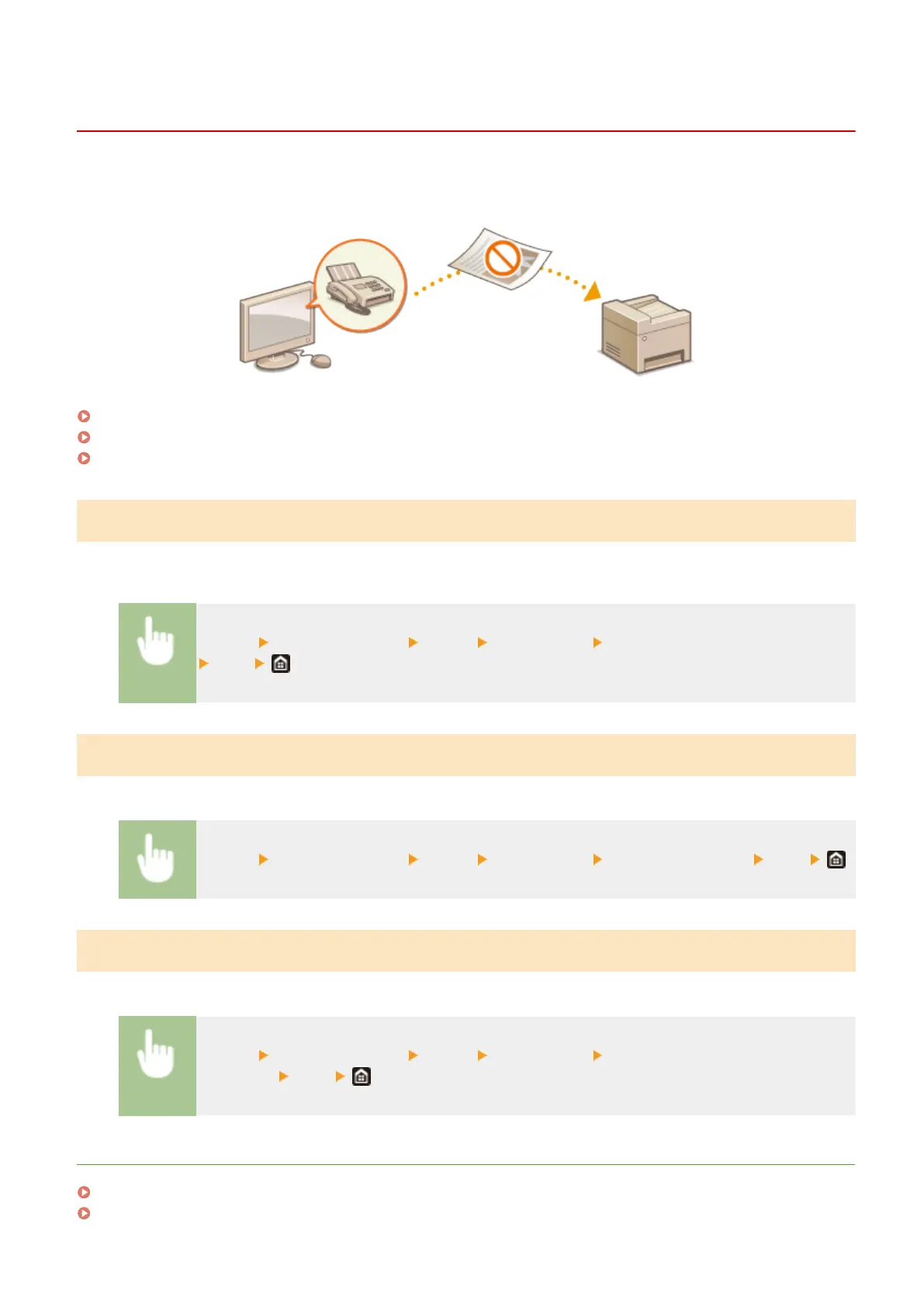
You can prohibit users from PC faxing (faxing from a computer).
<Menu> <Function Settings> <Send> <Fax Settings> <Allow Fax Driver TX> <Off>
Restricting Sequential Broadcasts
You can prohibit a function that collectively sends a fax to multiple destinations (Sequential Broadcast).
<Menu> <Function Settings> <Send> <Fax Settings> <Restrict Sequential
Broadcast>
<Off>
LINKS
Basic Operations for Sending Faxes(P. 217)
Recalling Previously Used Settings for Sending (Recall Settings)(P. 231)
Managing the Machine
409









 To Next Page