Saving Received Documents into the Machine (Memory
Reception)
1647-059
You can store received faxes into memory of the machine, and then print them later.
This feature can prevent unauthorized persons from seeing condential documents
unintentionally.
Storing Documents into Memory(P. 238)
Printing Documents in Memory(P. 238)
Checking/Forwarding/Deleting Documents in Memory(P. 239)
Storing Documents into Memory
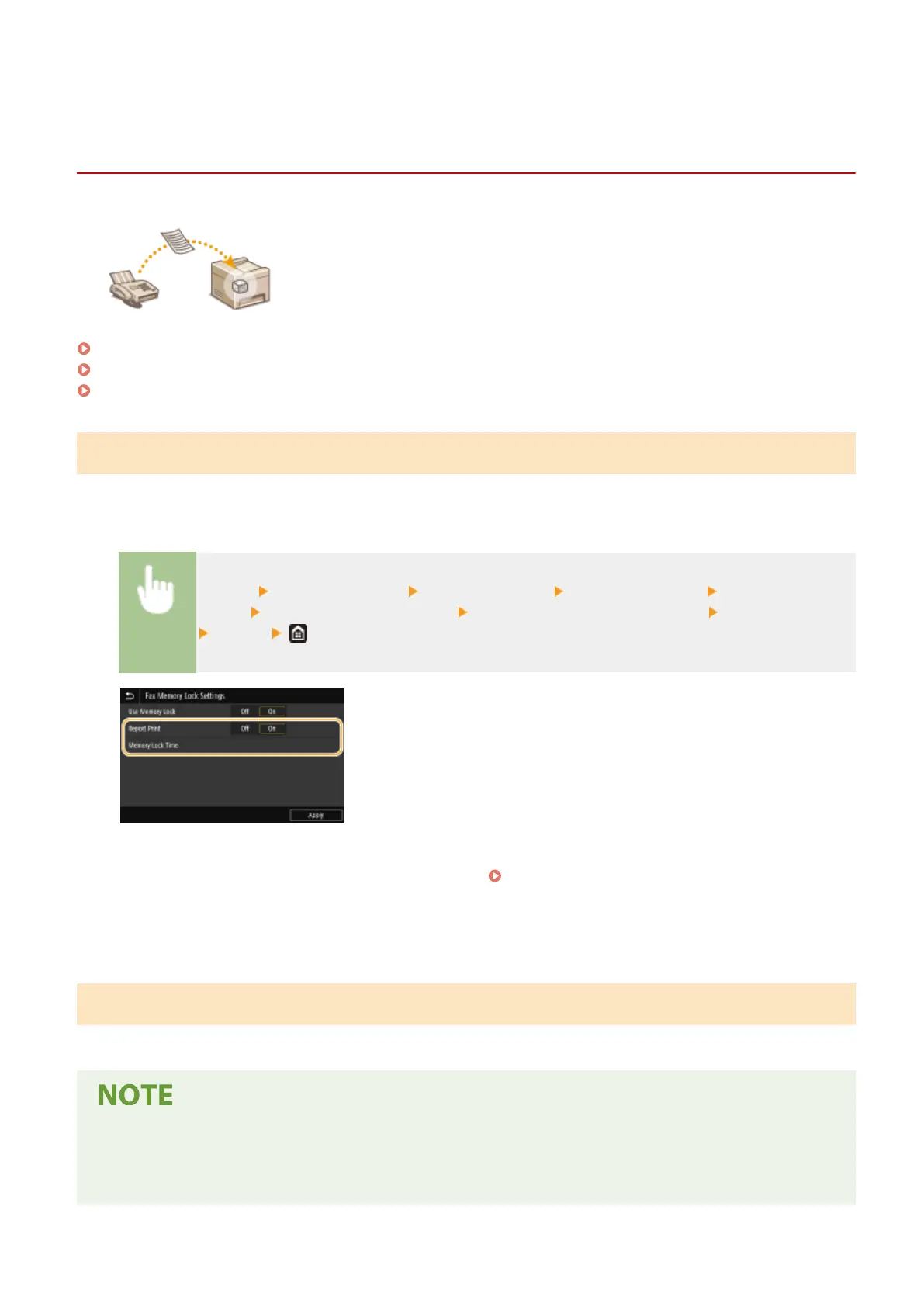
To store received documents into memory, set <Use Memory Lock> to <On>. You can also specify optional settings
such as a security setting that makes a password necessary to unlock the feature and a time setting that species a
period of time during the day in which received documents are stored in memory.
<Menu> <Function Settings> <Receive/Forward> <Common Settings> <Set Fax/I-Fax
Inbox> <Fax Memory Lock Settings> Select <On> in <Use Memory Lock> Specify each setting
<Apply>
<Report Print>
Enables you to print RX Result reports every time documents are stored into memory. To print reports, select
<On>. You also need to set <RX Result Report> to <On>. RX Result Report(P. 608)
<Memory Lock Time>
Specify a period of time during the day in which received documents are stored in memory. If you do not set a
period of time, the machine stores every document into memory when Memory Reception is turned on.
Printing Documents in Memory
To print received documents in memory, set <Use Memory Lock> to <Off>. All the documents in memory are printed.
● You cannot select a specic document for printing.
● If a time for the feature to deactivate has been specied, the documents are automatically printed at the
specied time.
Faxing
238








 To Next Page