Conguring Basic E-Mail Settings
1647-020
This section describes how to congure the e-mail settings by using the Send Function Setting Tool. With the Send
Function Setting Tool, you can also register e-mail addresses to the Address Book.
● The Send Function Setting Tool helps you congure the basic settings for sending e-mails. Instead of the
Send Function Setting Tool, you can use the Remote UI to congure more detailed settings such as the
settings for POP authentication before sending or for encrypted communication. Conguring E-Mail/I-
Fax Communication Settings(P. 89)
1
Start the Send Function Setting Tool.
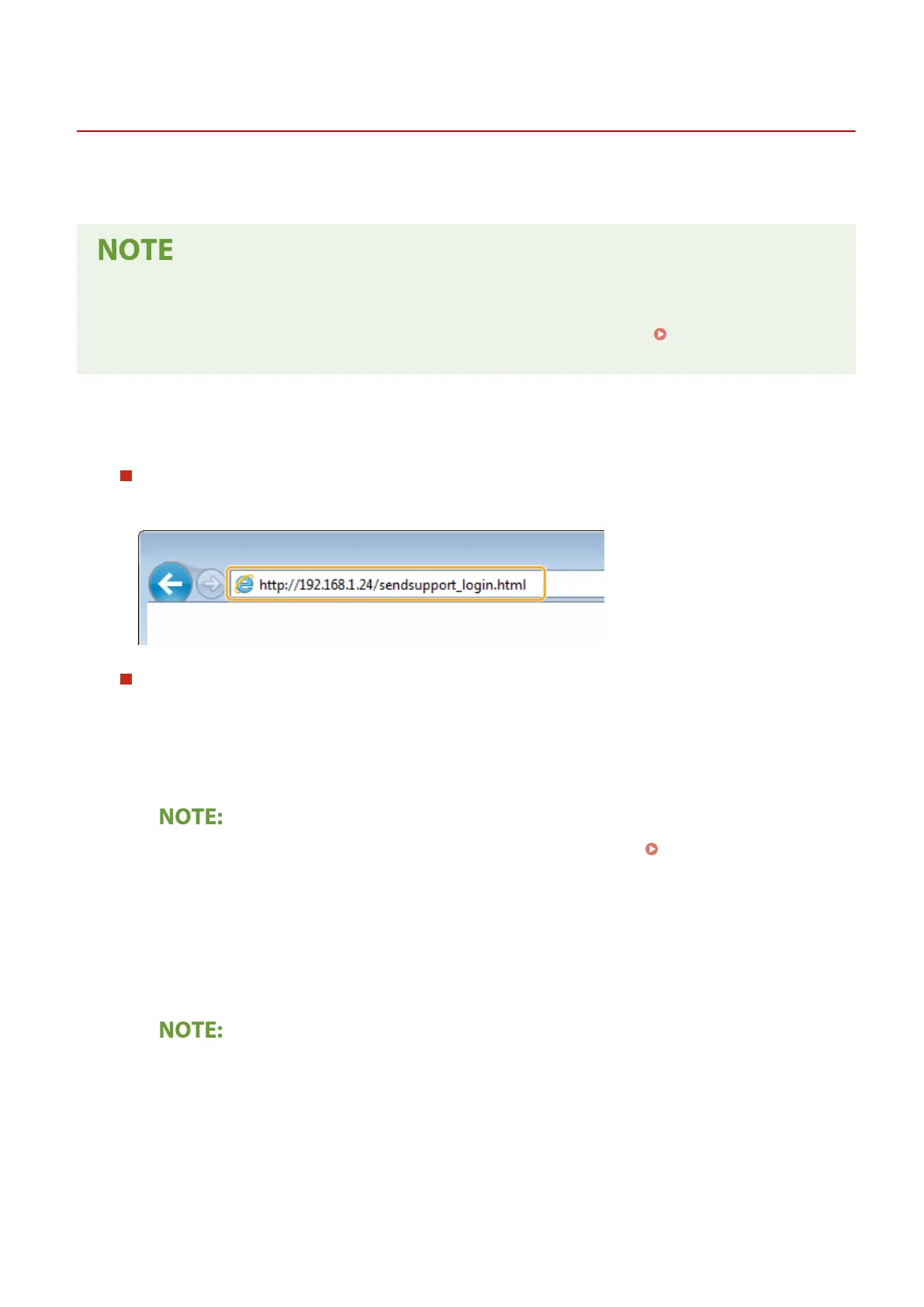
Using a Web browser
Enter "http://<the IP address of the machine>/sendsupport_login.html" in the address eld of a Web browser,
and press the [ENTER] key.
Using the DVD-ROM
1
Insert the provided DVD-ROM into the drive on the computer.
● Select a language and click [OK] if you are prompted to do so.
2
Click [Start Software Programs].
● If the [Software Programs/Manuals Setup] screen is not displayed, see Displaying the [Software
Programs/Manuals Setup] Screen(P. 729) .
● If [AutoPlay] is displayed, click [Run MInst.exe].
3
Click [Start] for [Send Function Setting Tool].
4
Click [Next].
● If you want to view "Send Setting Guide," click [How to Set].
● If the screen that cancels the Windows rewall is displayed, click [Yes].
5
Select the machine from [Device List] and click [Next].
Setting Up
86









 To Next Page