Setting IP Addresses
1647-00U
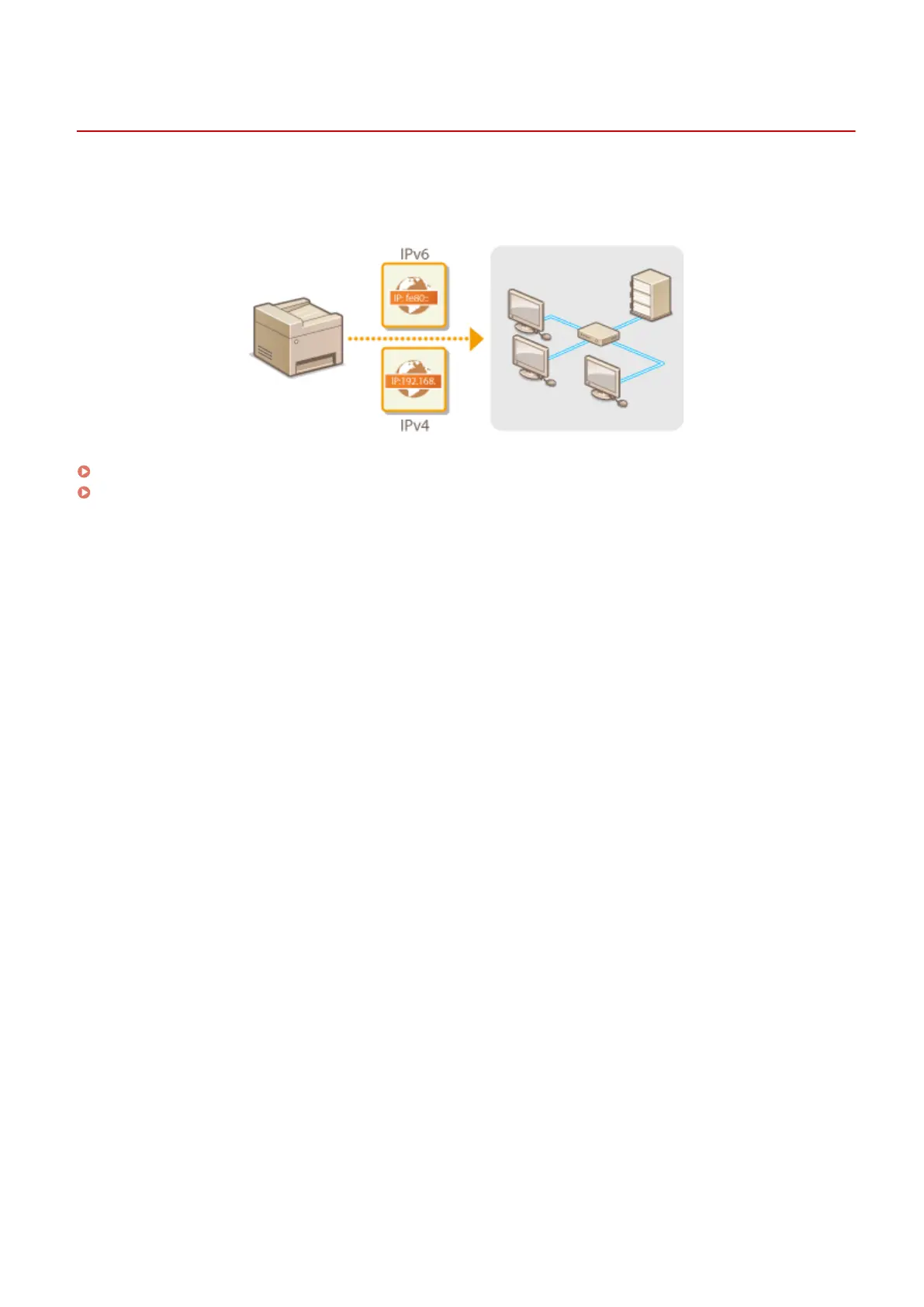
Connecting the machine to a network requires a unique network IP address. Two versions of IP addresses are
available: IPv4 and IPv6. Congure these settings depending on the network environment. To use IPv6 addresses, you
need to properly congure the IPv4 address settings.
Setting IPv4 Address(P. 31)
Setting IPv6 Addresses(P. 34)
Setting Up
30









 To Next Page