Conguring WINS
1647-01A
Windows Internet Name Service (WINS) is a name resolution service that associates a NetBIOS name (a computer or
printer name in an SMB network) with an IP address. To enable WINS, the WINS server must be specied.
● In order to specify WINS server settings, NetBIOS name and workgroup name are required to be set.
Conguring SMB(P. 59)
● The function is not available in an IPv6 network.
● For more information about the basic operations to be performed when setting the machine from the
Remote UI, see Setting Up Menu Options from Remote UI(P. 427) .
1
Start the Remote UI and log in to System Manager Mode. Starting Remote
UI(P. 419)
2
Click [Settings/Registration] on the Portal page. Remote UI Screen(P. 420)
3
Select [Network Settings] [WINS Settings].
4
Click [Edit].
5
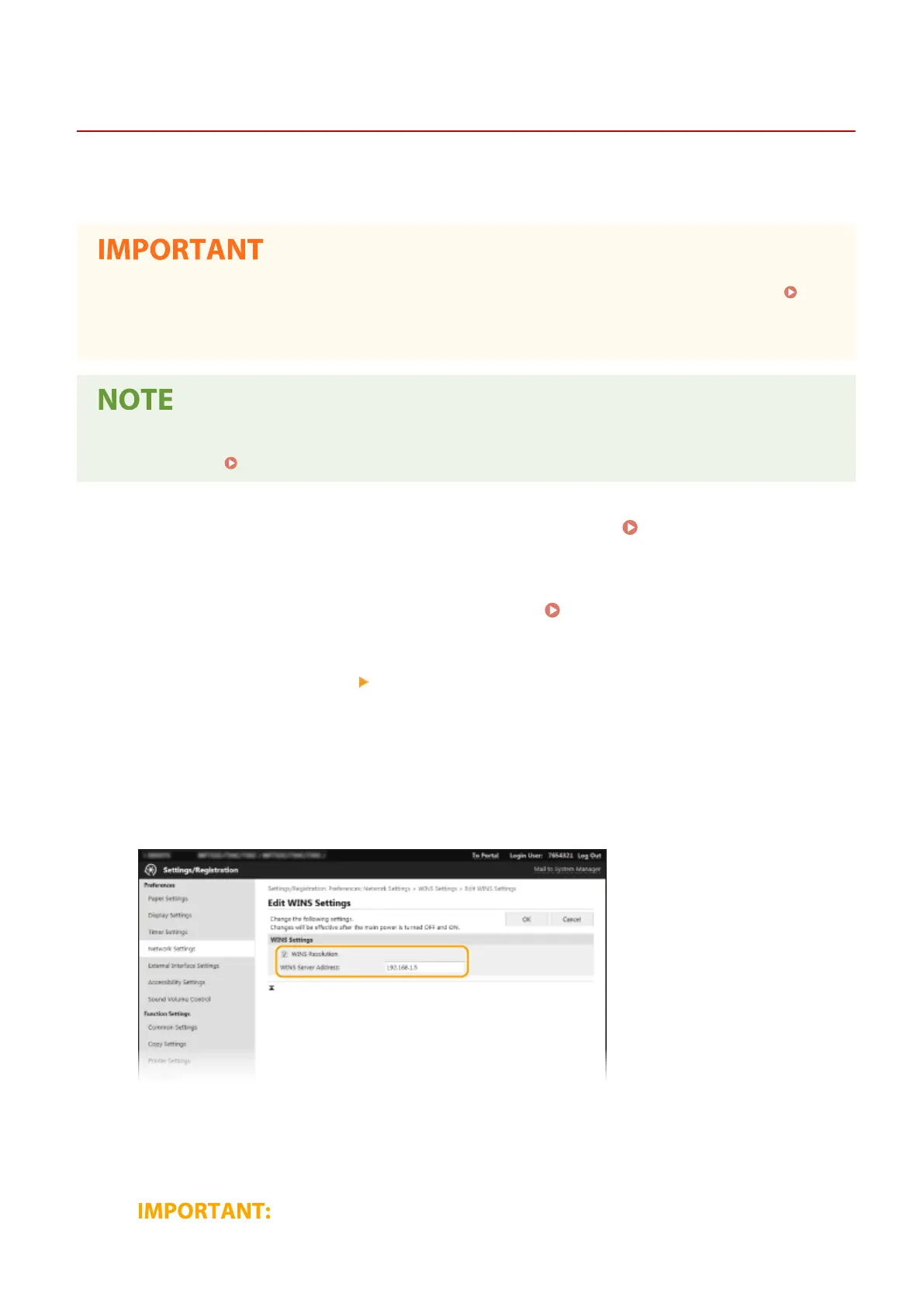
Select the [WINS Resolution] check box, and specify the required settings.
[WINS Resolution]
Select the check box to use WINS for name resolution. When not using WINS, clear the check box.
[WINS Server Address]
Enter the IP address of the WINS server.
Setting Up
61









 To Next Page