Cleaning the Exterior
1647-0AR
Regularly wipe the exterior of the machine, especially around the ventilation slots, to keep the machine in good
condition.
1
Turn OFF the machine, and unplug the power cord from the AC power outlet.
● When you turn OFF the machine, data that is waiting to be printed is deleted. Fax documents that were
received by using the Memory Reception function, faxes that are waiting to be sent, and reports that are
automatically printed after sending and receiving faxes are not deleted.
2
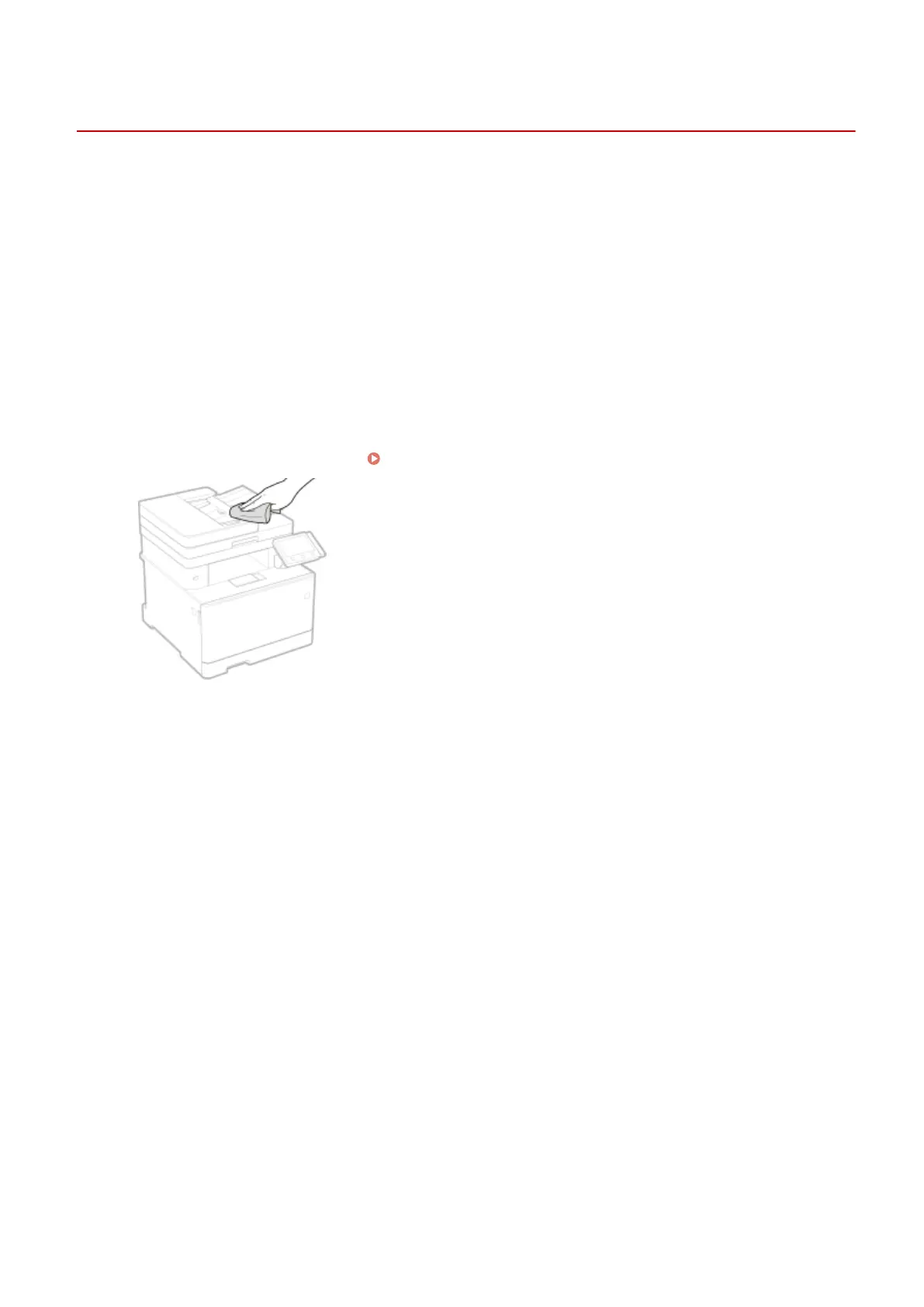
Clean the exterior of the machine and the ventilation slots.
● Use a soft, well-wrung-out cloth dampened with water or a mild detergent diluted with water.
● To locate the ventilation slots, see
Front Side(P. 104) .
3
Wait for the exterior of machine to dry completely.
4
Reconnect the power cord and turn ON the machine.
Maintenance
578









 To Next Page