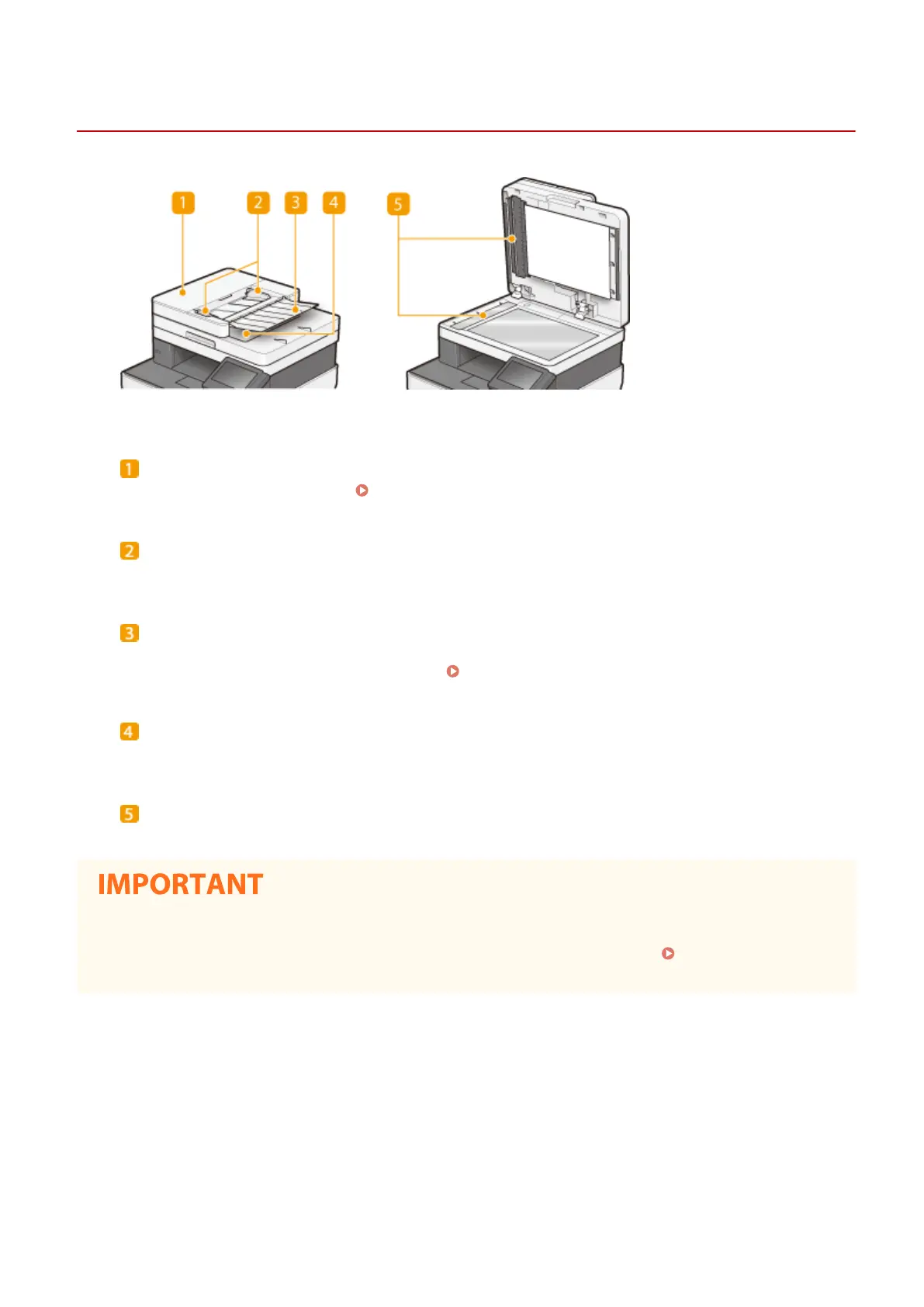
Feeder
1647-02A
Feeder cover
Open when clearing paper jams.
Paper Jams in the Feeder(P. 670)
Slide guides
Adjust this guide to match the width of original.
Original supply tray
Automatically feeds originals into the machine for scanning. When two or more sheets are loaded in the
feeder, originals can be scanned continuously. Placing Originals(P. 135)
Original output tray
Scanned originals are output here.
Document feed scanning area
Originals loaded in the feeder are automatically fed to the scanning area to be scanned.
● Do not place any objects in the original output area. Doing so may cause damage to the originals.
● Regularly clean the feeder and platen glass in order to obtain proper print results. Regular
Cleaning(P. 577)
Basic Operations
110









 To Next Page