Loading Paper in the Paper Drawer
1647-02Y
Load the paper that you usually use in the paper drawer. When you want to print on paper that is not loaded in the
paper drawer, load the paper in the multi-purpose tray. Loading Paper in the Multi-Purpose Tray(P. 149)
Loading Regular Size Paper(P. 141)
Loading Custom Size Paper(P. 145)
● When using A5 size paper, see Loading Custom Size Paper(P. 145) and load it in the landscape
orientation. When loading paper in the portrait orientation, follow the steps shown in Loading Regular
Size Paper(P. 141) .
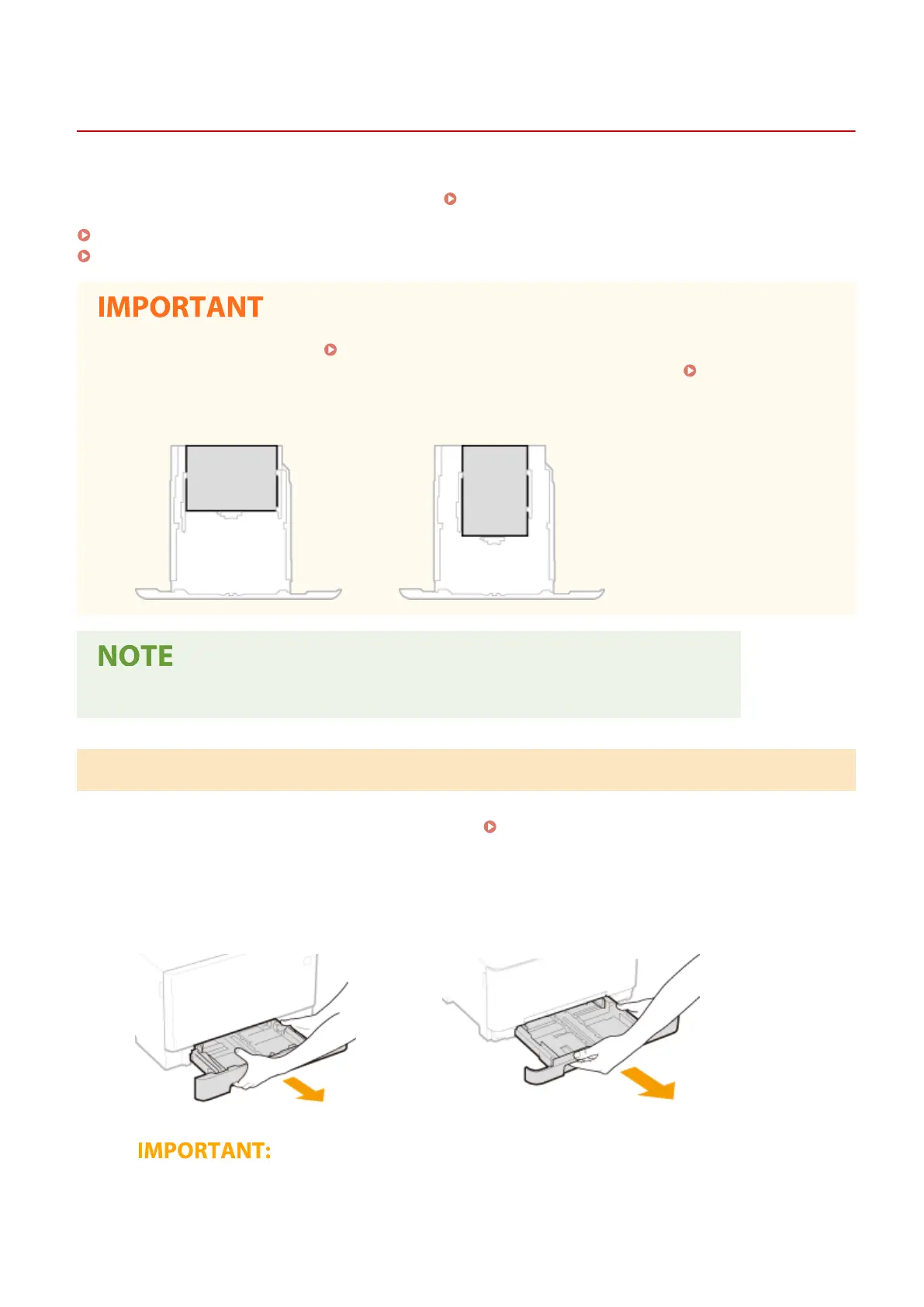
Landscape orientation
Portrait orientation
● Follow the procedure below when loading paper into the optional cassette feeding module.
Loading Regular Size Paper
To load paper whose size is found in the paper size markings on the paper drawer, use the following procedure. For
paper whose size is not found in the paper size markings, see
Loading Custom Size Paper(P. 145) .
1
Pull out the paper drawer.
MF735Cdw / MF733Cdw / MF731Cdw
MF634Cdw / MF632Cdw
● Make sure to hold the paper drawer with both hands, and pull it out gently. Otherwise, you may damage
the paper drawer by dropping it, if it slides out too easily.
Basic Operations
141









 To Next Page