Uses the paper that is loaded in the multi-purpose tray to print les.
Uses the paper that is loaded in the paper drawer (Drawer 1) of the machine to print les.
Uses the paper that is loaded in the optional cassette feeding module (Drawer 2) to make
copies.
● When specifying other print settings, select <Close>.
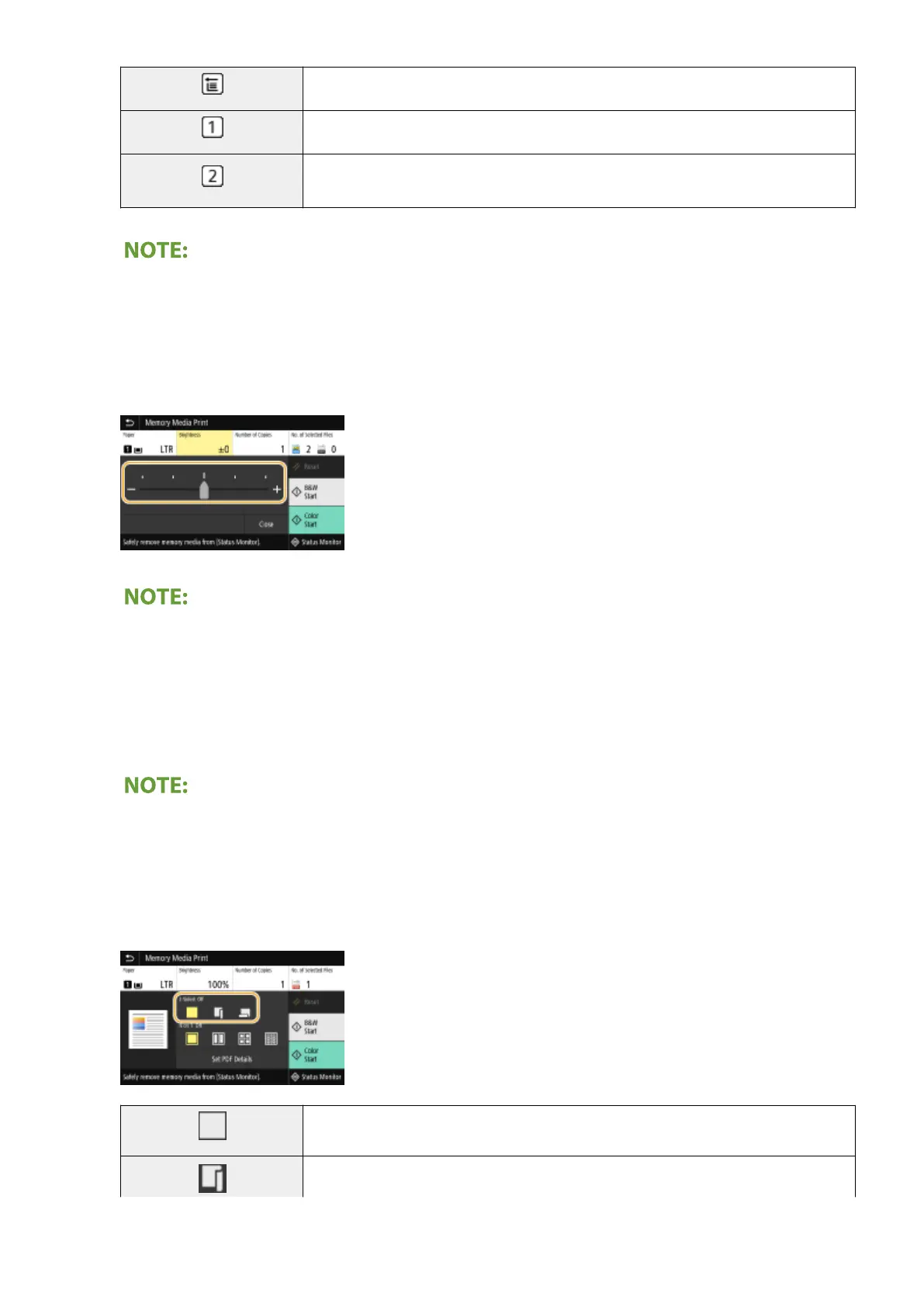
<Brightness>
You can adjust the brightness of images.
● When specifying other print settings, select <Close>.
<Number of Copies>
Enter the number of copies.
●
When specifying other print settings, select <Close>.
<2-Sided Printing>
You can select 1-sided printing or 2-sided printing.
Prints on one side of paper.
Prints on both sides of paper in such a way that the printed pages are opened horizontally
when bound.
Printing
272









 To Next Page