Using ScanGear MF
1647-073
ScanGear MF is a scanner driver included with the machine. You can use ScanGear
MF to congure advanced scan settings when you scan. The way of
starting ScanGear MF differs depending of the way of scanning from the computer.
Starting from MF Scan Utility
When scanning from MF Scan Utility, click [ScanGear] to start ScanGear MF. For more information, click
[Instructions] on MF Scan Utility.
● If you are a macOS user, see the manuals for the relevant drivers or software on the online manual
website.
Starting from an application
To scan from applications such as image-processing or word-processing software, select ScanGear MF as
scanner driver. Scanning Documents from an Application(P. 320)
Functions of ScanGear MF
● Previewing the image before scanning
● Specifying the scanning area
● Adjusting the detailed image quality
How to use ScanGear MF
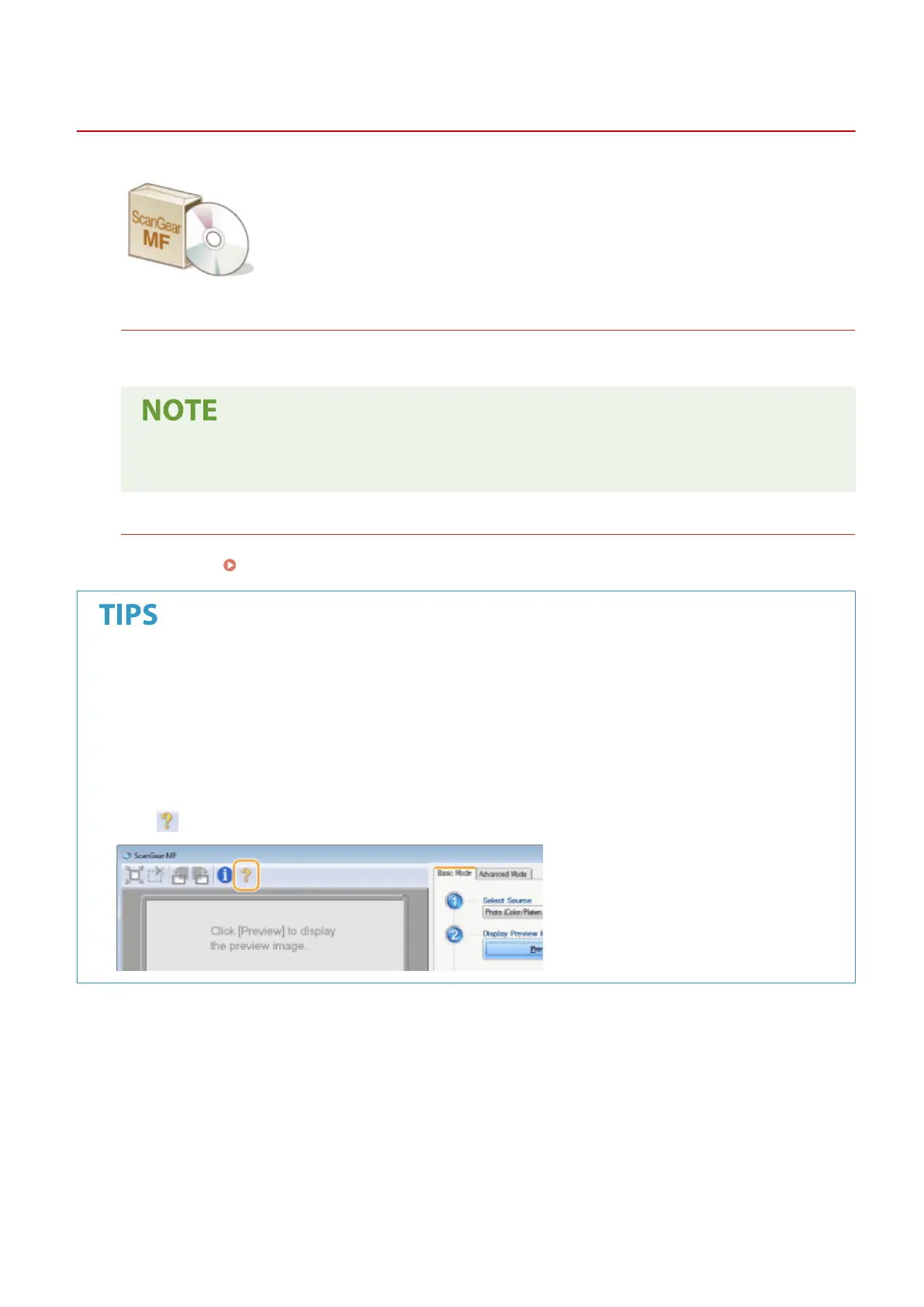
● Click on the ScanGear MF screen, and see the Help.
Scanning
322









 To Next Page