Recalling Previously Used Settings for Sending/Saving
(Recall Settings)
1647-070
You can select a destination from among the past destinations. When you specify a
previously used destination, the machine also sets the same scan settings such as
density you used the last time you sent documents to that destination.
● When <Restrict Resending from Log> is set to <On>, you cannot use this feature. Disabling Use of
Previously Used Destinations(P. 407)
● Turning OFF the machine or setting <Restrict New Destinations> to <On> deletes the past destinations, and
disables this feature.
Restricting New Destinations that Can Be Specied(P. 407)
● When you specify a destination using this feature, any destinations that you have already specied are
deleted.
1
Place the original(s). Placing Originals(P. 135)
2
Select <Scan> in the Home screen. Home Screen(P. 122)
● If the login screen appears, specify the user name, the password, and the authentication server. Logging
in to Authorized Send(P. 133)
3
Select <E-Mail>, <I-Fax>, or <File> in the Scan Basic Features screen. Scan Basic
Features Screen(P. 281)
4
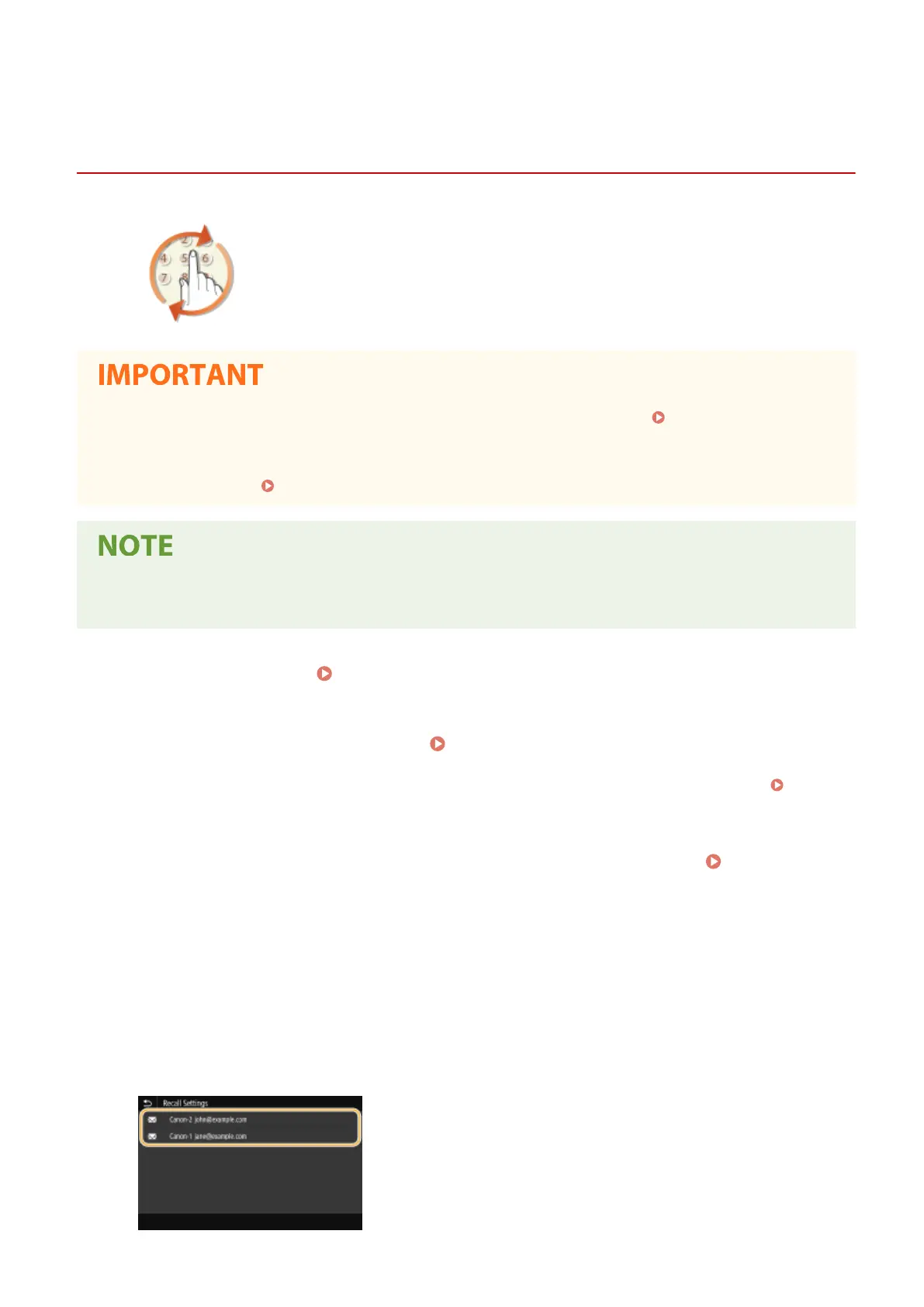
Select <Recall Settings> in the <Specify Destination> tab.
5
Select the destination.
● When you transmit to multiple destinations, only the address specied for the rst transmission is displayed
in the log, but all the destinations are specied.
Scanning
313








 To Next Page