EasyManua.ls Logo

Canon imageCLASS MF735Cdw - Default Display Settings

Canon imageCLASS MF735Cdw
779 pages
Print Icon
To Next Page IconTo Next Page
To Previous Page IconTo Previous Page
Loading...
<Text Priority>
<Line Control>
<Resolution Priority>
<Gradation Priority>
<Width Adjustment>
<Off>
<On>
<Advanced Smoothing>
<Off>
<Level 1>
<Level 2>
<Apply to Graphics>
*
<Off>
<On>
<Apply to Text>
*
<Off>
<On>
<Gradation Smoothing>
<Off>
<Level 1>
<Level 2>
<Apply to Graphics>
*
<Off>
<On>
<Apply to Images>
*
<Off>
<On>
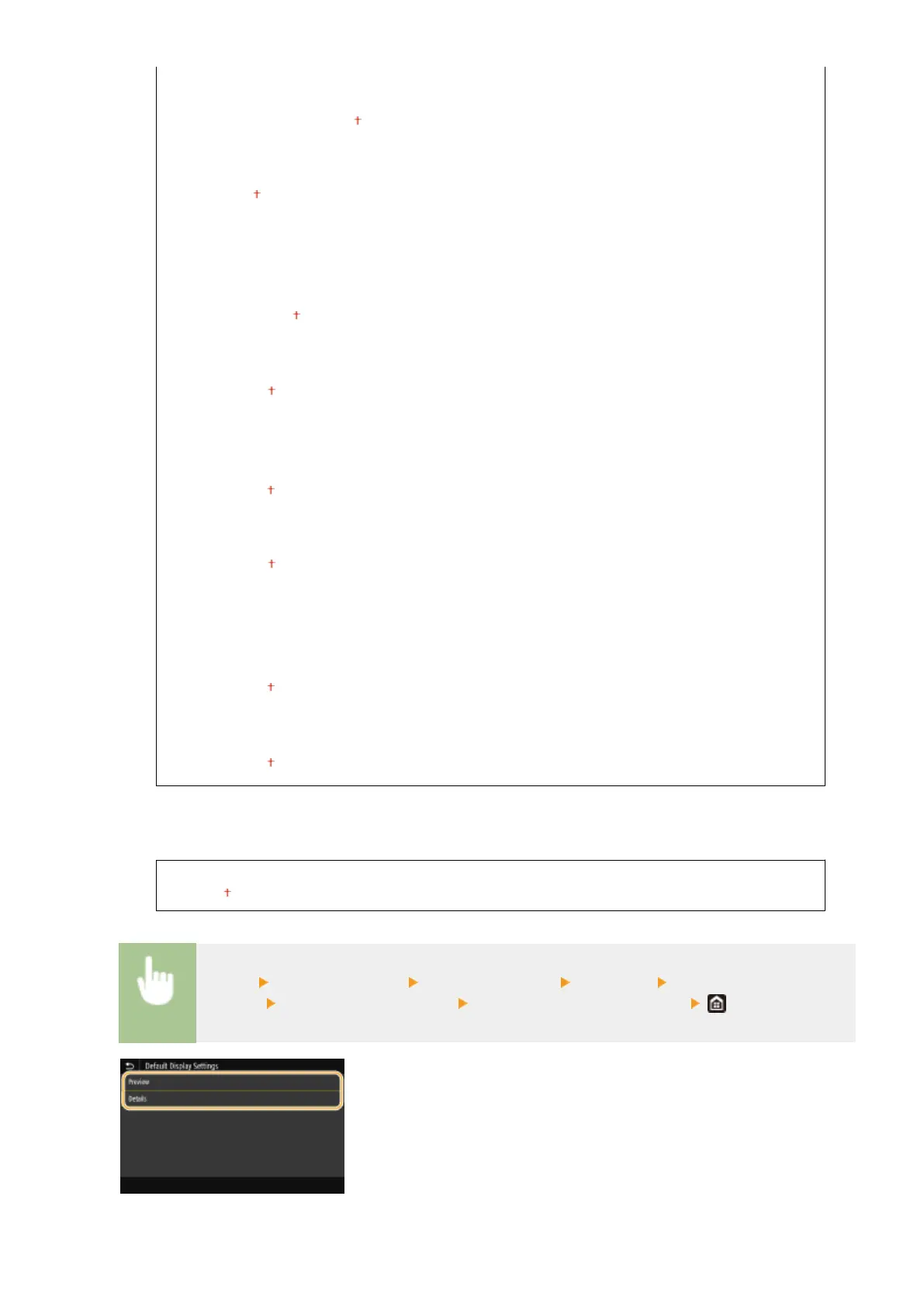
<Default Display Settings>
Select Preview/Details as the method for displaying les in a USB memory device.
<Preview>
<Details>
<Menu> <Function Settings> <Store/Access Files> <Common> <Access Stored Files
Settings> <Default Display Settings> Select the method for displaying
<Preview>
Setting Menu List
558

Table of Contents

Related product manuals