Selecting the Type of Original for Copying
1647-048
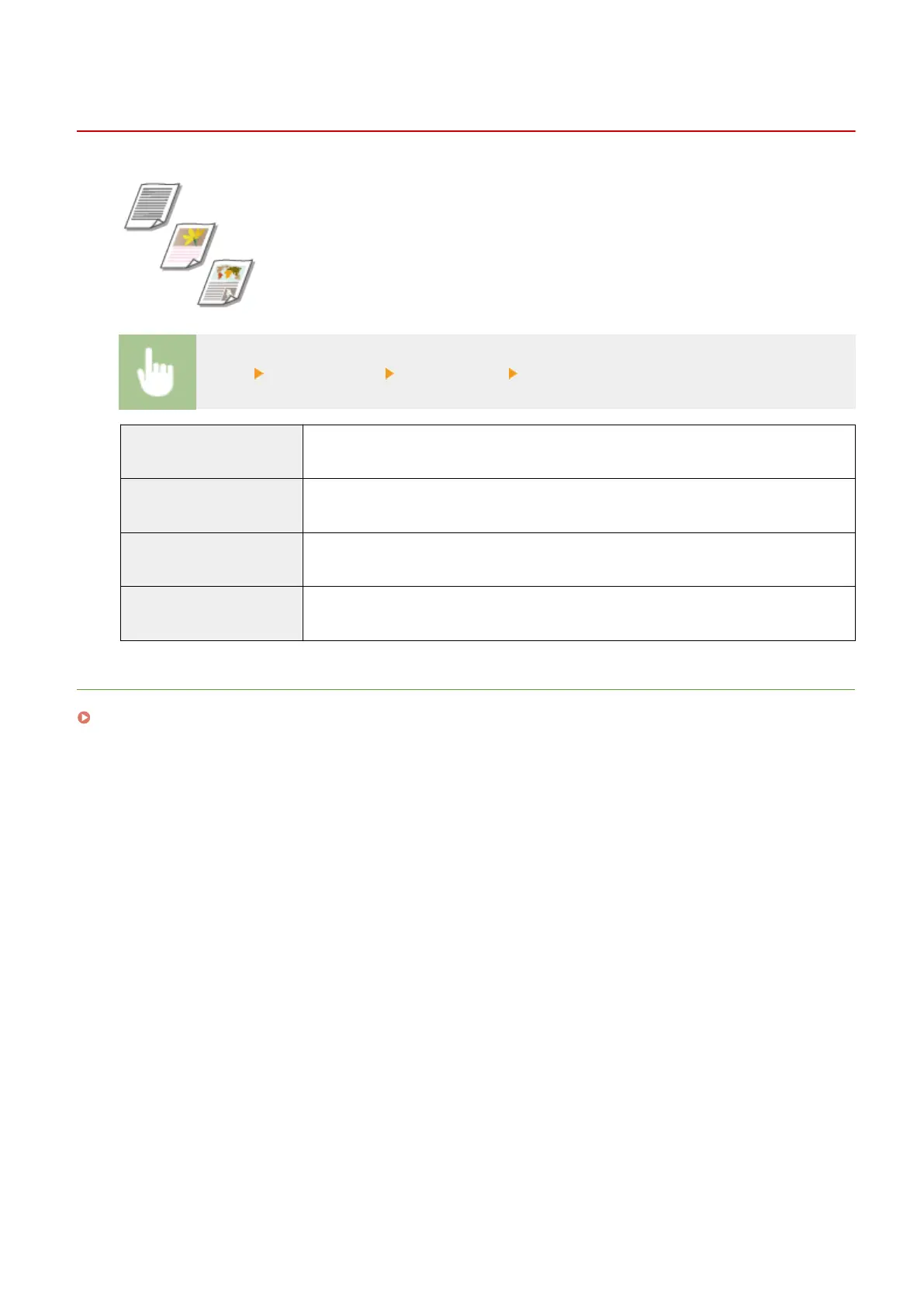
You can select the optical image quality for the copy depending on the original type,
such as text-only documents, documents with charts and graphs, or magazine
photos.
<Copy> <Other Settings> <Original Type> Select the original type
<Text/Photo/Map (Speed)>
Priority is given to speed over image quality. This setting is only effective when selected for
color copying.
<Text/Photo/Map>
Suitable when copying originals that contain both text and photos, or originals that include
detailed lines, such as maps.
<Text/Photo/Map (Quality)>
Priority is given to image quality over speed. You can also adjust the level of priority given to
the quality of the text or photos. Adjust the setting on the scale, and select <Apply>.
<Printed Image>
Suitable when making a clear copy of originals that contain printed photos (photos made of
halftone dots), such as magazines or pamphlets.
LINKS
Basic Copy Operations(P. 195)
Copying
204









 To Next Page