Basic Operation
1647-02R
The display is a touch panel, allowing you to operate directly on the screen.
Avoid the following actions.
● The display may misfunction or be damaged.
- Pressing forcefully
- Pressing with pointed objects (ngernails, ballpoint pen, pencil, etc.)
- Operating with wet/soiled hands
- Operating the display while an object is placed on it
● Before using the touch panel display, peel off the protective lm from the display.
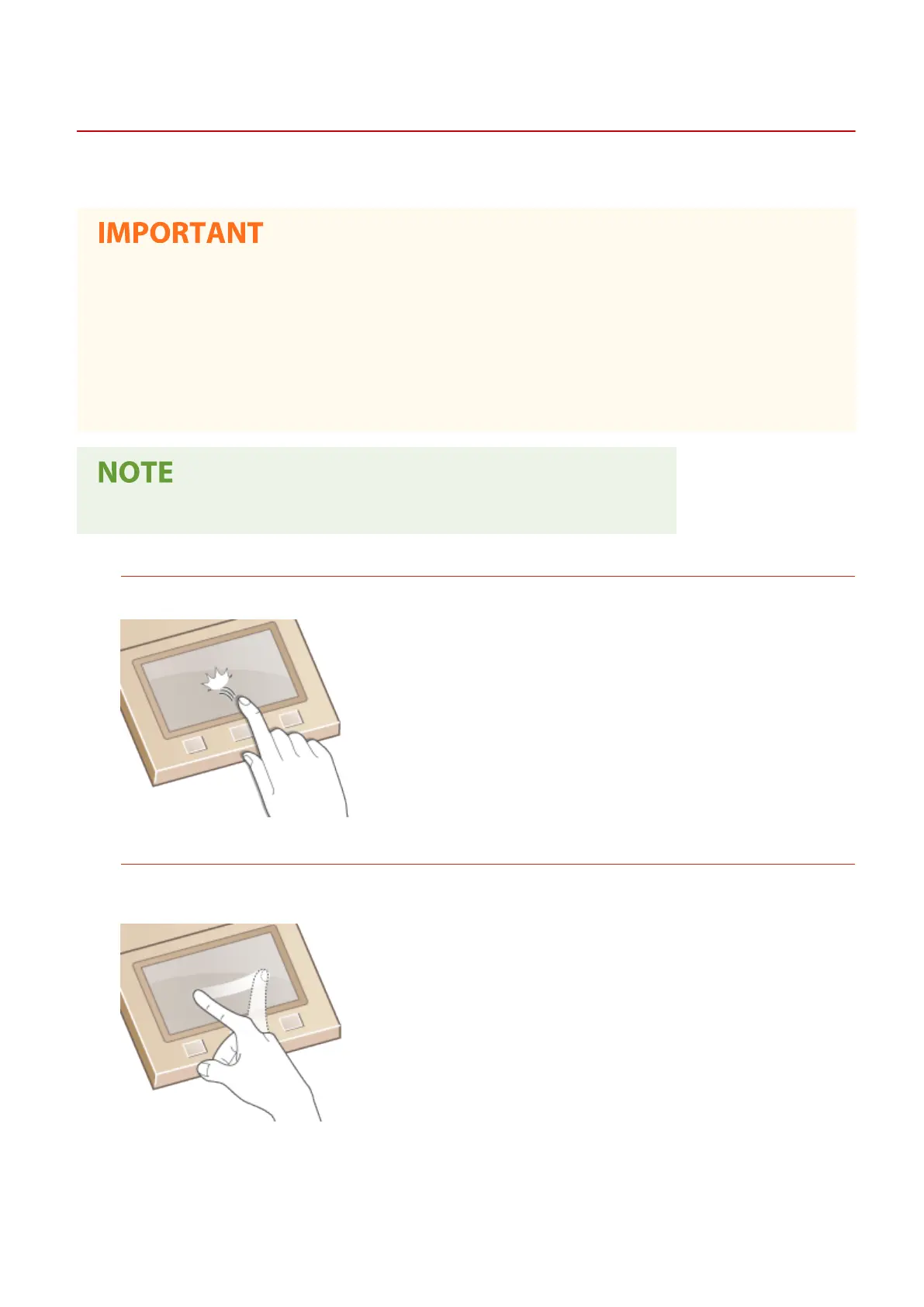
Tap
Touch the screen lightly and quickly. Use for selecting or nalizing items.
Flick
Flick with the nger on the display. The effect of icking varies depending on the screen. For instance, icking in
the Home screen moves you one page in the direction of the ick.
◼ Selecting Items
Tap an item name or button to make a selection.
Basic Operations
128









 To Next Page