Scanning
1647-063
You can scan original documents by using the operation panel of the machine or an application on a computer.
Whichever way you use, the scanned originals are converted into electronic le formats such as PDFs. Use the scan
function to convert large-volume paper documents into les so that you can organize them easily.
● To use this machine as a scanner, you must complete preparations in advance, including installation of
software to a computer. For more information, see the manuals for the relevant drivers or software on the
online manual website. To connect the machine to your computer via a network, you must register the
machine to the installed software. Preparing to Use the Machine as a Scanner(P. 84)
● Depending on the operating system and the version of the scanner driver or applications you are using, the
screens in this manual may differ from your screens.
◼
Using Basic Operations
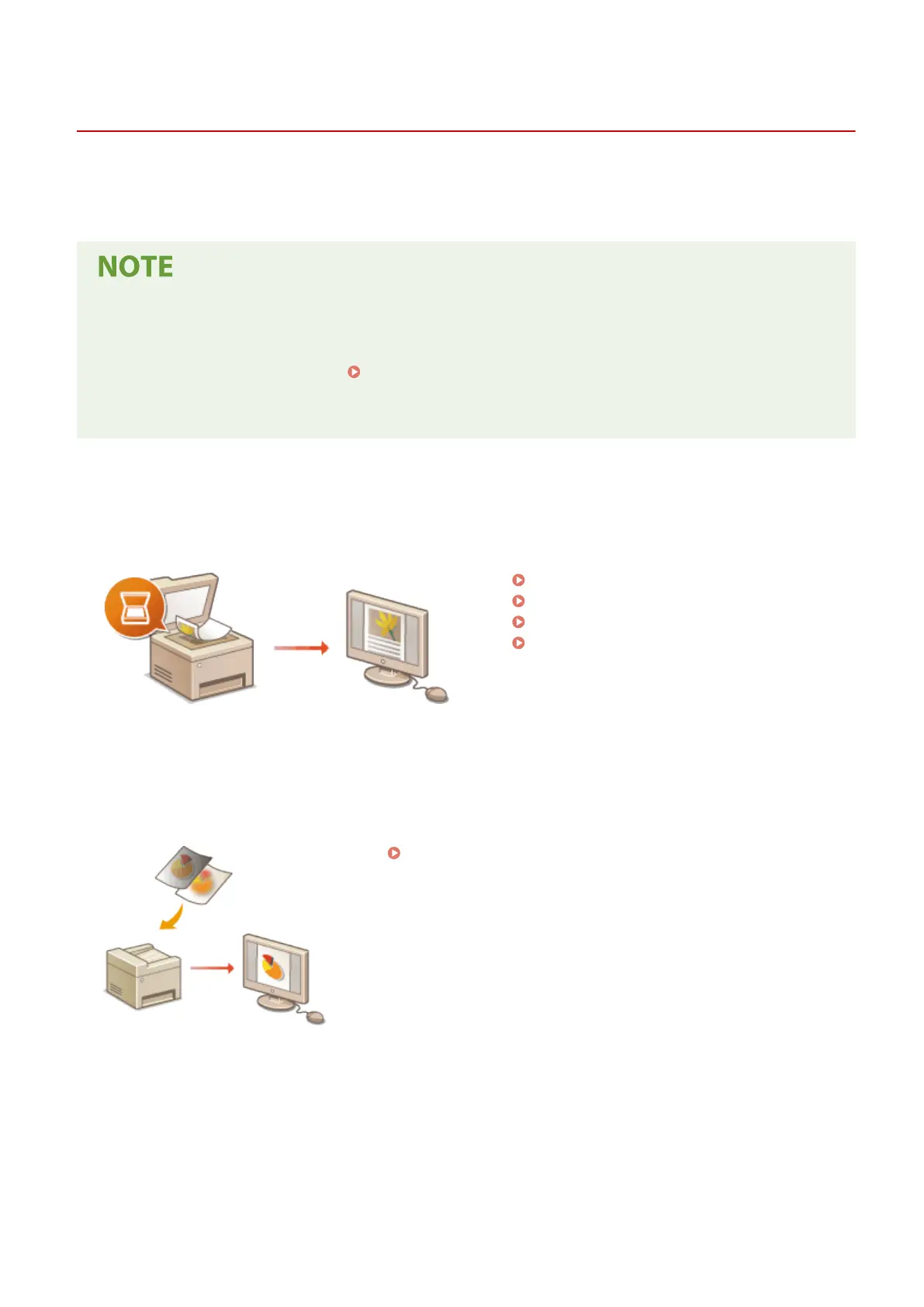
You can scan and save originals to your computer by using the operation panel of the machine. You can also save
originals to a USB memory device or send them as e-mail attachments.
Scan Basic Features Screen(P. 281)
Basic Operations for Scanning Originals(P. 284)
Canceling Sending Documents(P. 300)
Checking Status and Log for Scanned
Originals(P. 301)
◼
Enhancing Quality
You can nd instructions on how to resolve problems such as "blurry photos" or "text unreadable due to too deep
color of the paper."
Scanning Clearly(P. 303)
◼ Eciently, Reliably
You can nd instructions on how to enhance eciency when sending data and descriptions of useful settings.
Scanning
279









 To Next Page