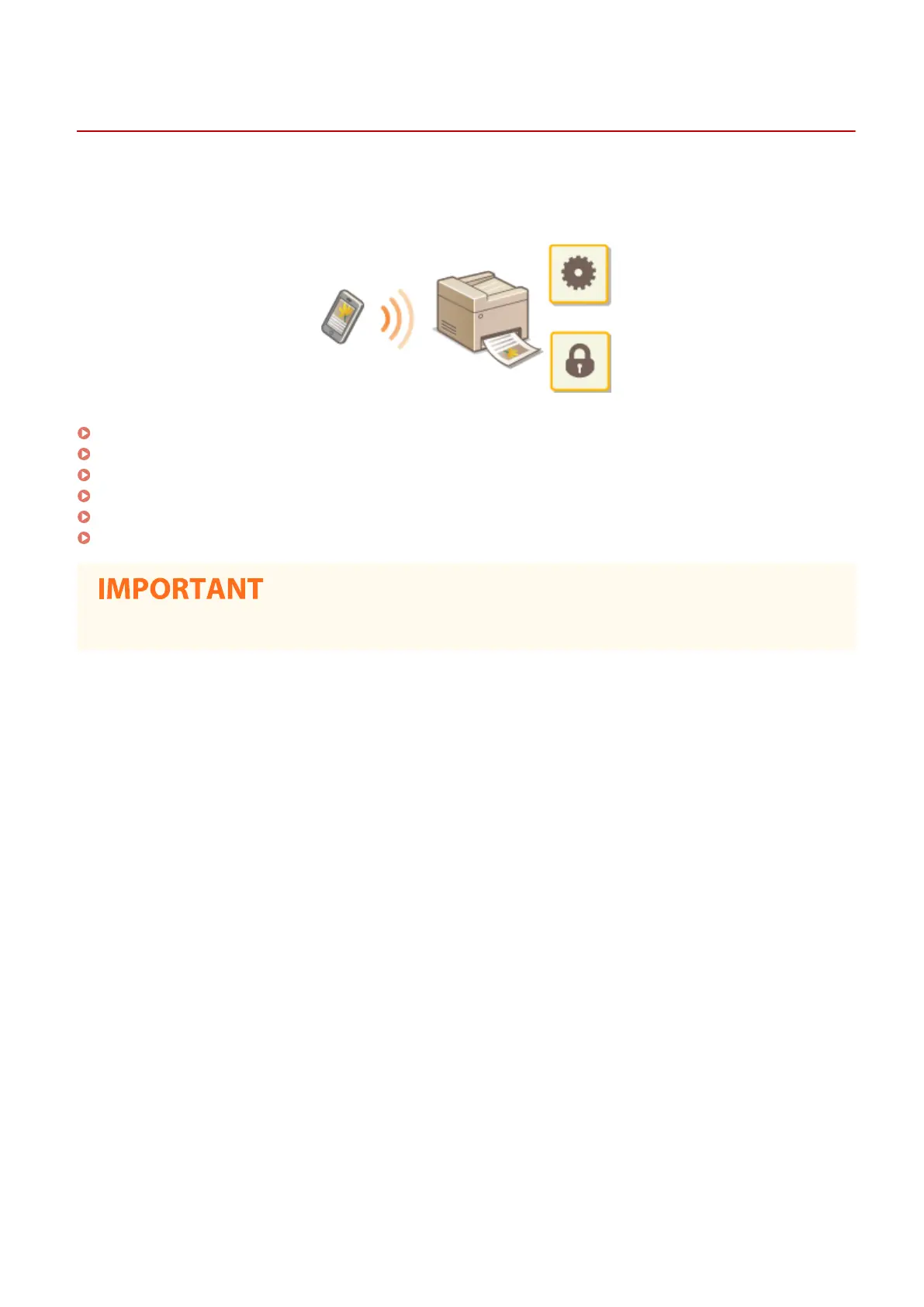
Linking with Mobile Devices
1647-075
Linking the machine with mobile devices such as smart phones and tablets enables you to use an appropriate
application to perform printing, or other operation with ease. In addition, you can operate the machine from mobile
devices via remote control to conrm printing status and change the settings of the machine.
Connecting with Mobile Devices(P. 325)
Connecting Directly (Access Point Mode)(P. 328)
Utilizing the Machine through Applications(P. 332)
Using AirPrint(P. 333)
Using Google Cloud Print(P. 346)
Managing the Machine by the Remote Control(P. 348)
● Depending on your mobile device, the machine may not operate correctly.
Linking with Mobile Devices
324









 To Next Page