Paper Jams in a Paper Source
1647-0EJ
Remove the jammed paper according to the procedure that matches the location at which a paper jam occurred.
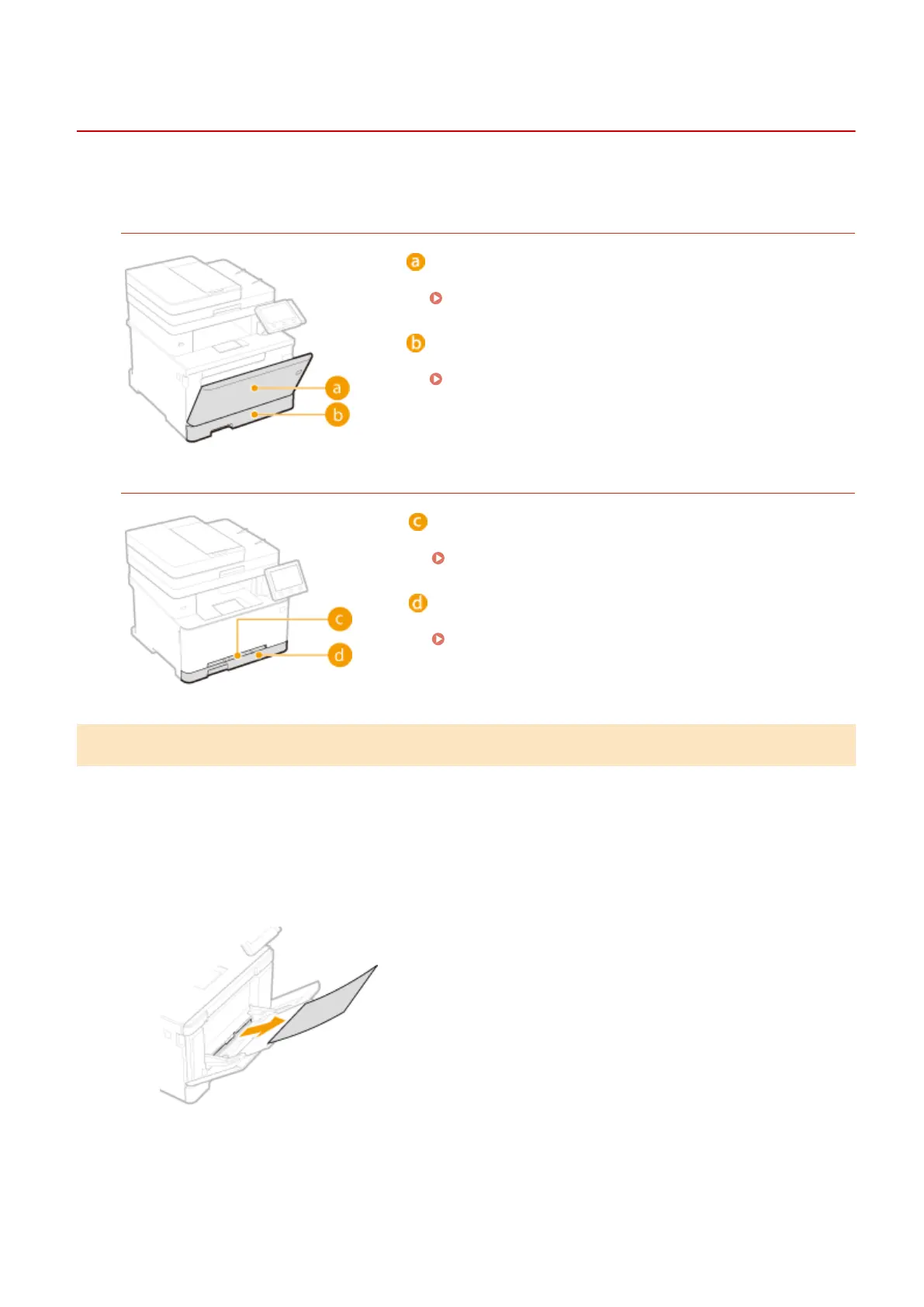
MF735Cdw / MF733Cdw / MF731Cdw
Multi-purpose tray
Paper Jams in the Multi-Purpose Tray(P. 675)
Paper drawer
Paper Jams in the Paper Drawer(P. 678)
MF634Cdw / MF632Cdw
Manual feed slot
Paper Jams in the Manual Feed Slot(P. 677)
Paper drawer
Paper Jams in the Paper Drawer(P. 678)
Paper Jams in the Multi-Purpose Tray
If there is paper loaded in the multi-purpose tray, remove it rst. Do not forcibly remove jammed paper from the
machine. If the jammed paper cannot be removed easily, proceed to the next step.
1
Remove the jammed paper in the multi-purpose tray.
1
Gently pull out the paper.
2
Close the tray.
Troubleshooting
675









 To Next Page