Correcting "Print Color Mismatch"
1647-0C6
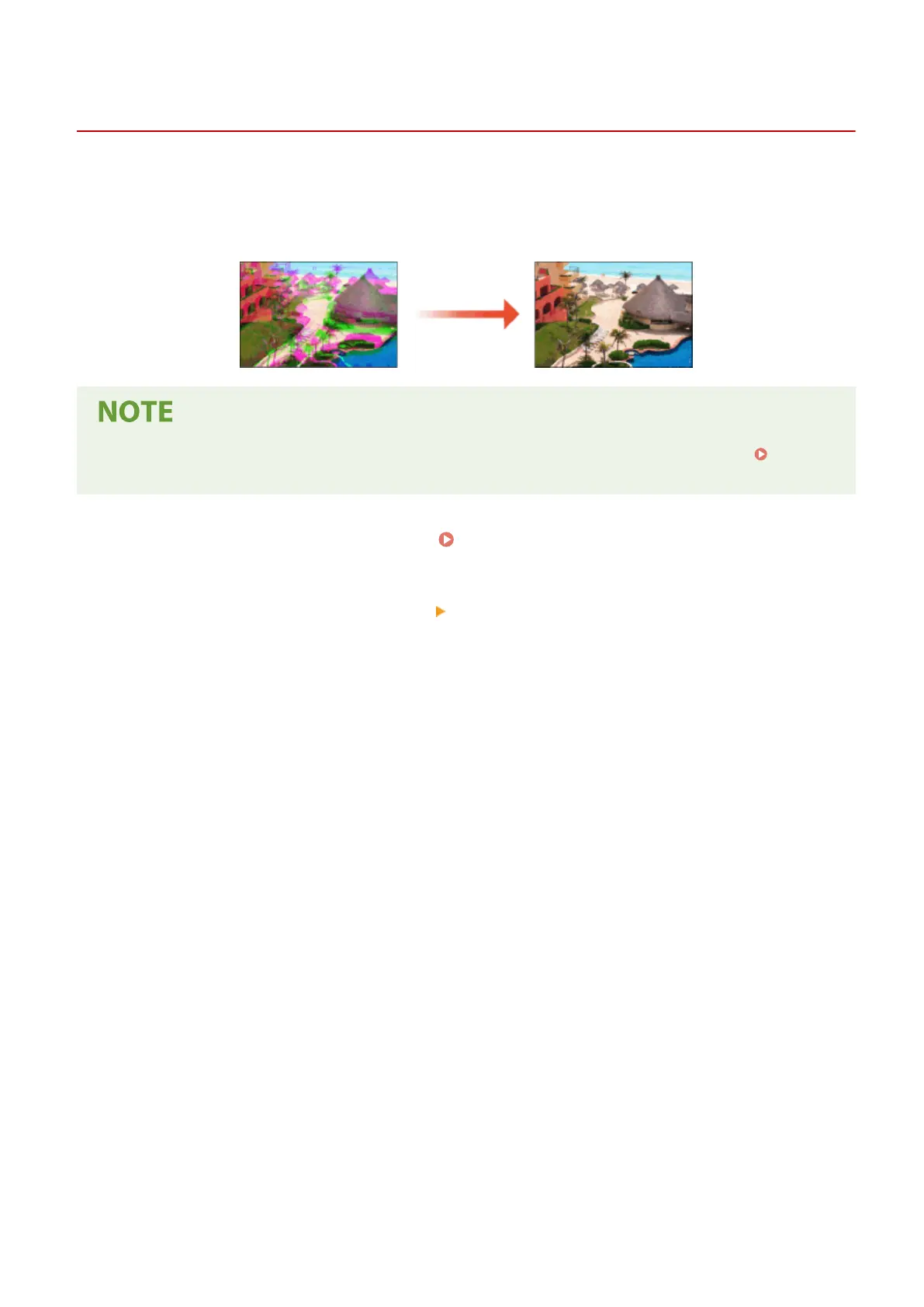
Print color mismatch refers to a shift in the positions of colors that may occur when printing one image with multiple
toner cartridges. Print color mismatch can cause printouts to appear blurry. If print color mismatch occurs, perform
the following procedure. This adjustment is sometimes performed automatically, such as when toner cartridges are
replaced.
● You can set the machine to perform this adjustment automatically after the power is turned ON. <Auto
Correction Settings>(P. 470)
1
Select <Menu> in the Home screen. Home Screen(P. 122)
2
Select <Adjustment/Maintenance> <Adjust Image Quality>.
3
Select <Correct Print Color Mismatch>.
4
Select <Start>.
➠
The adjustment starts.
Maintenance
599









 To Next Page