Status and logs of copied, printed, and sent/received documents
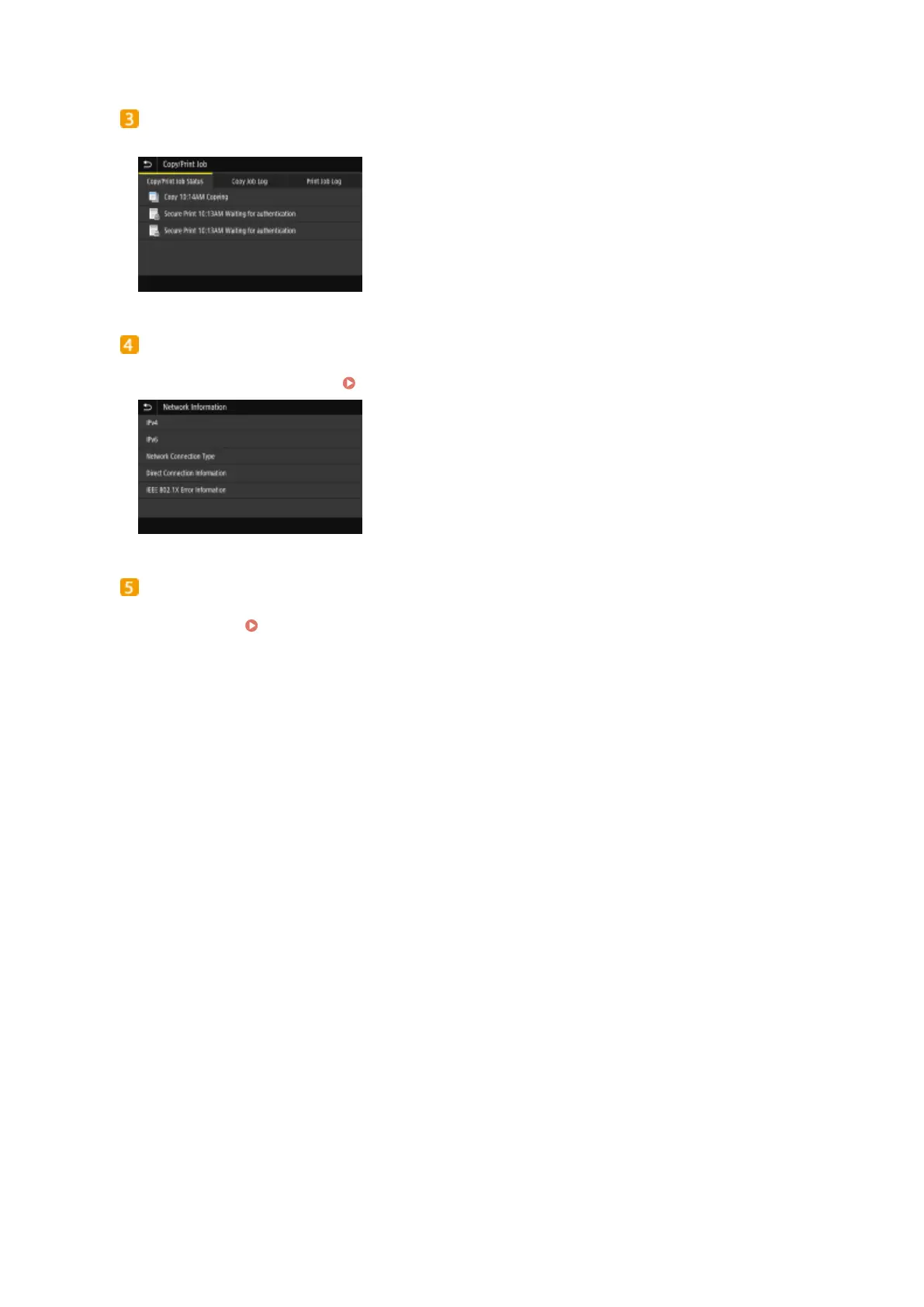
Displays the current status of the selected item. The <Copy/Print Job> screen is shown below as an example.
<Network Information>
Displays the network settings such as the IP address of the machine and status such as the condition of
wireless LAN communications.
Viewing Network Settings(P. 37)
<Rmv. Mem. Media>
Used to safely remove a USB memory device. This is only displayed when a USB memory device is connected
to the machine.
Remove the USB Memory Device(P. 106)
Basic Operations
126









 To Next Page